


 Live Preview


463+
Successful Sales
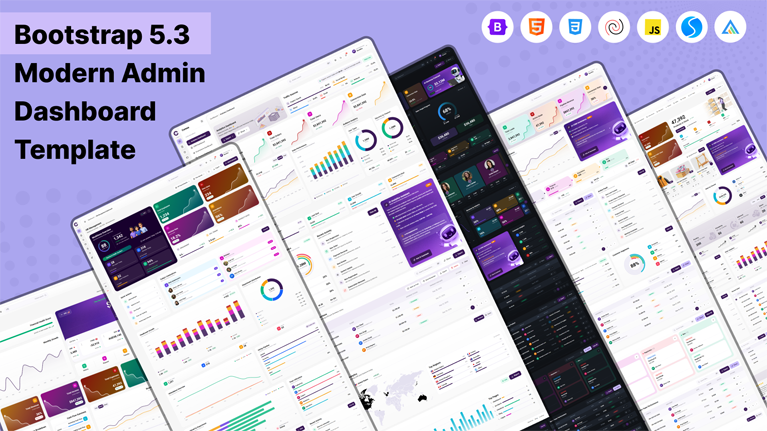
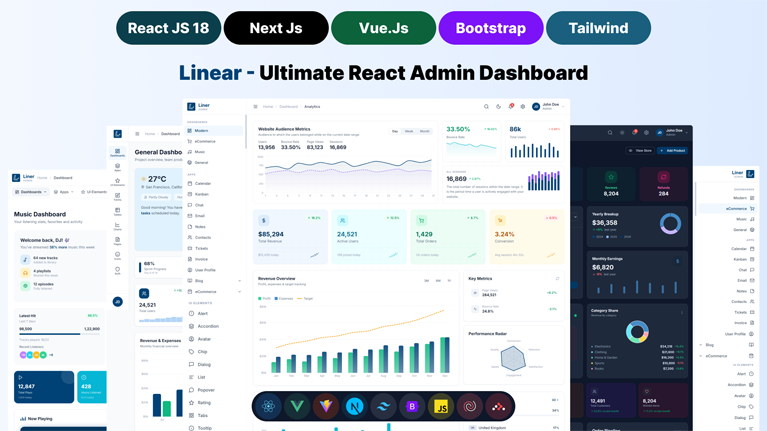
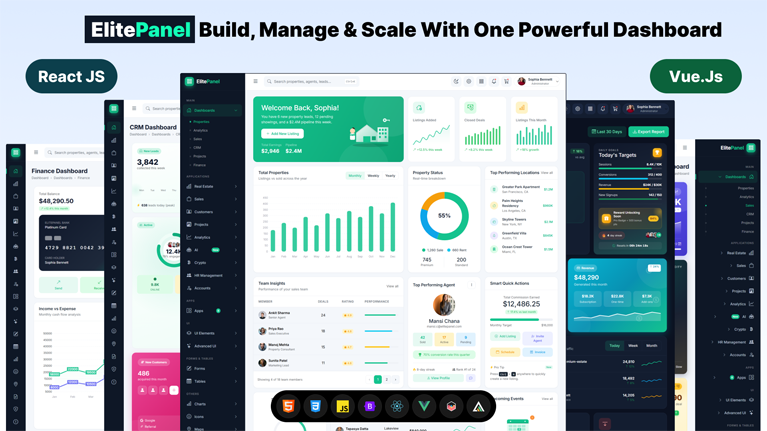
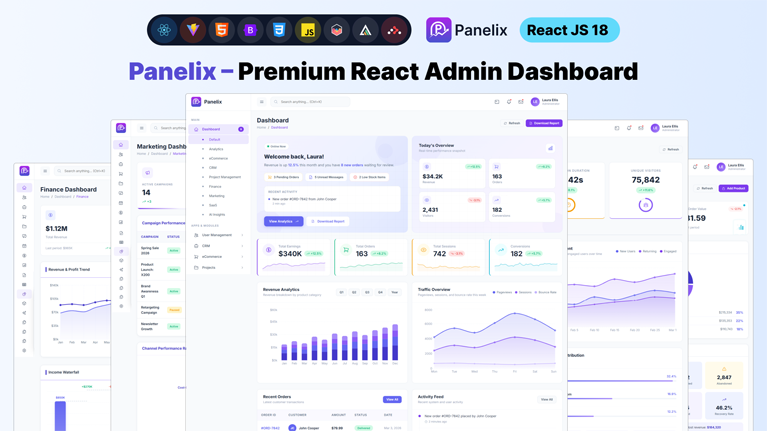
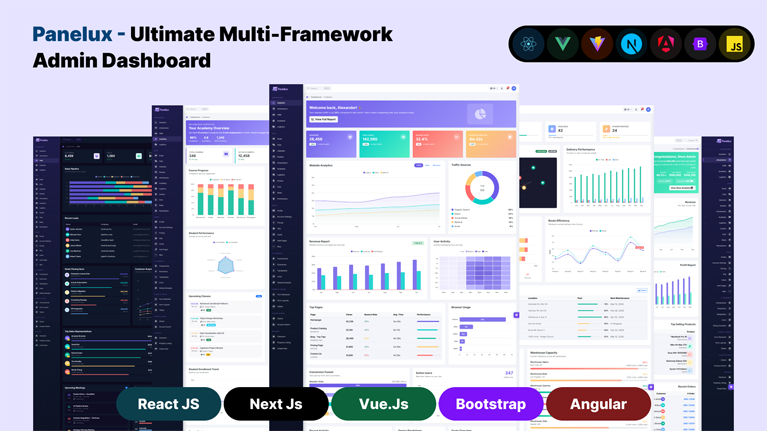
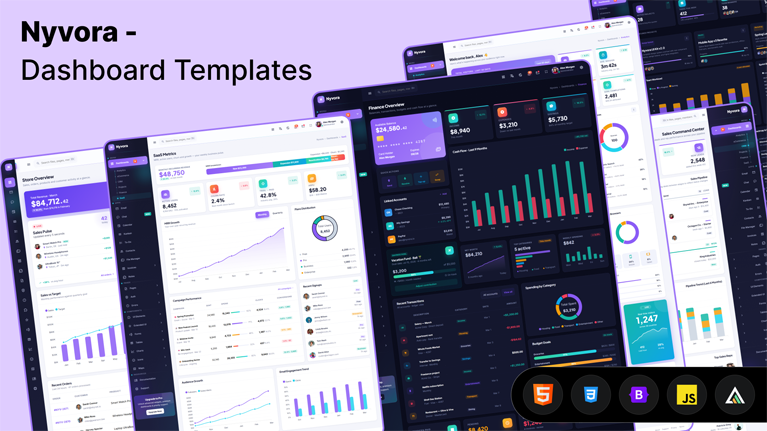
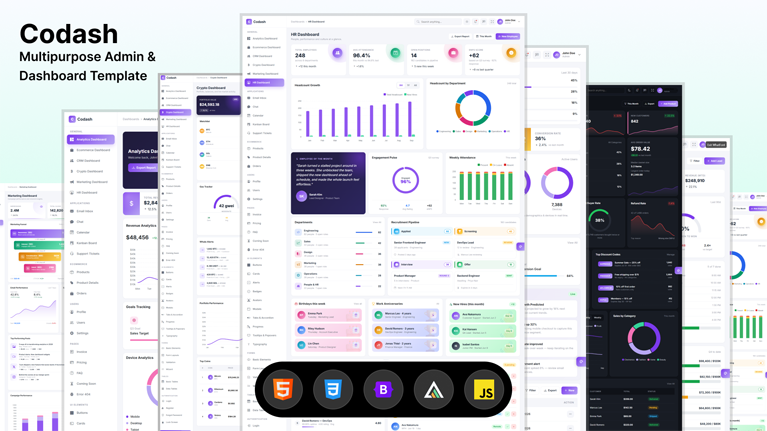
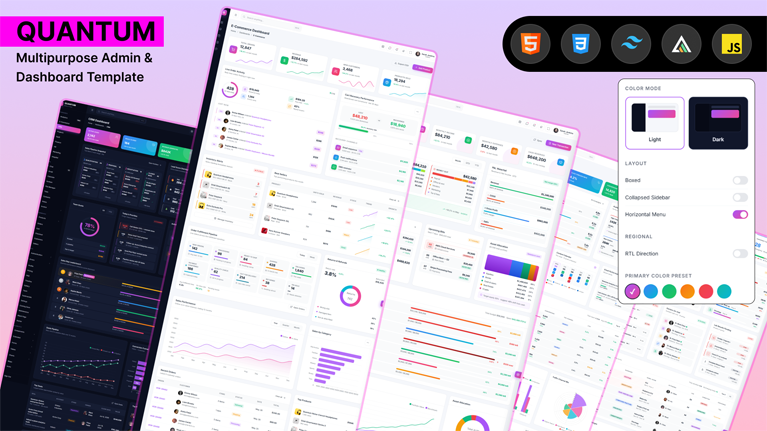
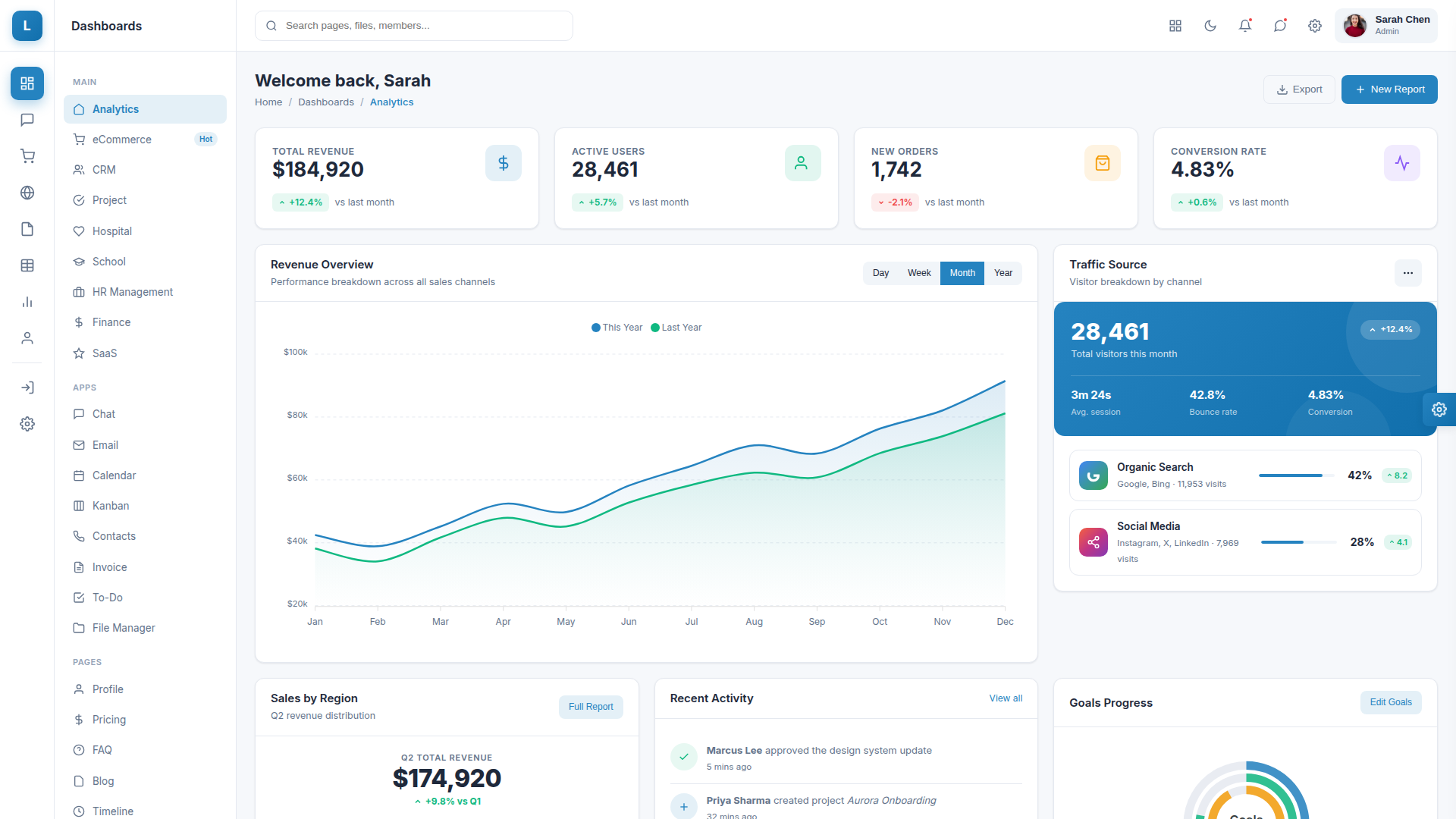
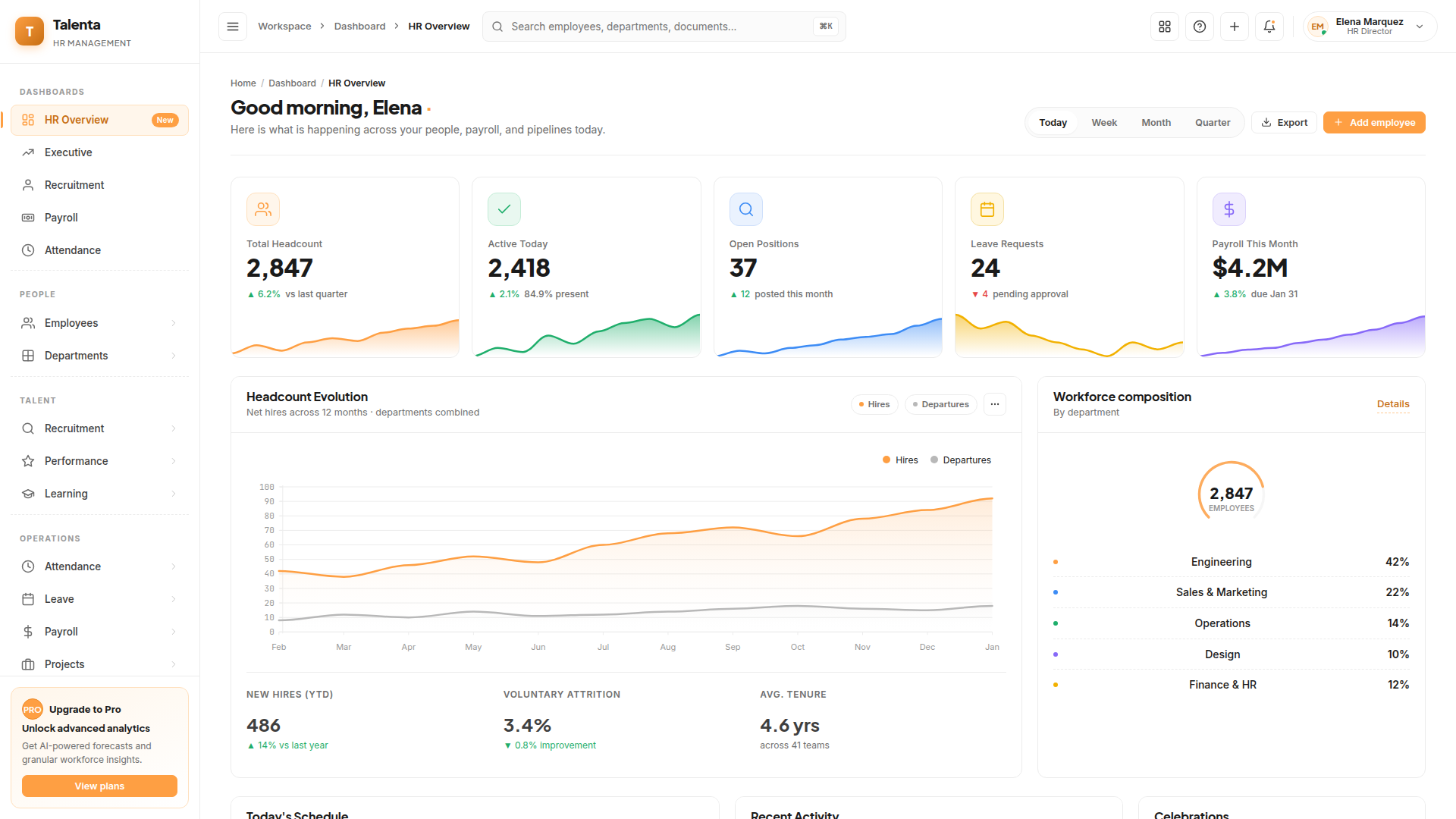
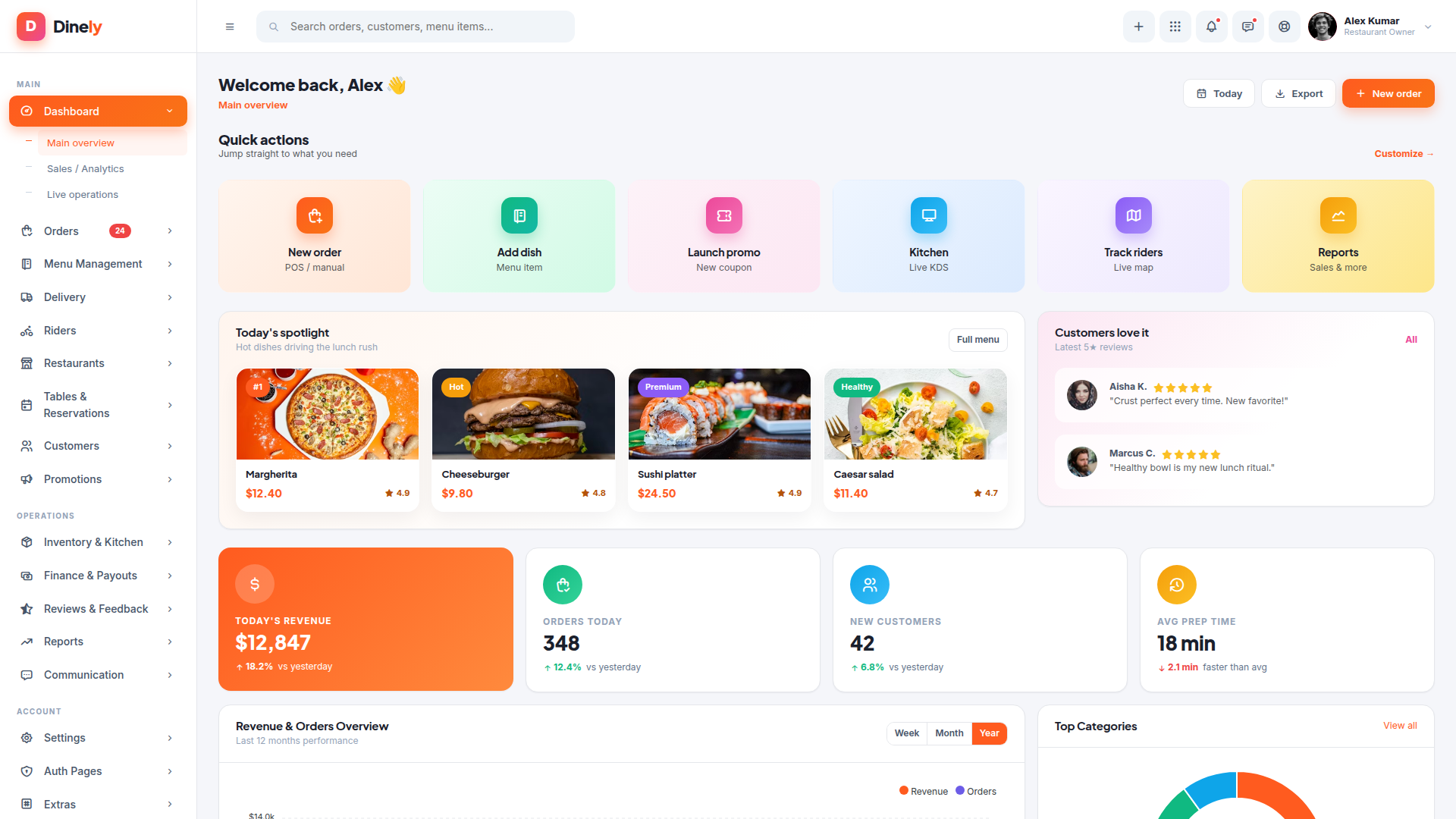
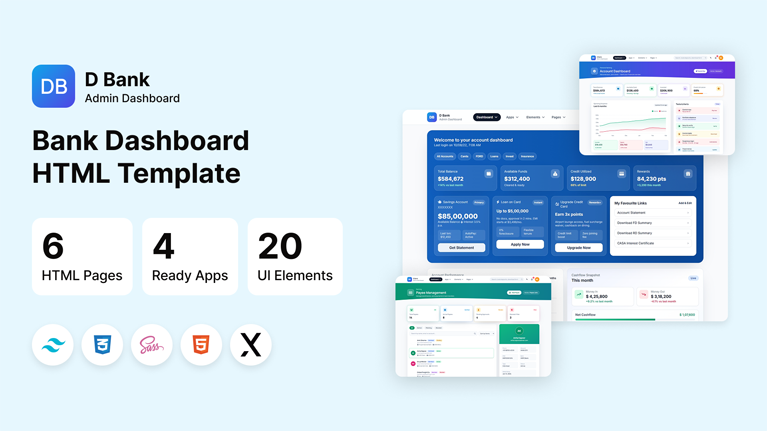
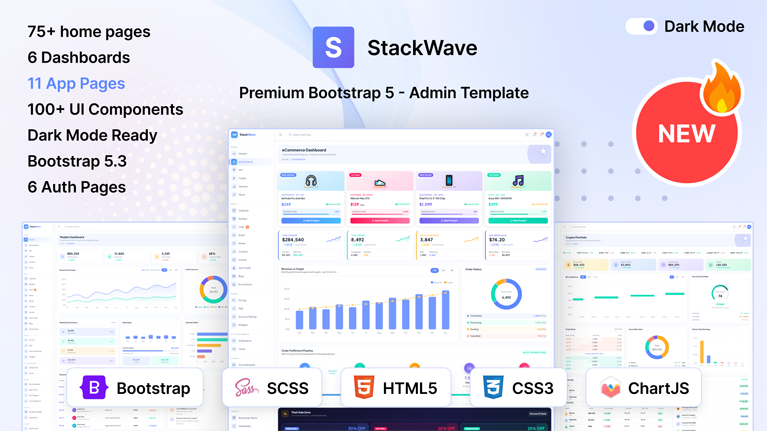
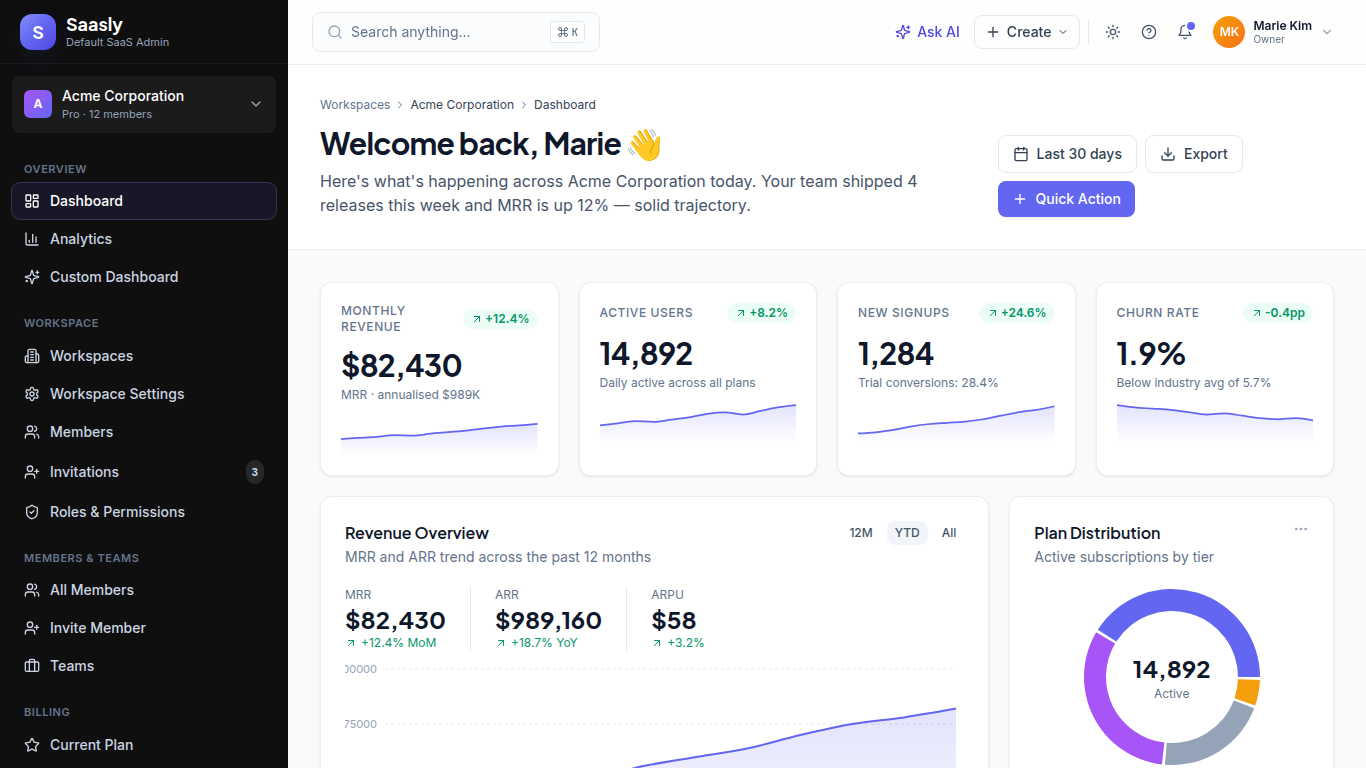
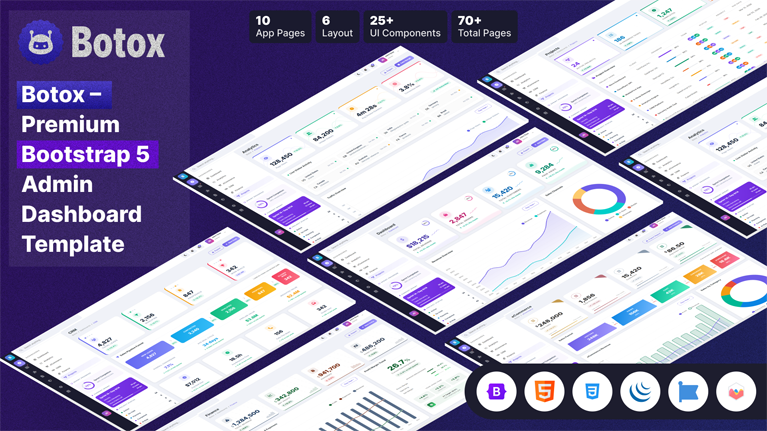
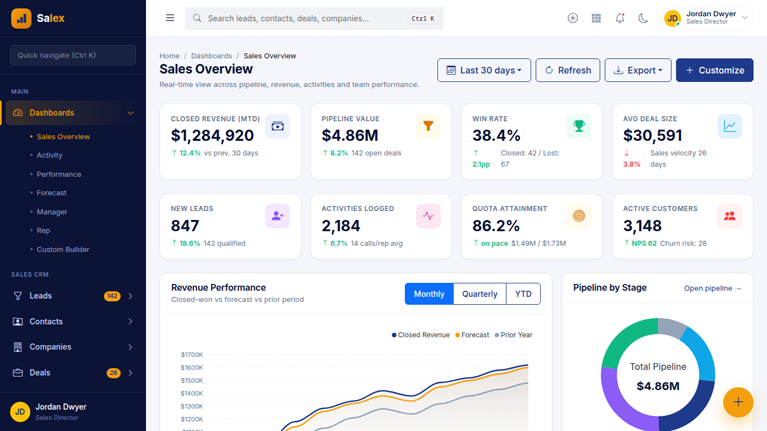
Ship dashboards faster with premium admin templates from MyCreativeTemplates. Choose from Angular, React, Vue, Next.js, Bootstrap, and more, each packed with charts, tables, auth pages, and reusable UI components for SaaS, CRM, ecommerce, and enterprise admin panels.
Discover our latest modern, responsive, and developer-friendly admin dashboard templates.
Discover our most popular modern, responsive, and developer-friendly admin dashboard templates.
Admin Dashboard Templates for React, Next.js, Angular, Vue & Tailwind Built for Data-Heavy Web Applications
Discover our most popular modern, responsive, and developer-friendly admin dashboard templates.
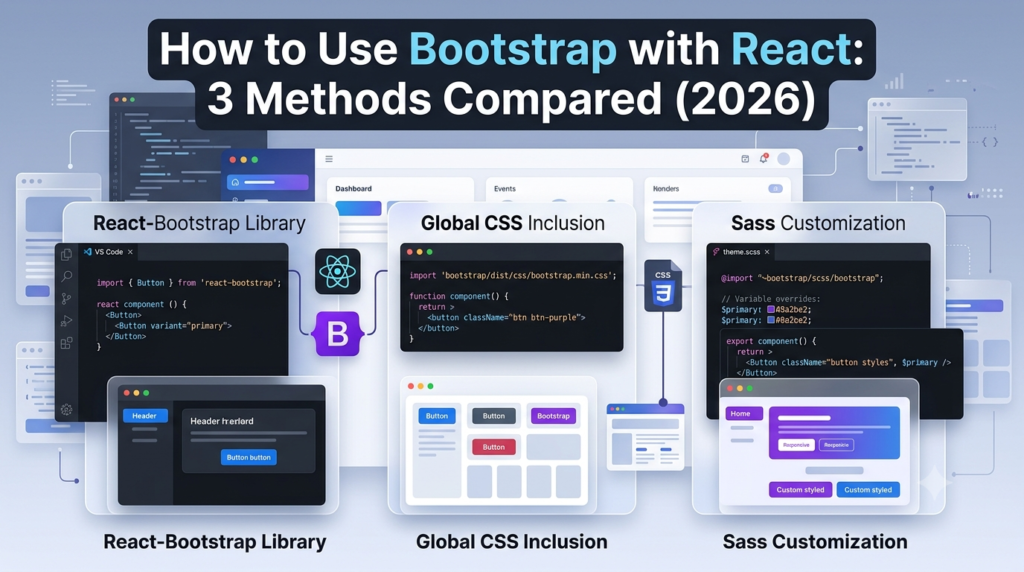
You want Bootstrap’s responsive grid and ready-made components inside your React project. Straightforward enough. But the moment you search how...
 July 24, 2026
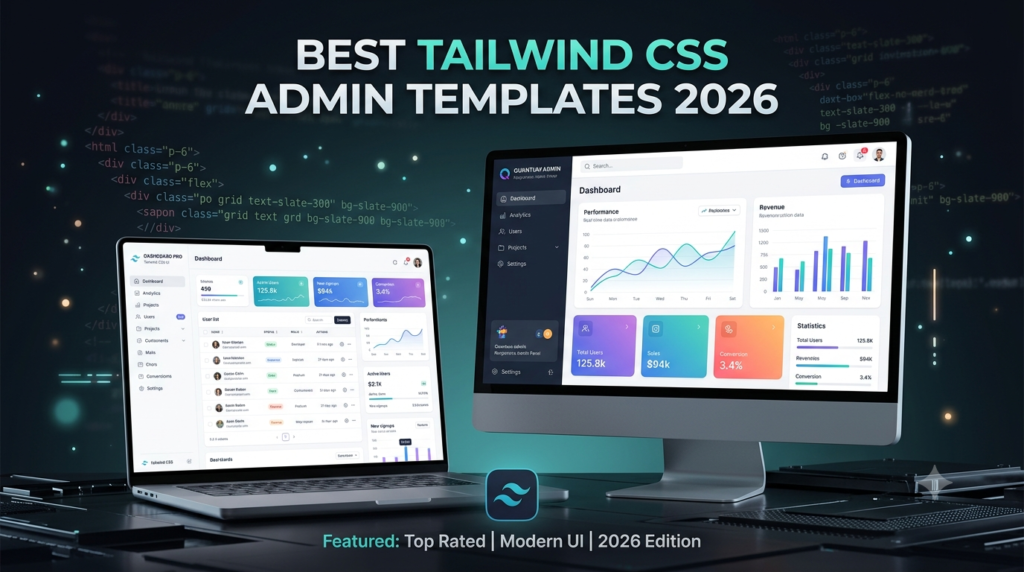
Tailwind CSS admin templates give developers a faster way to build dashboards, SaaS apps, and internal tools without creating the...
July 24, 2026
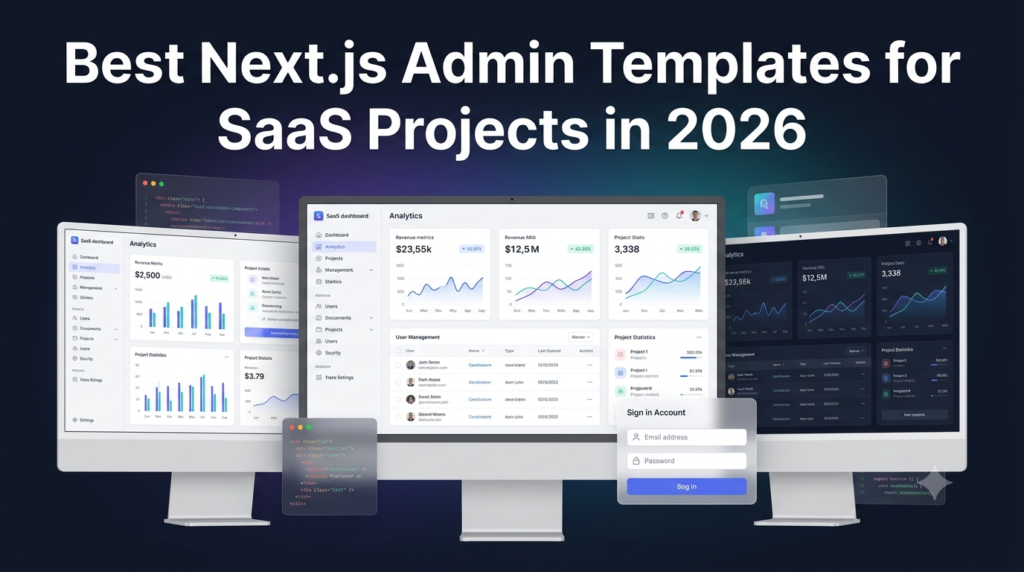
Building an admin panel from scratch takes weeks. Most SaaS teams cannot afford that time. The right Next.js admin template...
July 24, 2026
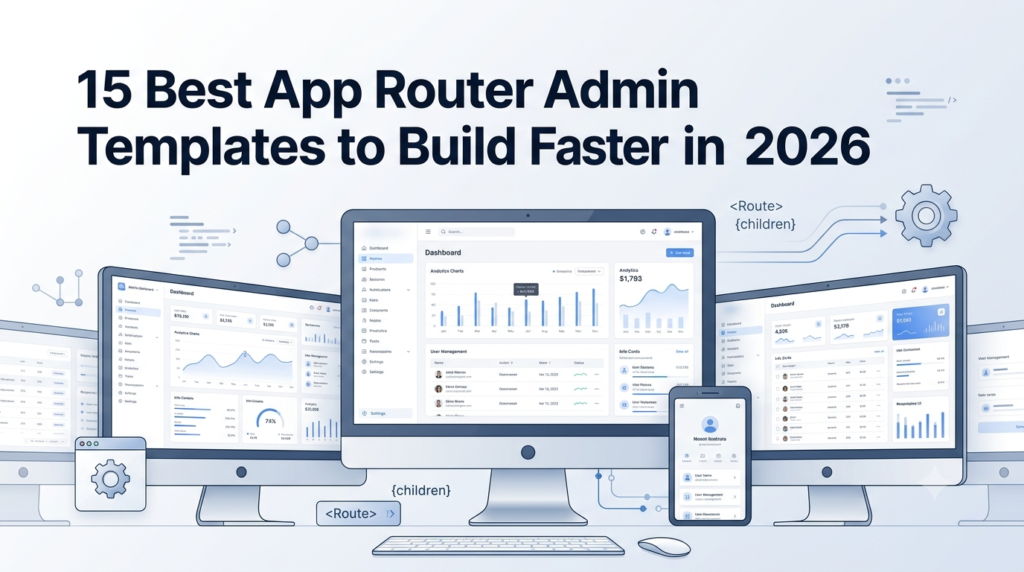
Building an admin panel from scratch in Next.js still costs most teams the first two to three weeks of a...
July 23, 2026
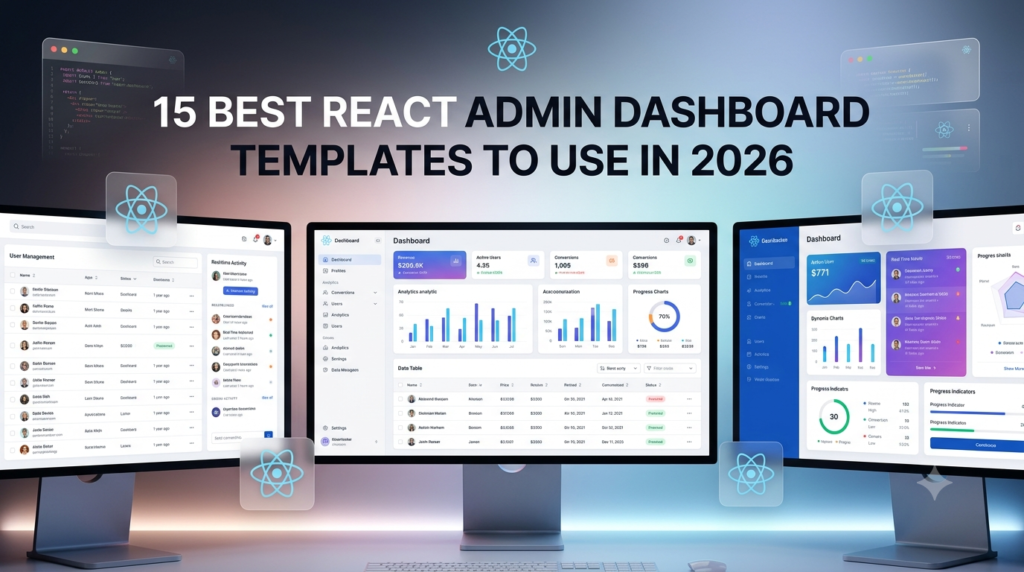
Building a React admin from scratch takes most teams 2 to 3 weeks. That time goes to routing, sidebars, dark...
July 18, 2026
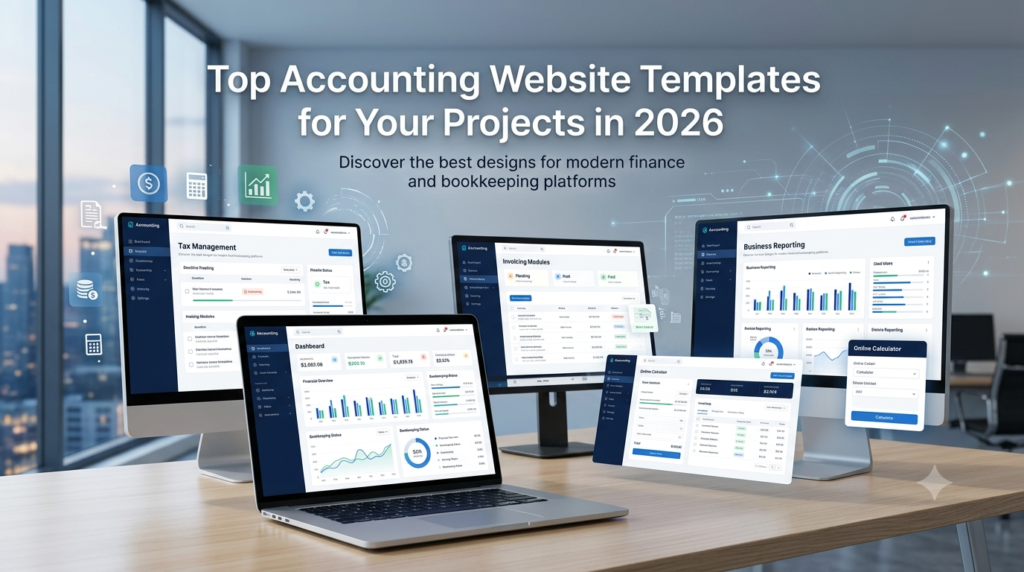
A potential client decides if they trust an accounting firm within seconds, and the website does most of that work...
July 6, 2026
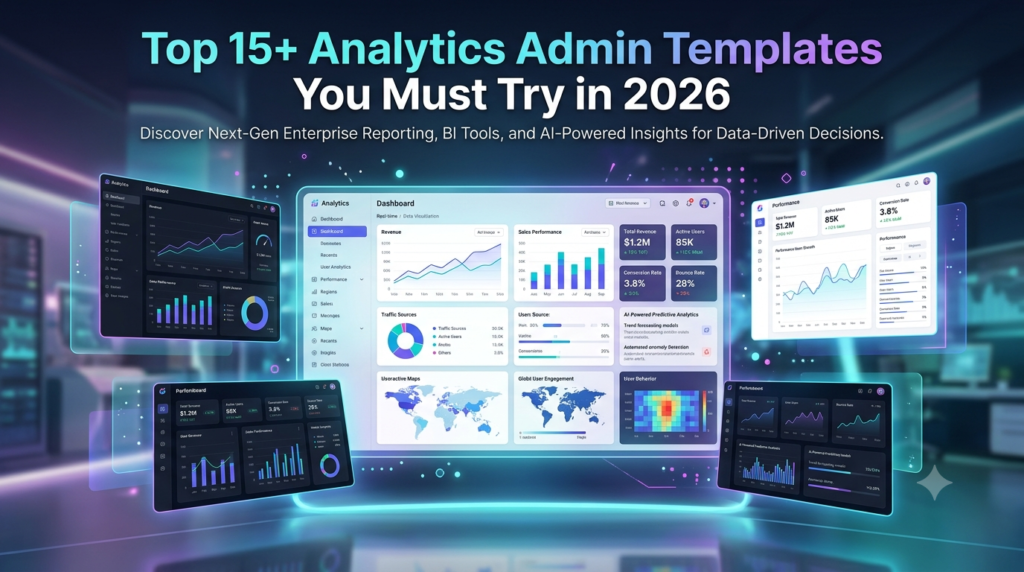
A dashboard is only useful when the data on it is easy to read. Most teams lose days wiring up...
July 3, 2026
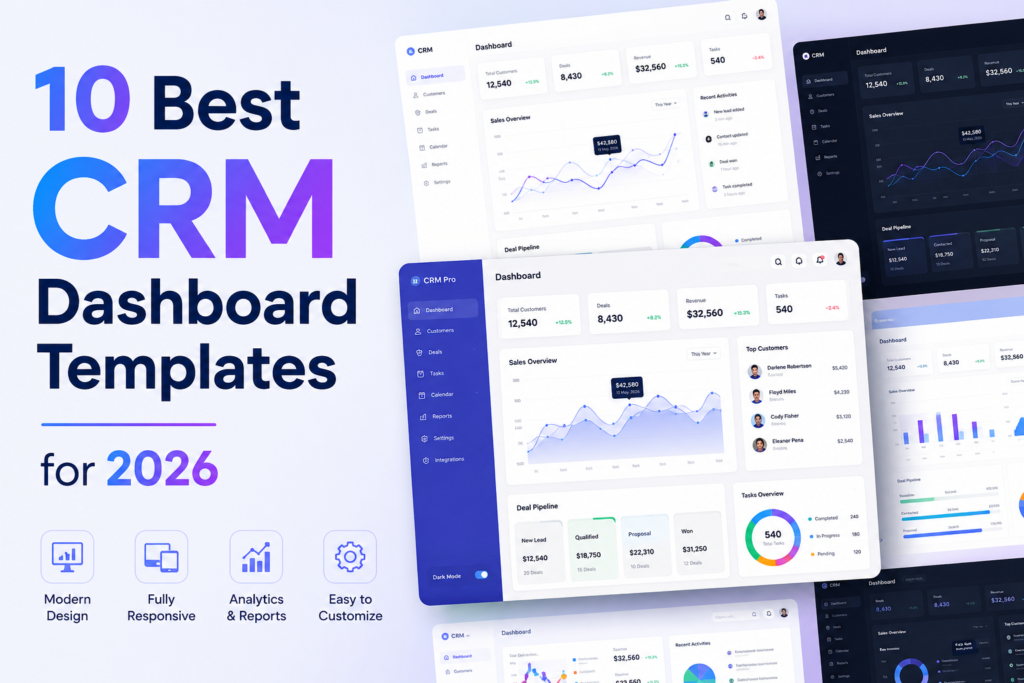
Most CRM products are not built from scratch. Building a pipeline view, contact management interface, deal analytics, and role-based navigation...
July 2, 2026
Answers to the questions we hear most about these templates.
An admin dashboard template is the control room of a web application. Every serious product has one. It is where administrators manage users, teams monitor activity, and product managers watch performance numbers move in real time. Instead of designing and building this interface from scratch, developers start with a template that already contains the structural UI layer required for operations. Inside it live dashboards, reporting panels, tables that hold thousands of records, configuration pages, and system controls. Engineers connect their backend services to this interface and immediately gain a working operational console. That shortcut removes a large portion of repetitive interface development that most web applications eventually require.
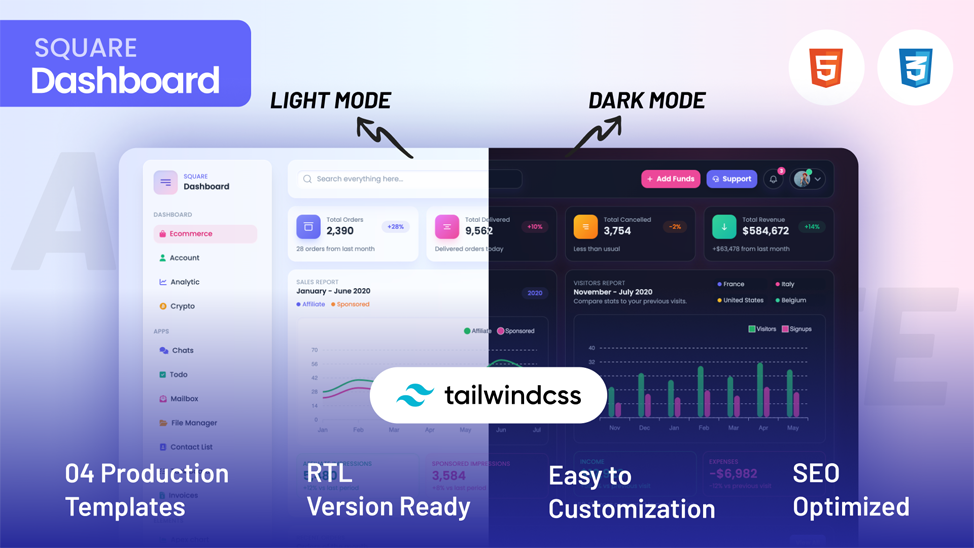
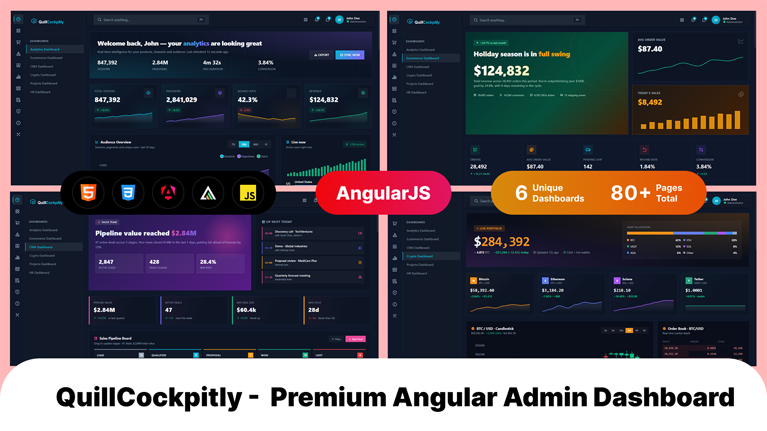
Admin dashboards rarely exist in isolation. They must fit directly into the development stack already running the product. For that reason most modern dashboard templates support several popular front-end frameworks. React appears most often because its component system fits data-heavy interfaces extremely well. Next.js commonly follows when teams want server rendering and efficient routing. Angular remains common inside enterprise environments where applications grow large and structured. Vue attracts teams who prefer lightweight reactive frameworks. Bootstrap dashboards remain useful for rapid interface deployment, while Tailwind dashboards provide extremely flexible styling systems. Supporting these frameworks allows teams to integrate dashboards into existing projects without reworking their entire codebase.
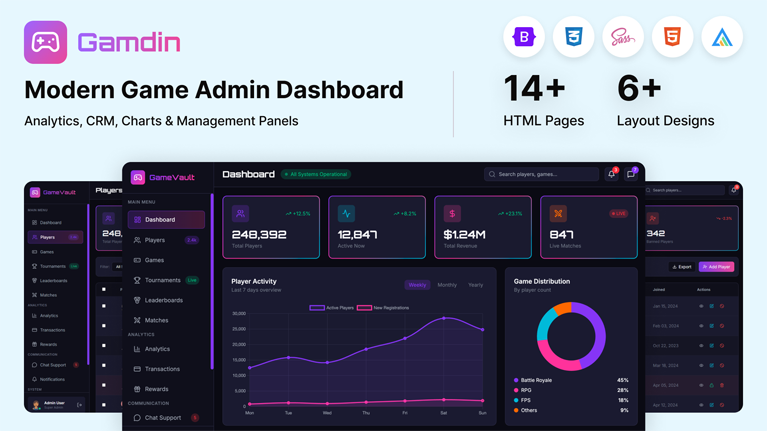
A capable admin dashboard template operates like the operating system of the application’s internal environment. It brings together multiple UI elements that administrators rely on constantly. Analytics dashboards visualize performance data through charts and graphs. Large data tables allow teams to browse and manage records such as users, transactions, or inventory items. Forms enable structured workflows like product creation or account management. Authentication pages handle system access. Notification panels show system events. Reporting modules summarize trends. Navigation systems tie everything together so users can move quickly between operational areas. When those components already exist, development teams skip weeks of repetitive interface work.
Admin dashboard templates compress the entire development phase dramatically. The UI infrastructure already exists. Developers move straight into connecting APIs, integrating databases, and wiring business logic into the interface. A dashboard template removes weeks of front-end engineering work and allows product features to reach production much faster.
Yes, and many SaaS products actually begin that way. The administrative needs of SaaS platforms tend to follow familiar patterns. Teams need user management panels, analytics views, subscription data, reporting tools, configuration pages, and system monitoring dashboards. A strong dashboard template already contains the UI structure required for these operations. Developers then extend it by adding application-specific data layers and new modules as the product evolves. Startups benefit because they launch quickly with a polished operational interface. In short, admin dashboard templates are very well suited for large SaaS platforms.
Yes of course! In fact, customization is a major reason teams choose dashboard templates in the first place. No two applications display identical data or follow identical workflows. Therefore, developers usually use dashboards extensively once the template enters a project. This makes sure that entire modules such as billing systems, order management panels, or customer support tools often get introduced. Templates are useful because they can change the branding easily. Because dashboard templates rely on reusable UI components, developers extend the interface gradually without rewriting the foundation.
Admin dashboards appear almost everywhere modern software operates. SaaS platforms depend on them to manage users and monitor product performance. Ecommerce companies operate inventory systems, orders, and sales metrics through dashboards. CRM tools use dashboard panels to organize customer records and communication history. Even analytics platforms use them to visualize reporting data. Some enterprise tools depend on dashboards to track operations and system activity. Some marketplaces and fintech applications also depend heavily on administrative interfaces.
From strategy to execution, we help you create powerful digital experiences that drive real results.