


 Purchase Now
 Live Preview







 Purchase Now

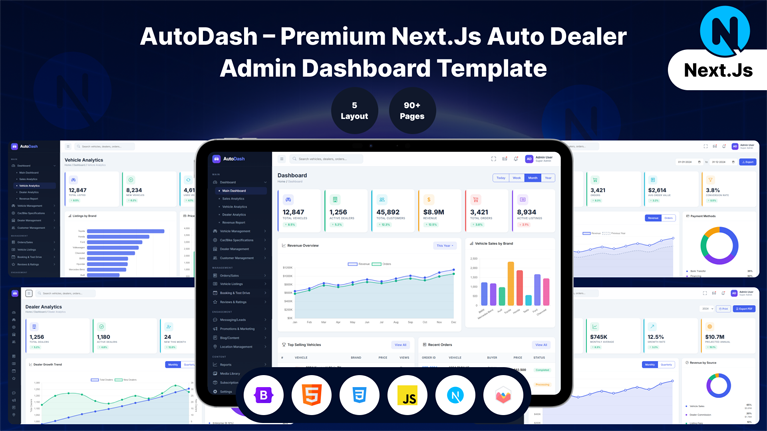
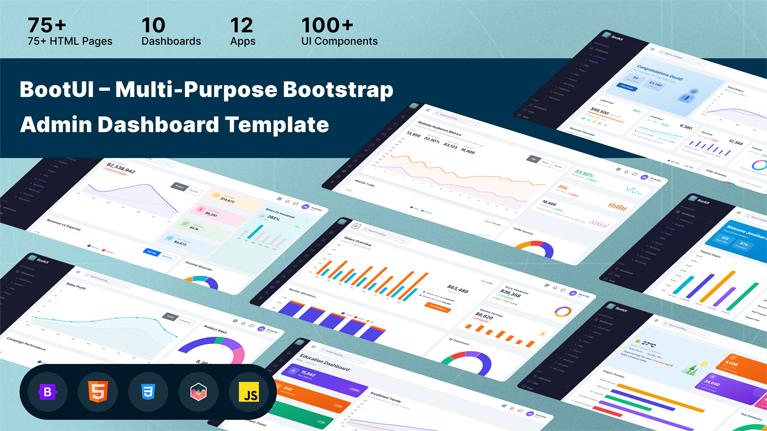
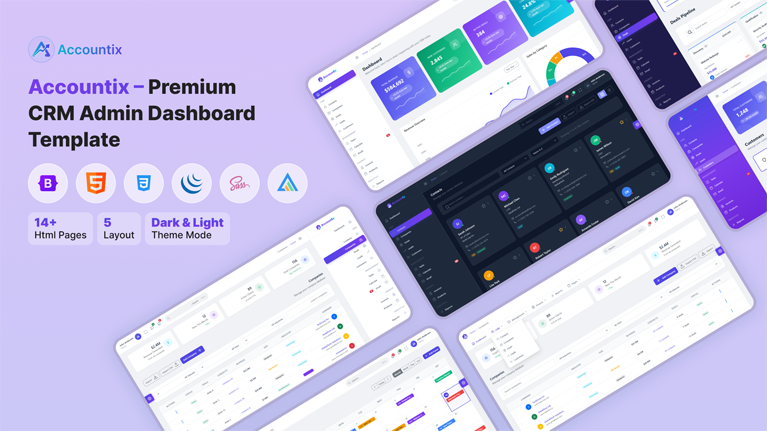
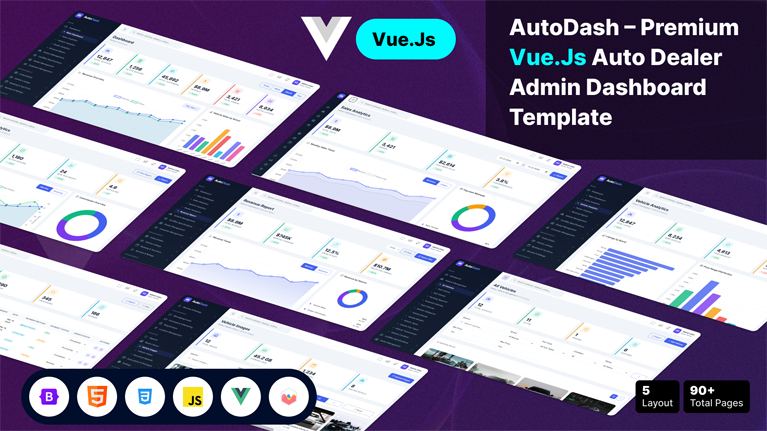
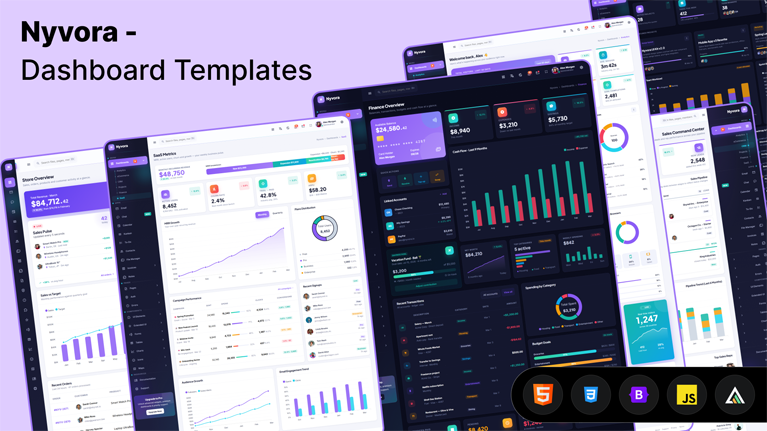
Nyvora is a complete admin dashboard HTML template built with Bootstrap 5.3.3 and jQuery 3.7. The package contains 97 ready-to-use HTML pages organized into six dashboards, fifteen working app pages, ten generic content pages, nine authentication pages, six error/maintenance pages, twenty-two UI component pages, eight extended-UI pages, eleven form modules, four table modules, four chart modules, three icon library pages, and three map pages. Every page is static HTML — no build tools, no preprocessor, no framework dependency. Copy the html/ folder into any backend (Laravel, Django, Rails, Express, ASP.NET, plain PHP) and start customizing.
Six Dashboards Included
Each dashboard is a complete, self-contained page targeting a specific vertical. Charts on every dashboard are real, working ApexCharts instances with sample data — not static images.
- Analytics dashboard (index.html) — visitor traffic KPIs, page views, bounce rate, sessions over time, traffic-source breakdown, latest activity feed, traffic-overview bar chart, traffic-sources donut chart.
- eCommerce dashboard — revenue counter with sparkline, three small KPI cards, sales-channels list, recent-orders table, top-products grid, March revenue line chart with three supplementary cards.
- CRM dashboard — total customers, deals pipeline, leads-by-source donut, deals-stage funnel-style bars, sales-by-rep table, recent activity, hot-leads list.
- Projects dashboard — active project counters, project list with progress bars, sprint burn-down chart, team workload distribution, milestones timeline, recent commits feed.
- Finance dashboard — available balance with detail, three cards above cash-flow chart, cash-flow nine-month bar chart, transaction list, portfolio allocation donut.
- SaaS dashboard — MRR/ARR counters, subscription-tier breakdown, active-users line chart, churn rate, recent sign-ups, plan-distribution chart.
Fifteen Working App Pages
Every app ships as a working HTML page with sample interactions wired up in vanilla JavaScript and jQuery — buttons click, forms submit (to no-op handlers), filters filter, lists scroll. No backend is included; integrate your own data source.
- Email client — folder sidebar, message list with scrollbar-hidden middle column, single-message reading pane.
- Chat application — contact list, conversation thread, message input.
- Calendar — month view with event slots.
- Kanban board — multi-column task board.
- To-Do list — task adder, checkboxes, list management.
- Contacts directory — grid of contact cards.
- File manager — folder grid, file list.
- Notes app — note cards with categories.
- Invoices list — invoice table with filters.
- Invoice detail — printable single-invoice view.
- Invoice create — form-based invoice builder with line-item repeater that auto-calculates subtotal, tax, discount and grand total.
Live Theme Customizer
An offcanvas panel (triggered from the topbar cog icon) lets the end-user change the template appearance in real time. Choices are written to localStorage under the key nyvora-config and persist across page navigation and browser reloads. Available controls:
- Color mode — Light, Dark, or Follow System (uses
prefers-color-schememedia query). - Layout — Vertical sidebar (default), Mini collapsed sidebar (icon-only with JavaScript-positioned flyout menus), Horizontal top-bar navigation, or Boxed (constrained container with edge margins).
- Primary color — eight presets: Indigo #5b3df0 (default), Sky #0ea5e9, Teal #14b8a6, Green #22c55e, Amber #f59e0b, Rose #f43f5e, Pink #ec4899, Violet #8b5cf6. The selection rewrites CSS custom properties so every component (buttons, badges, links, focus rings, charts, gradients) updates instantly.
- Direction — LTR or RTL. Toggling to RTL automatically swaps the loaded Bootstrap CSS file from
bootstrap.min.csstobootstrap.rtl.min.css, applies ~120 custom RTL overrides for the Nyvora-specific shell (sidebar position, topbar search, submenu connector line, dropdown anchoring, mega menu, image overlays, avatar status dots), and triggers a live re-render of every registered chart instance with mirrored axes and right-aligned legends/tooltips. - Reset to default — clears the saved configuration and restores Light + Vertical + Indigo + LTR.
Component Library
Twenty-Two UI Component Pages
Alerts, Buttons, Badges, Cards, Carousel, Accordion, Dropdowns, Grid, Images, List Group, Modals, Tabs and Navs, Offcanvas, Pagination, Popovers, Progress, Spinners, Toasts, Tooltips, Typography, Breadcrumb, Placeholders — each page shows the basic Bootstrap variants plus a “Powerful Patterns” section with additional interactive examples (color pickers, image grids, animated variants, slider controls, etc.).
Eight Extended-UI Pages
Sweet Alerts (custom modal alert patterns), Toast Notifications (toastr-style stacked notifications), Range Slider (single and dual-thumb), Ratings (interactive star rating), Ribbons (corner and banner ribbons), Tour (guided product walkthrough), Session (timeout warning dialog), Widgets (heterogeneous mini-widget gallery).
Eleven Form Modules
Each form module shows the Bootstrap baseline plus “Powerful Patterns” with working JavaScript:
- form-basic — password toggle, character counter, auto-grow textarea, copy-to-clipboard, color picker with preview, number stepper, toggle switches, OTP/PIN input.
- form-layouts — settings layout with sidebar tabs, collapsible sections, conditional fields, sticky action footer, profile-completion progress, fieldsets.
- form-validation — password-strength meter, live email check (blocks free-provider domains), password match, URL/phone pattern, Luhn credit-card check, age validation, async username check (simulated), all-in-one validated sign-up.
- form-input-groups — search with live avatar suggestions, multi-currency formatter, tags input chip-style, password generator with strength bar, dual range, share link with copy, unit toggle, URL slug generator.
- form-advanced — interactive star rating (full and half), autocomplete with text-highlight, image radio picker, quantity stepper grid with auto-total, tag groups by category, image drop zone, toggle button groups, dual range filter, Likert survey scale, credit-card live preview.
- form-datepicker — native HTML date/time inputs, quick-preset date range (today, last 7 days, this month, YTD, etc.), time-slot appointment picker, custom 12-hour time picker, birthday picker (calculates age, zodiac, day-of-week, days to next birthday), event picker with repeat rules, countdown timer, timezone converter, duration picker.
- form-masks — international phone with country dropdown, credit-card brand auto-detection plus Luhn check, IBAN, postal-code per country, multi-locale currency, UK phone, VIN, MAC address, hex color, BTC/ETH/UUID format validators, OTP with paste support, license-key formatter.
- form-file-upload — drag-and-drop with progress simulation, image gallery with clipboard paste and lightbox, avatar picker with live preview, configurable validation (max files, max size, allowed extensions), camera capture (getUserMedia), URL image import, upload queue with start/pause controls.
- form-wizard — multi-step wizard with per-step required-field validation, step indicators, save-progress, conditional branches, invite-team rows; plus a compact horizontal stepper.
- form-editor — contentEditable WYSIWYG editor with formatting toolbar, link/image insert and color picker; markdown editor with live split preview; comment box with @ mention picker and emoji autocomplete; syntax-highlighted code editor with language switcher; slash-command editor.
- form-repeater — drag-to-reorder task list, templates library, conditional fields per category, nested/grouped repeater, key-value editor with .env import/export.
Four Table Modules
tables-basic — bulk selection with row actions, sortable columns, expandable rows, inline search and column filter, fixed scrollable header, pagination with page-size selector, color-coded heatmap. tables-datatable — advanced multi-filter bar with chip indicators and CSV export, column-visibility toggle, group-by, inline tag filters, CSV import/export with inline editing, side-drawer for row details. tables-editable — click-to-edit cells with type validation, spreadsheet-style with Tab/arrow navigation and column sums, status-workflow dropdowns, bulk inline edit on selected rows, rich-note cell editing, auto-calculated invoice totals. tables-responsive — table to card-view toggle, sticky first column with horizontal scroll, priority-based collapsible columns, master/detail panel, drag-to-resize columns.
Four Chart Modules
charts-apex — ApexCharts: line, area, bar, donut, radial, mixed plus interactive sales dashboard with time-range selector, live streaming chart, bar/line/area toggle, heatmap, radar profile switcher, scatter/bubble, funnel, stepline, multi-series filter. charts-chartjs — Chart.js: line, bar, doughnut, radar plus multi-dataset type switcher, real-time stream, stacked/grouped/100% bar, mixed bar+line, pie drilldown, goal radials, custom-tooltip, bubble quadrant, data editor + live chart. charts-echarts — ECharts: line, bar, pie plus stacked area with brush+zoom, gauge cluster, sunburst, sankey, treemap, calendar heatmap, network graph, funnel, multi-axis combo. charts-sparklines — six stat tiles with sparklines, variants table (line/area/bar), live stock ticker, server-health grid, KPI with threshold annotation, sortable spark leaderboard, pure-CSS SVG sparks, activity stream. All chart libraries are wrapped by the Nyvora chart-registry, so toggling RTL in the customizer re-renders every chart with mirrored axes and right-aligned legends/tooltips without a page reload.
Three Icon Library Pages
icons-mdi — Material Design Icons (~7000 glyphs via @mdi/font 7.4.47) with explorer (search, category, size, color), live code generator (spin/pulse/flip/rotate modifiers), recently-used and favorites lists, animated CSS variants, outline vs filled comparison, stylized icon tiles. icons-remix — Remix Icon (~2200 glyphs) with explorer (line vs fill variant filter), code generator with style toggle, animated variants, gradient tiles. icons-feather — actual feather-icons SVG library (~280 icons) with explorer (search, category, color, size, stroke-width), code generator that copies HTML or raw SVG, animated variants, icon-button gallery, feature-tile examples.
Three Map Modules
maps-google — Google Maps placeholder layout. maps-vector — real jsVectorMap 1.6.0 world map with country highlights, metric switcher (visitors/revenue/orders), three style themes, region zoom, country search with autocomplete, office markers toggle, click-country detail panel, top-ten leaderboard, live visitor stream sub-map, sales-comparison sub-map, animated connection-routes sub-map with hub selector, regional breakdown table. maps-leaflet — Leaflet map placeholder.
Authentication and Error Pages
Nine authentication pages: Login, Register, Login Cover (split-screen), Register Cover (split-screen), Forgot Password, Reset Password, Two-Step Verify, Lock Screen, Logout. Six error / status pages: 404 Not Found, 403 Forbidden, 500 Server Error, Offline, Coming Soon, Maintenance. All are full-screen layouts without the regular admin shell.
Generic Content Pages
Profile, Account Settings, Pricing, FAQ, Timeline, Team, Starter (blank template), Search Results, Gallery, Widgets — ten ready pages to drop into your application.
Technical Specifications
- HTML pages — 97 (97/97 pass HTML structural integrity validation).
- CSS — single
assets/css/app.cssfile (~3000 lines), no preprocessor required; the file contains the entire design system, layout shell, all components, RTL overrides, animations, and ~700 utility classes that replace previously-inline styles. - JavaScript — single
assets/js/app.jsfile (~480 lines) handling theme persistence, layout switching, sidebar toggle, multi-level menu accordion, mini-sidebar flyouts via fixed positioning, mobile drawer, Bootstrap CSS swap on RTL toggle, global chart RTL patcher and instance registry. Page-specific scripts remain inline in their respective pages (they reference page-unique element IDs). - Inline styles eliminated — 3634 original inline
style=""attributes were reduced to 13, all of which are JavaScript template literals inside<script>blocks that build HTML strings at runtime with dynamic values (data-driven sizes, colors, percentages) and cannot be moved to CSS without sacrificing functionality. All 24 inline<style>blocks were consolidated intoapp.css. - CDN dependencies — Bootstrap 5.3.3, jQuery 3.7.1, Material Design Icons @mdi/font 7.4.47, Remix Icon 4.2.0, ApexCharts 3.49.1, Chart.js 4.4.1, ECharts (latest), jsVectorMap 1.6.0, feather-icons 4.29.1. All loaded from jsDelivr CDN — no local copies bundled, no npm install required.
- Images — twelve SVG avatar files (
assets/images/users/avatar-1.svgthroughavatar-12.svg) and one logo SVG. Remaining imagery is loaded from Unsplash CDN URLs with deterministic photo IDs. - Page-specific dashboard scripts — six external files in
assets/js/pages/(dashboard-analytics.js, dashboard-crm.js, dashboard-ecommerce.js, dashboard-finance.js, dashboard-projects.js, dashboard-saas.js) initialize the ApexCharts instances on their respective dashboards. - Responsive — mobile-first responsive behavior down to ~360px. Sidebar collapses to a mobile drawer at <992px with a backdrop overlay.
- Browser compatibility — modern evergreen browsers (Chrome, Edge, Firefox, Safari, Opera) latest two versions. Internet Explorer is not supported.
- License and bundling — package contains source HTML, CSS, and JS only. No build pipeline, no node_modules, no package.json shipped with the template.







 Live Preview