

 Live Preview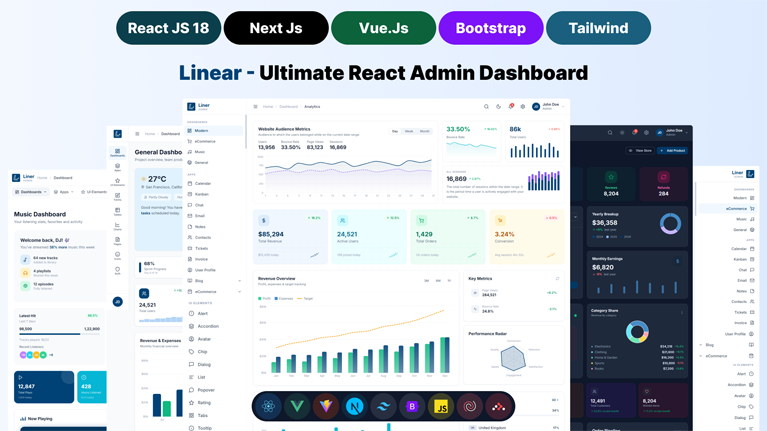


50+
Successful Sales
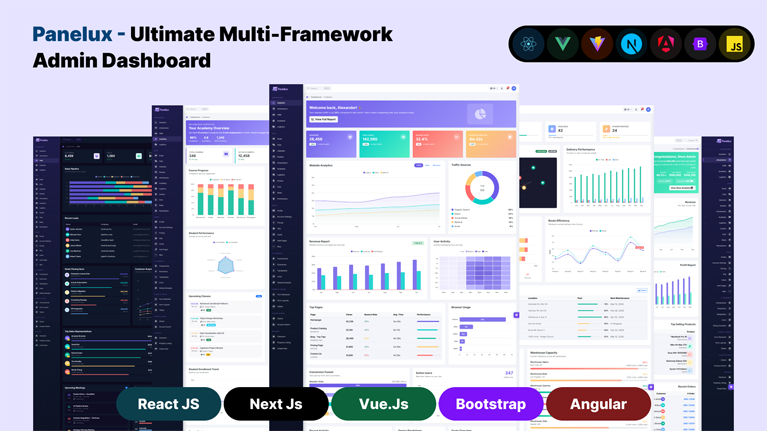
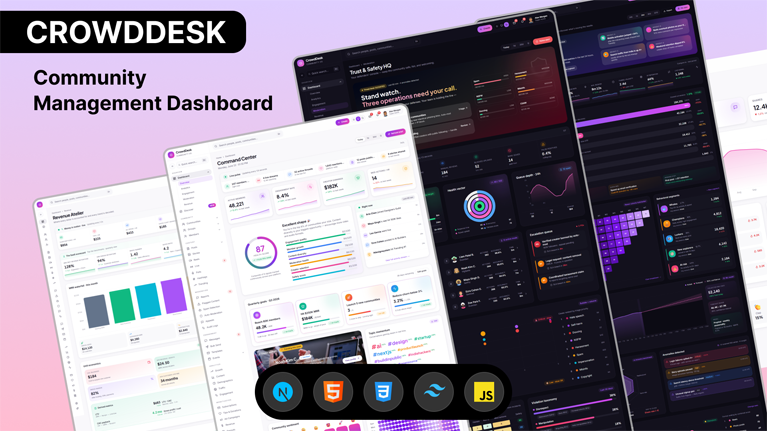
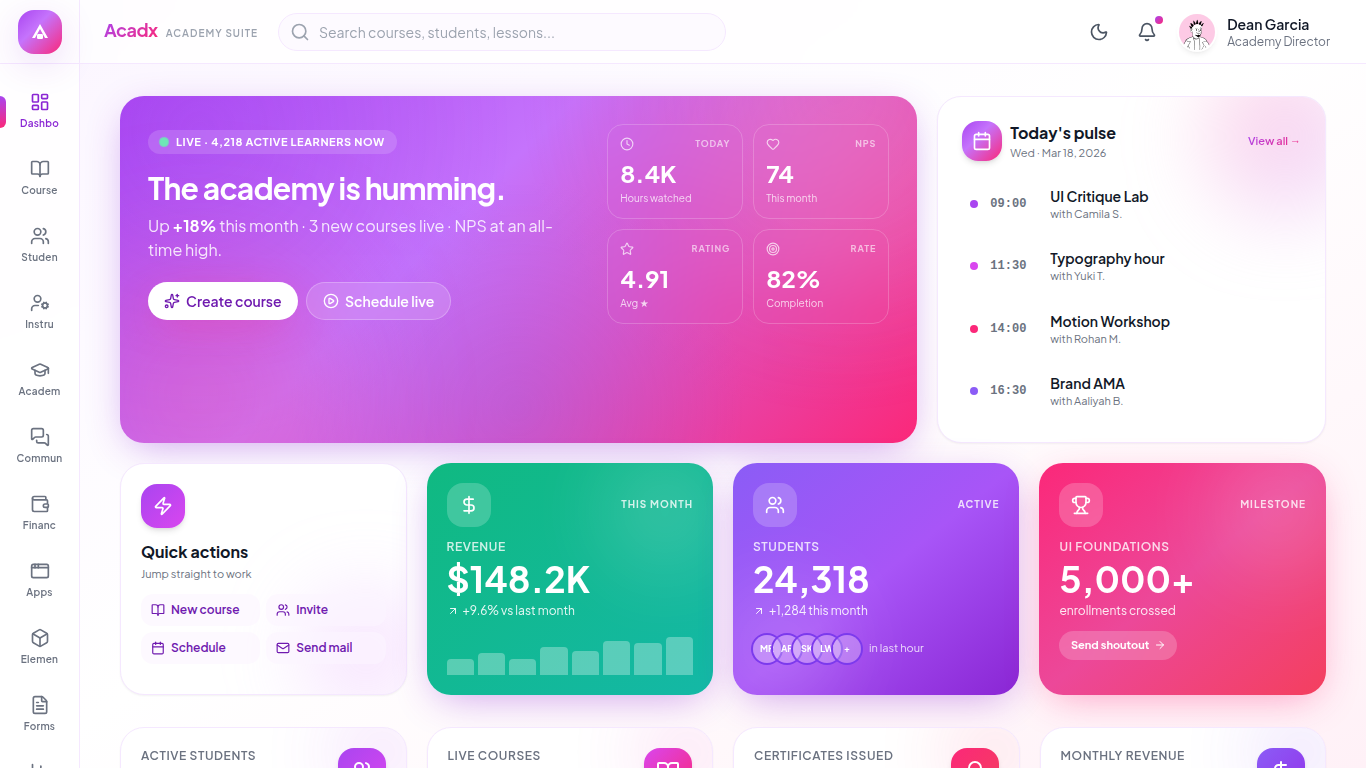
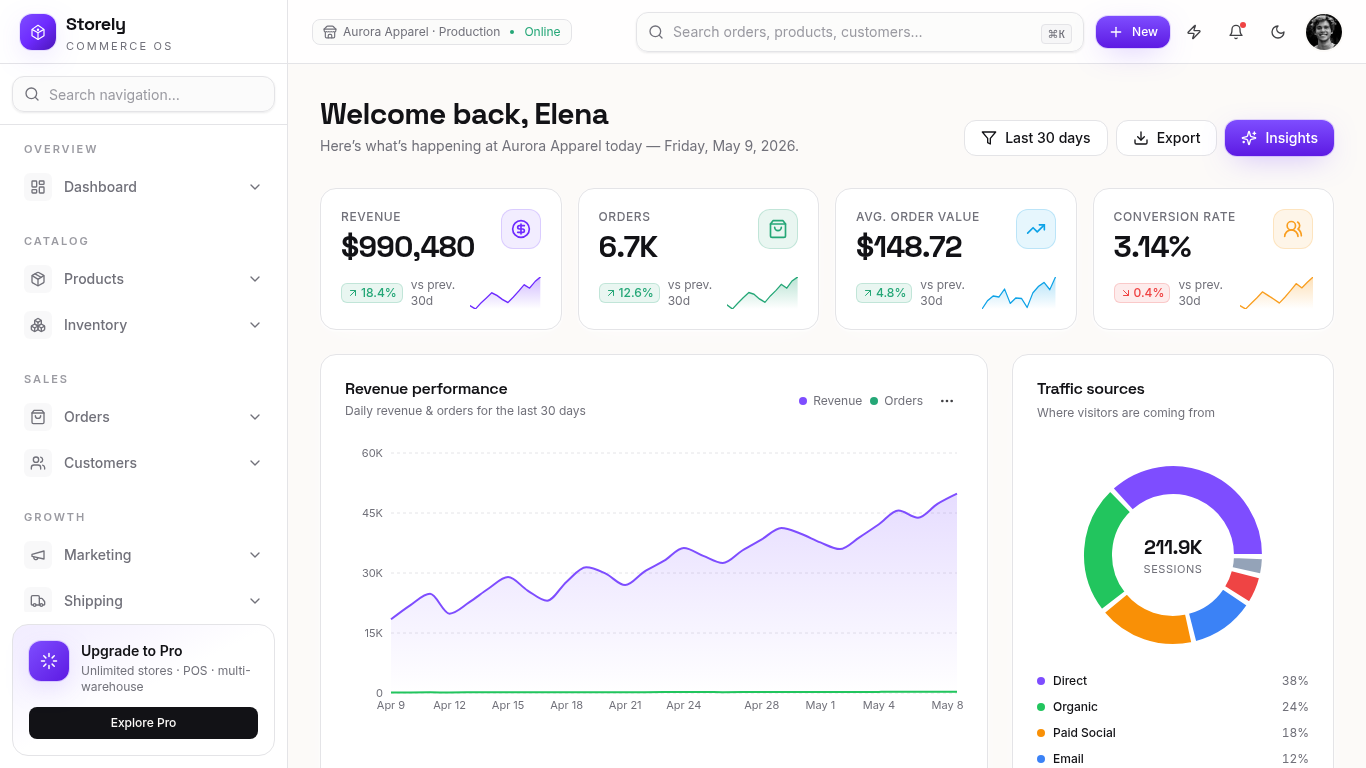
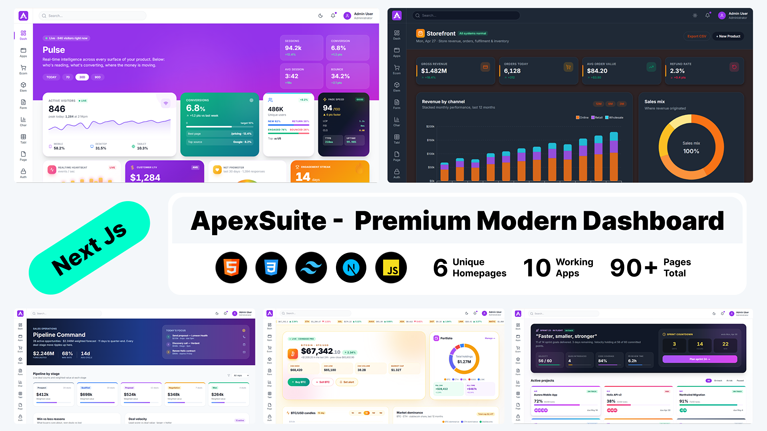
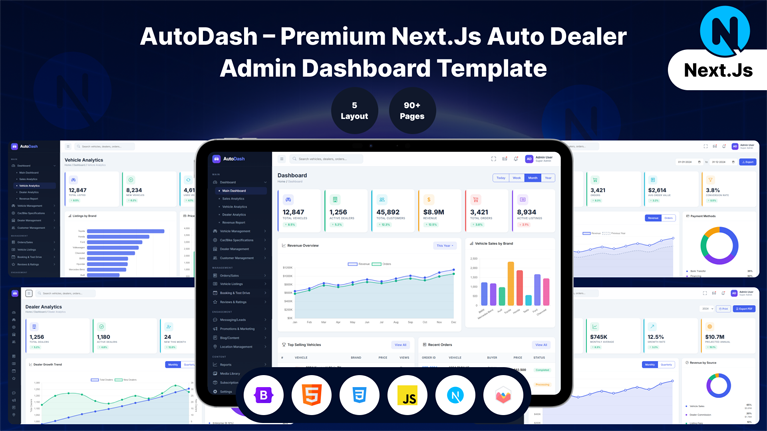
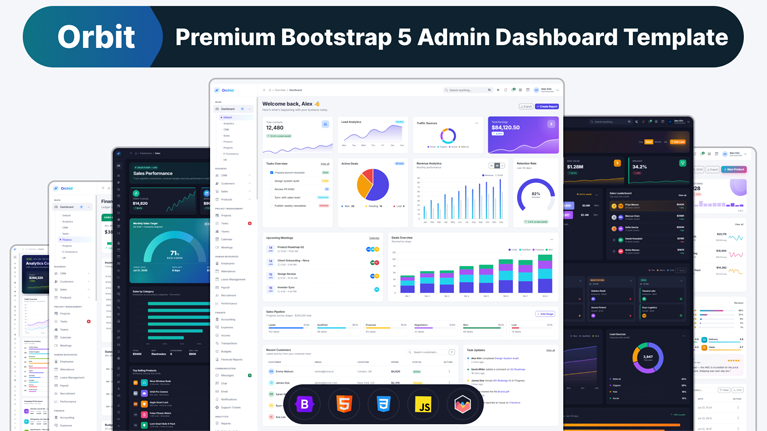
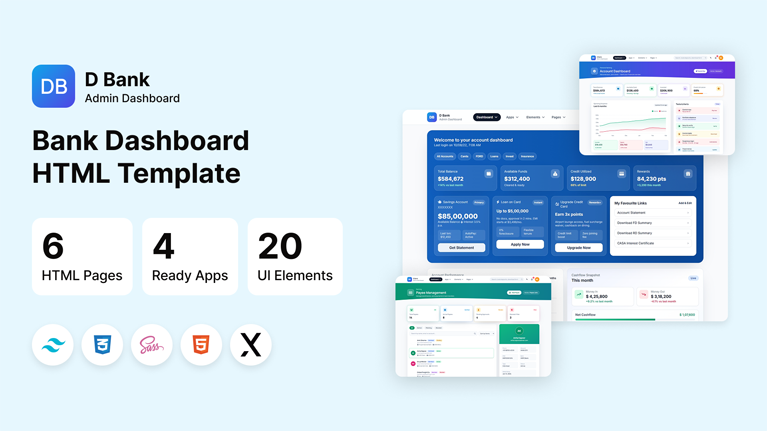
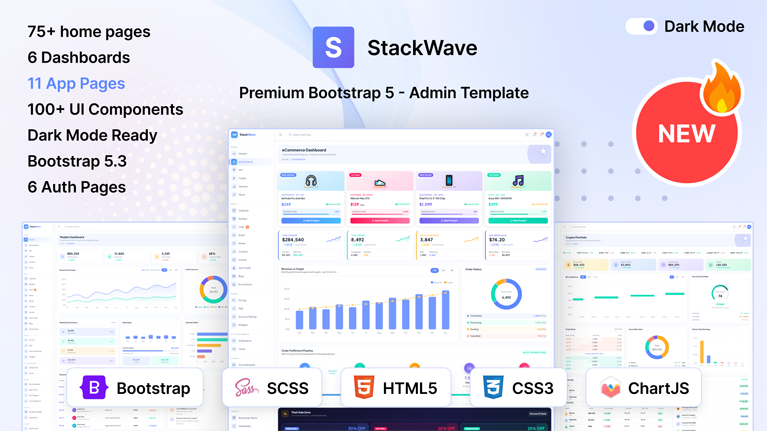
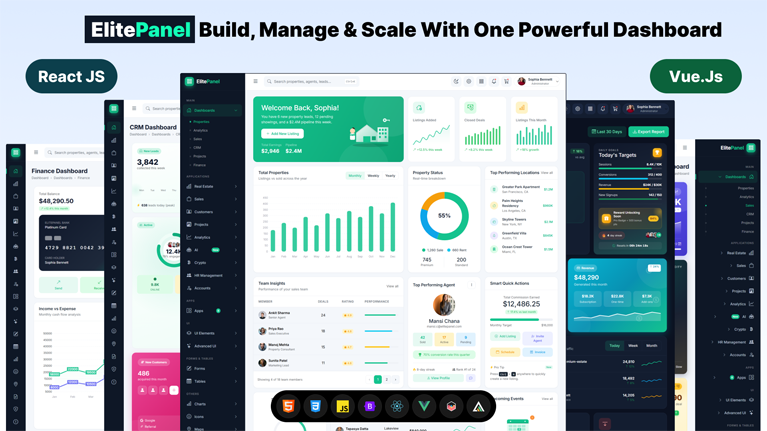
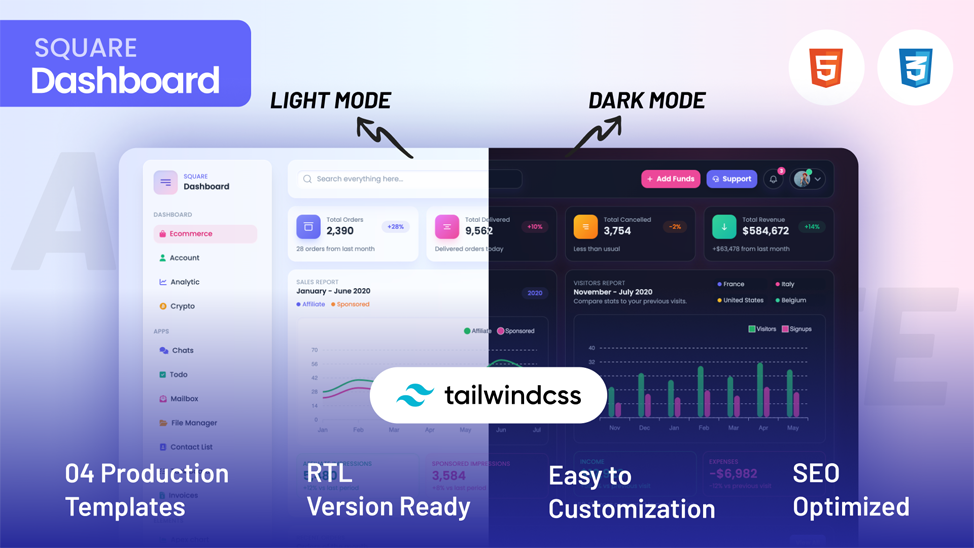
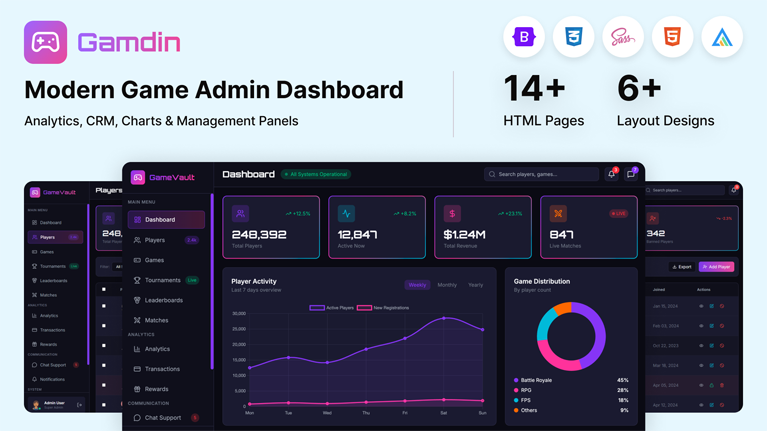
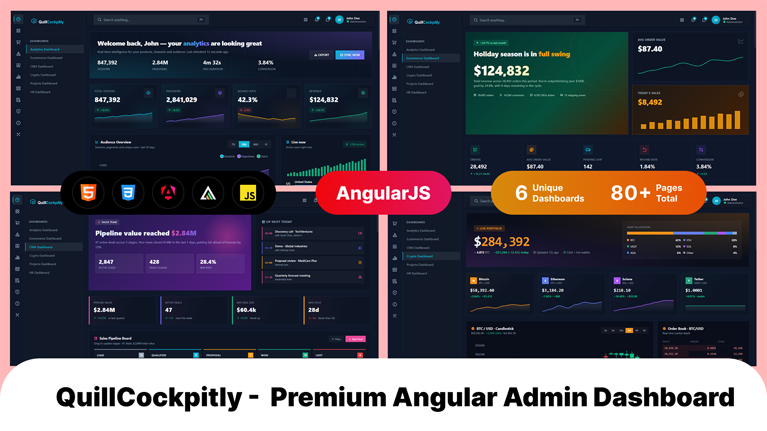
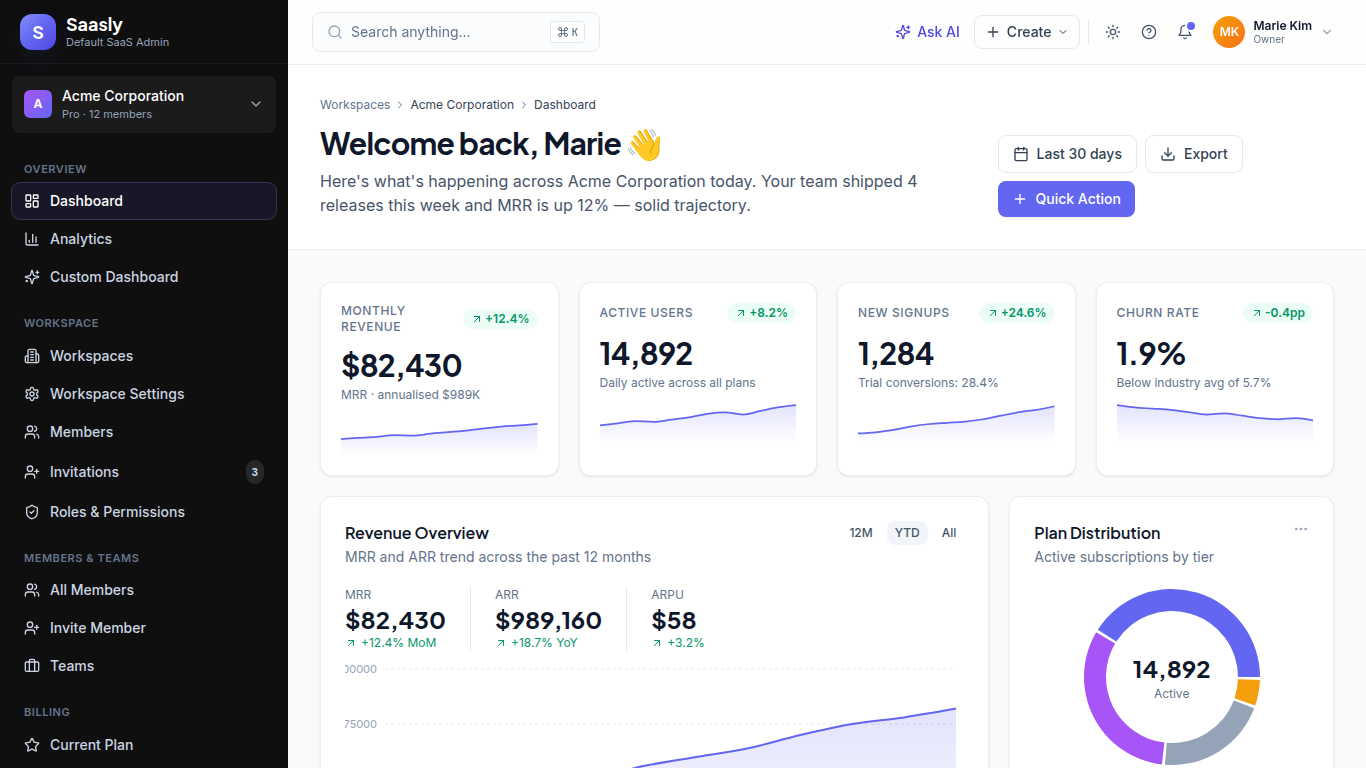
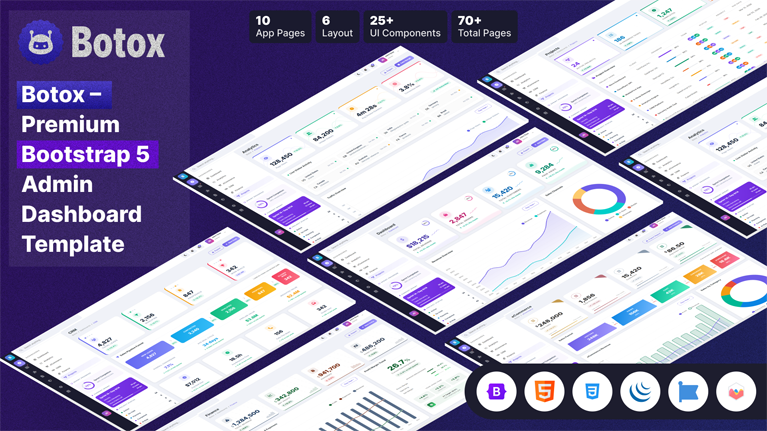
Launch faster with Next.js admin templates from MyCreativeTemplates. Server-rendered, App Router-ready dashboards with Tailwind styling, chart integrations, authentication flows, and production-ready pages, a strong fit for modern SaaS and ecommerce backends.
Discover our latest modern, responsive, and developer-friendly admin dashboard templates.
Discover our most popular modern, responsive, and developer-friendly admin dashboard templates.
Next.js Templates That Power Serious Web Applications
Discover our most popular modern, responsive, and developer-friendly admin dashboard templates.
You want Bootstrap’s responsive grid and ready-made components inside your React project. Straightforward enough. But the moment you search how...
 July 24, 2026
Tailwind CSS admin templates give developers a faster way to build dashboards, SaaS apps, and internal tools without creating the...
July 24, 2026
Building an admin panel from scratch takes weeks. Most SaaS teams cannot afford that time. The right Next.js admin template...
July 24, 2026
Building an admin panel from scratch in Next.js still costs most teams the first two to three weeks of a...
July 23, 2026
Building a React admin from scratch takes most teams 2 to 3 weeks. That time goes to routing, sidebars, dark...
July 18, 2026

A potential client decides if they trust an accounting firm within seconds, and the website does most of that work...
July 6, 2026

A dashboard is only useful when the data on it is easy to read. Most teams lose days wiring up...
July 3, 2026

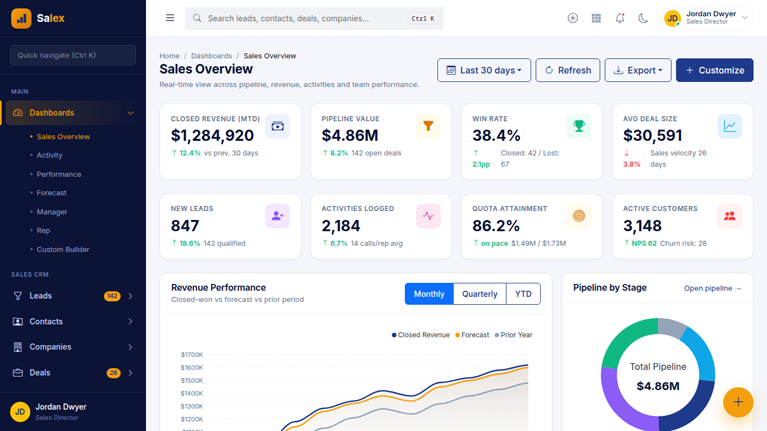
Most CRM products are not built from scratch. Building a pipeline view, contact management interface, deal analytics, and role-based navigation...
July 2, 2026
Answers to the questions we hear most about these templates.
Next.js dashboard template is a readymade interface for web applications that display and manage data. It combines server-side rendering, file-based routing, and a full set of pre-built UI components. Teams use Next.js dashboard templates to launch SaaS tools, analytics platforms, CRM systems, and operational admin panels faster.
React is a UI library; however, Next.js is a full framework built on React that adds server-side rendering, file-based routing, API routes, and static generation. The template gives you all of those capabilities built in. A React-only template requires you to configure routing, SSR, and API handling separately.
Building routing, authentication, dashboard layouts, and data tables from scratch takes weeks. This template puts all of that in place on day one. Your team skips the infrastructure phase entirely and works on product-specific features from the start. That time difference is significant on any real project.
A production-ready admin theme should include: multiple dashboard layouts with KPI panels, data tables with sorting and filtering, chart integrations, authentication pages, form components with validation, responsive navigation, TypeScript support, and dark mode. The Next.js templates at Mycreativetemplates include all of these, plus NextAuth, ApexCharts, and Tailwind CSS 3.
Yes. Data table components in these templates support pagination, server-side sorting, filtering, and search. Dashboard layouts display multiple KPI panels and chart widgets in a single view without disrupting the layout. Performance remains consistent as data volume increases because the data-fetching layer is decoupled from the view layer.
SSR is server-side rendering. Next.js generates the page HTML on the server before sending it to the browser. This means dashboard pages load fast for users and are indexed correctly by search engines. Every admin theme in this collection uses SSR where needed and static generation for pages that do not change on a per-request basis.
Yes. Every Next.js theme at MyCreativeTemplates is built with the App Router, which is the current routing architecture in Next.js 14. Routes are organized in the app directory. Server and client components are used correctly. The layout is predictable and follows the conventions Next.js teams expect.
After purchase, you receive immediate download access. Unzip the project, run npm install, add your environment variables, and start the development server with npm run dev. The project includes setup documentation. Most teams have the dashboard running locally within 30 minutes of download.
From strategy to execution, we help you create powerful digital experiences that drive real results.