


 Purchase Now
 Live Preview













 Purchase Now

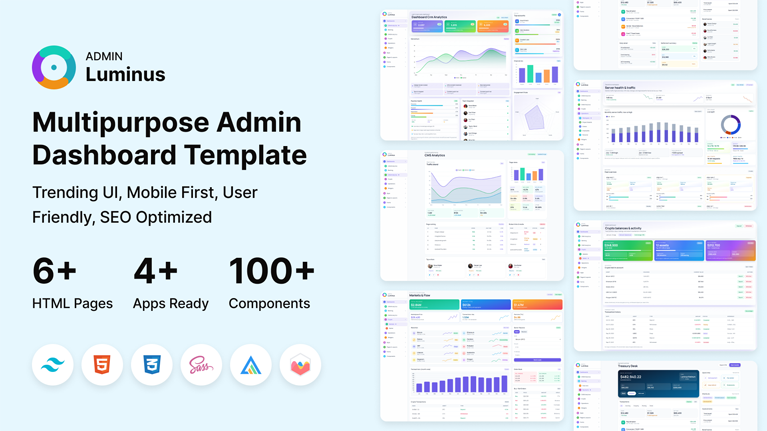
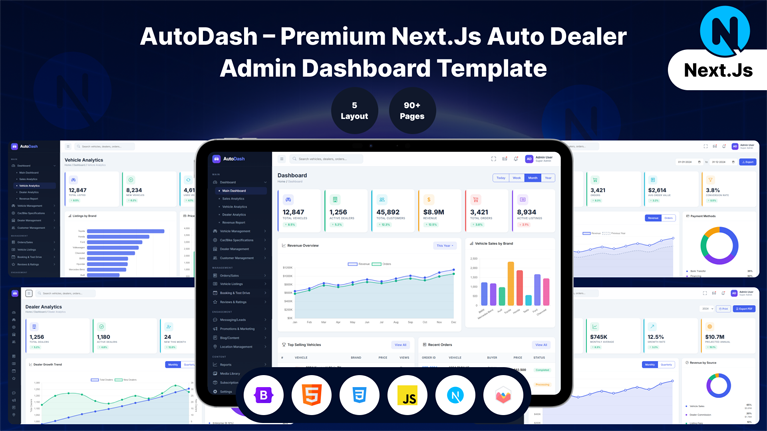
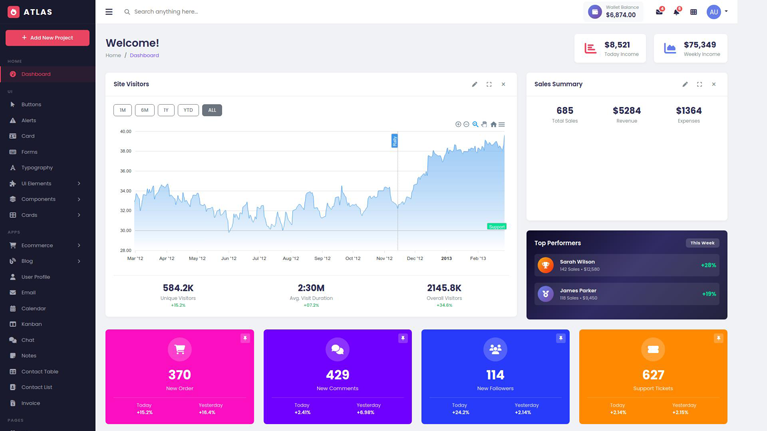
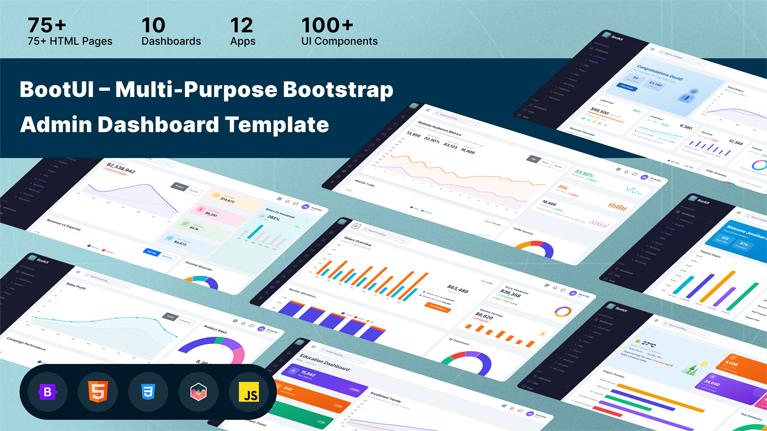
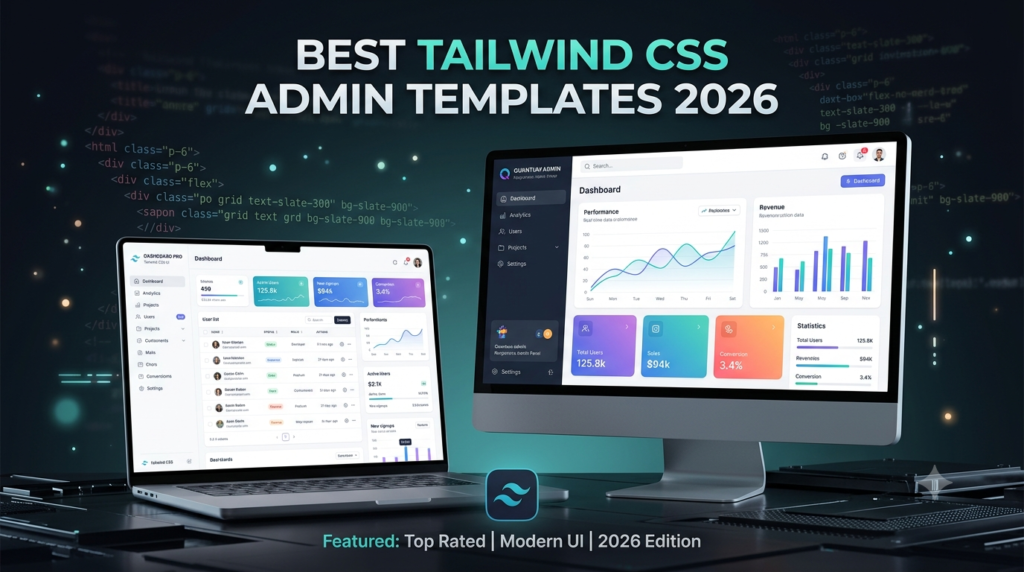
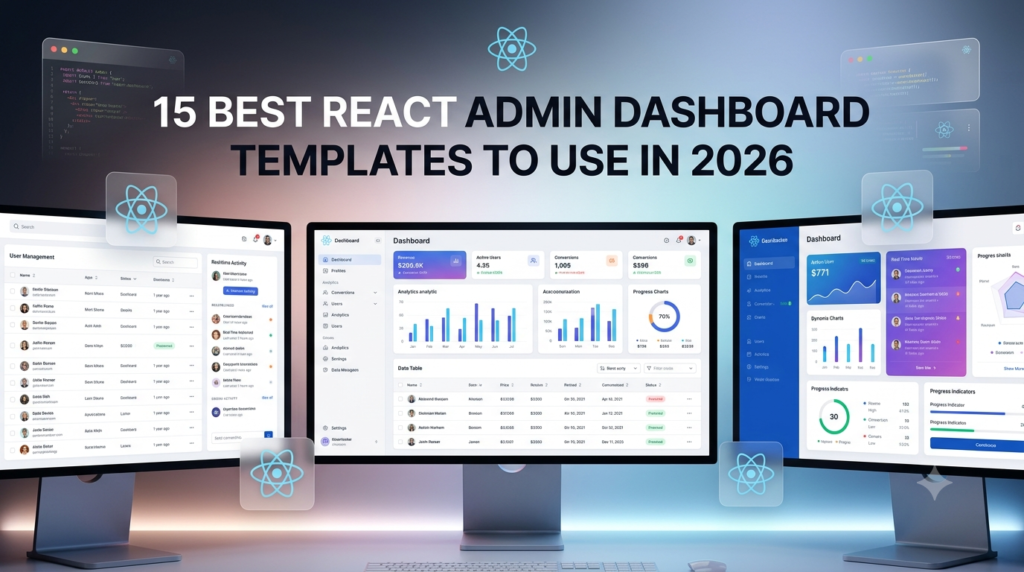
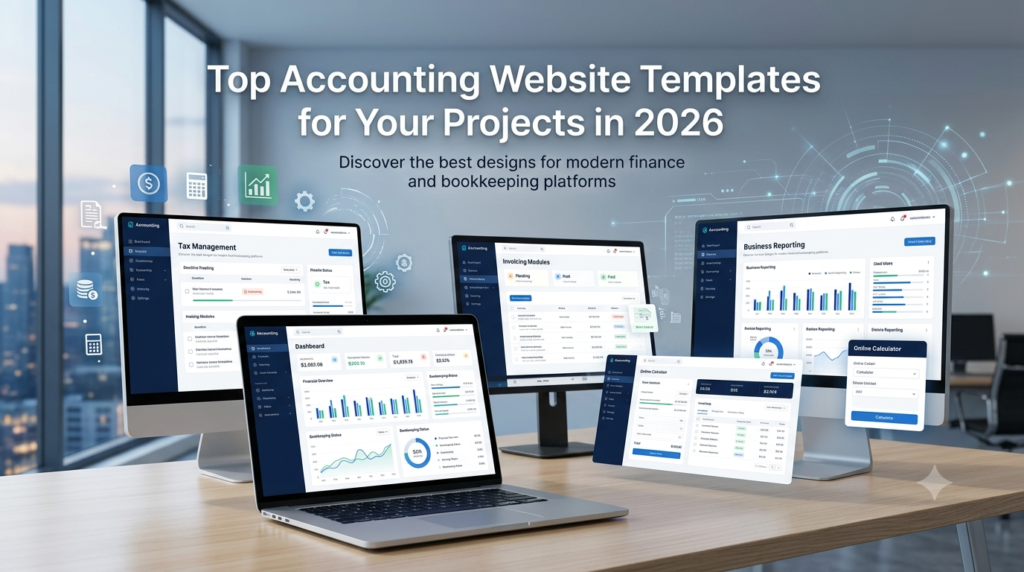
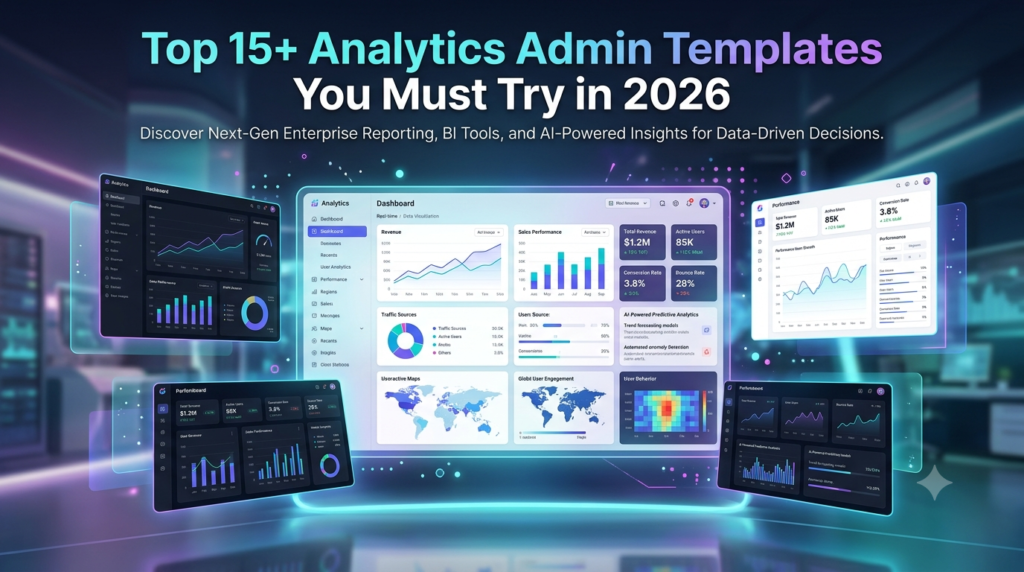
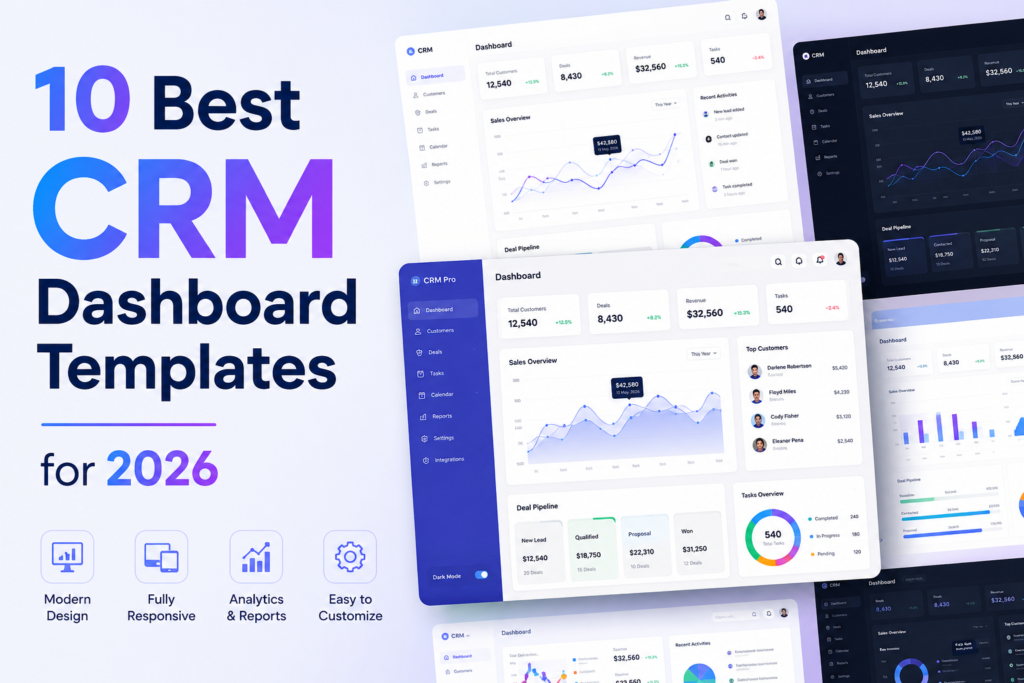
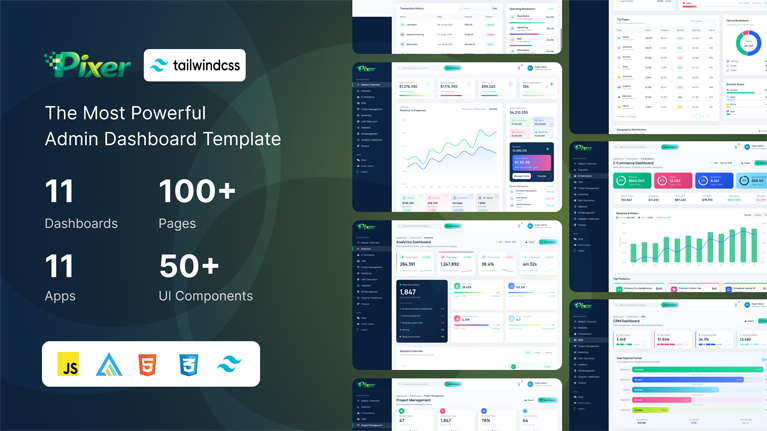
Pixer is a premium, production-ready HTML Tailwind CSS admin dashboard template built with Tailwind CSS. It comes packed with 100+ pages, 11 unique dashboard layouts, 11 built-in apps, and 50+ UI components — everything you need to build powerful admin panels, SaaS backends, CRM systems, ecommerce management panels, and web application dashboards in record time.
Moreover, there are no build tools, no npm, and no webpack required — just clean HTML, Tailwind CSS, and vanilla JavaScript. As a result, you can simply open it in your browser and start building right away. Furthermore, since the code is clean and well-organized, you can easily customize every aspect of the template to match your brand.
Why Pixer?
First and foremost, Pixer gives you a great mix of features and ease of use. Whether you build a SaaS tool, an online store backend, or a company admin panel, Pixer has all you need. Additionally, we update it often to keep up with the latest web standards. Here is what you get:
- Above all, you get 100+ ready-to-use HTML pages
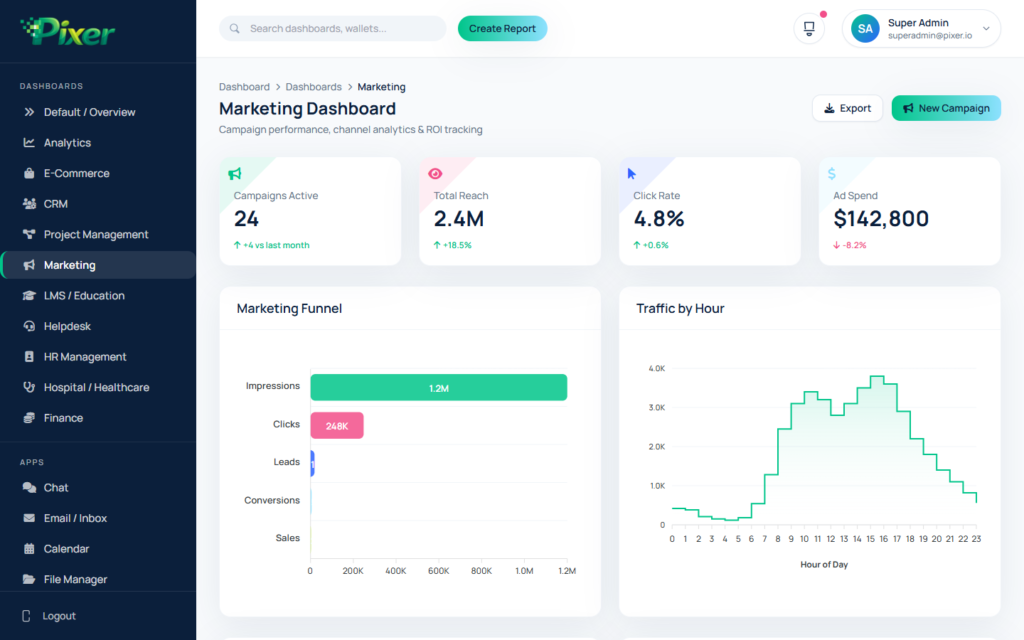
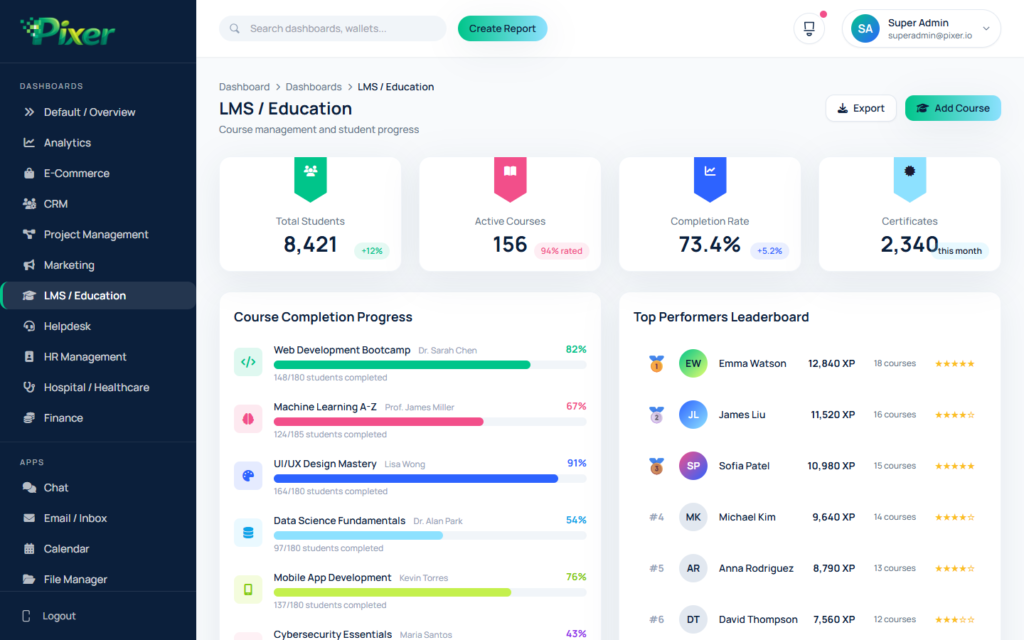
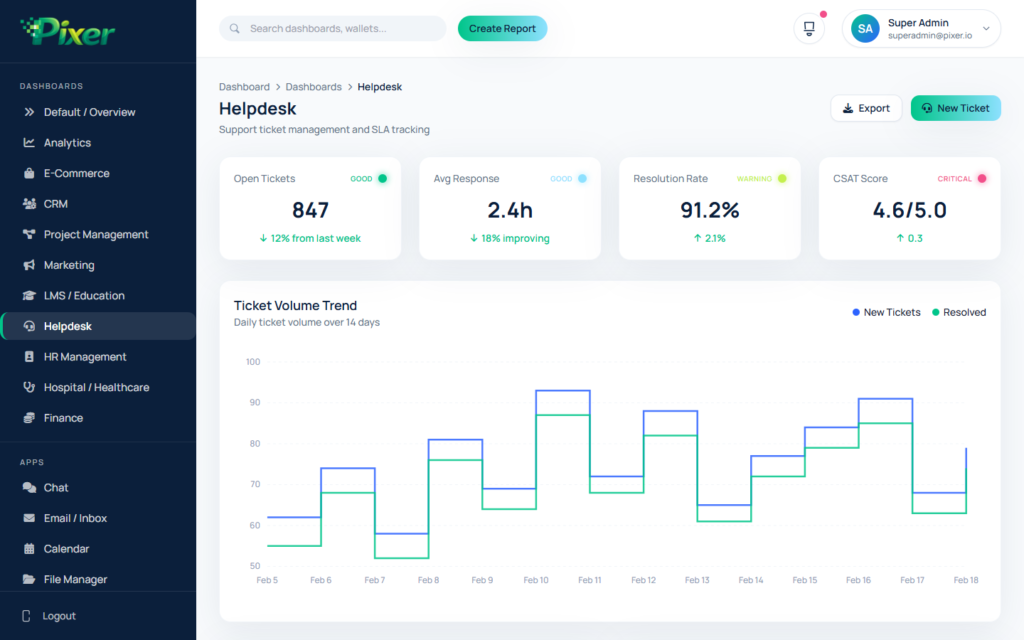
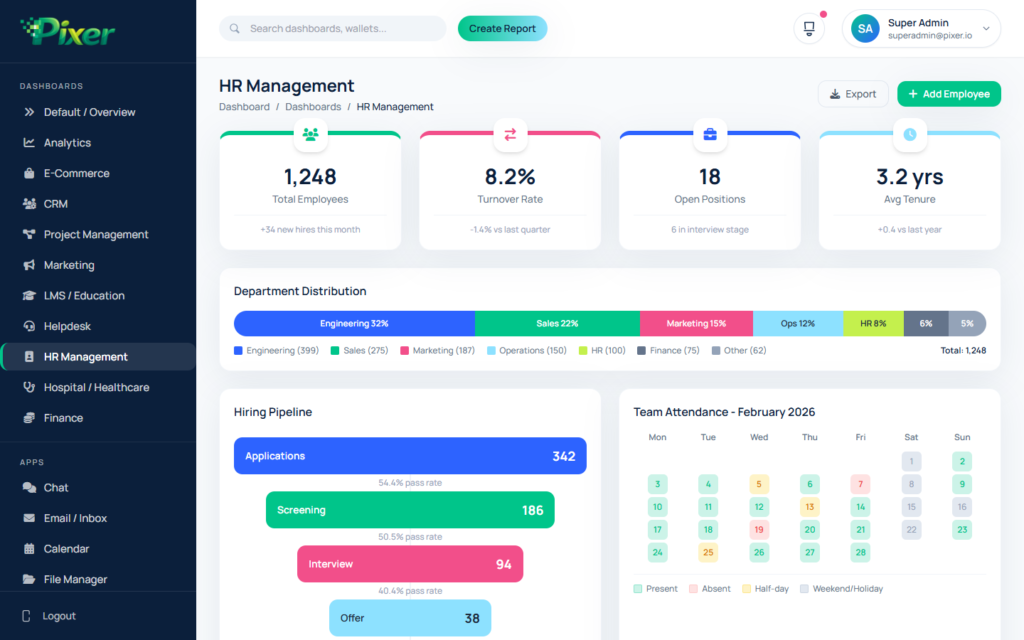
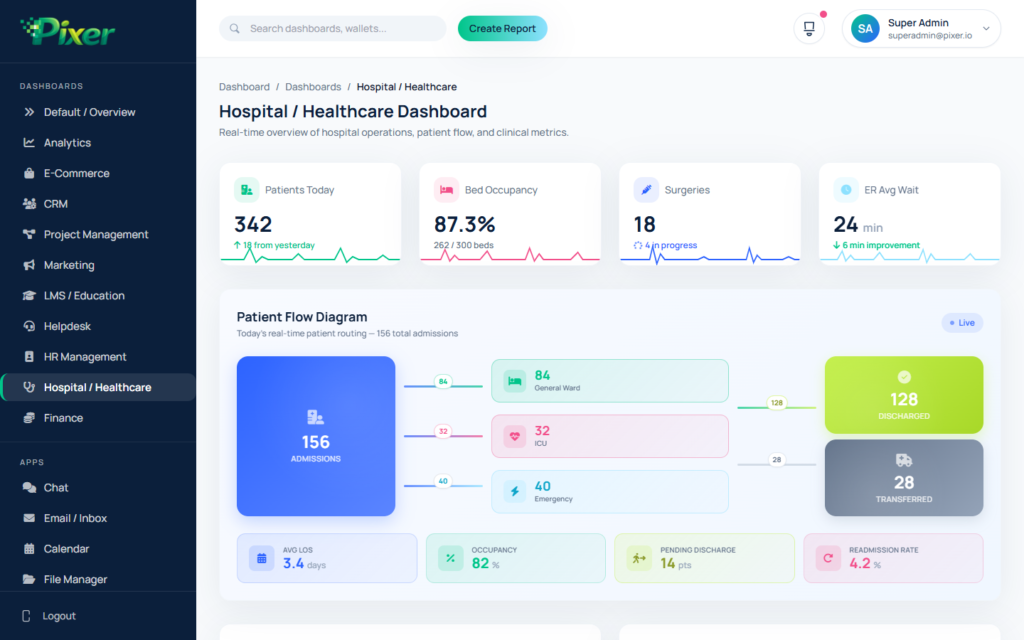
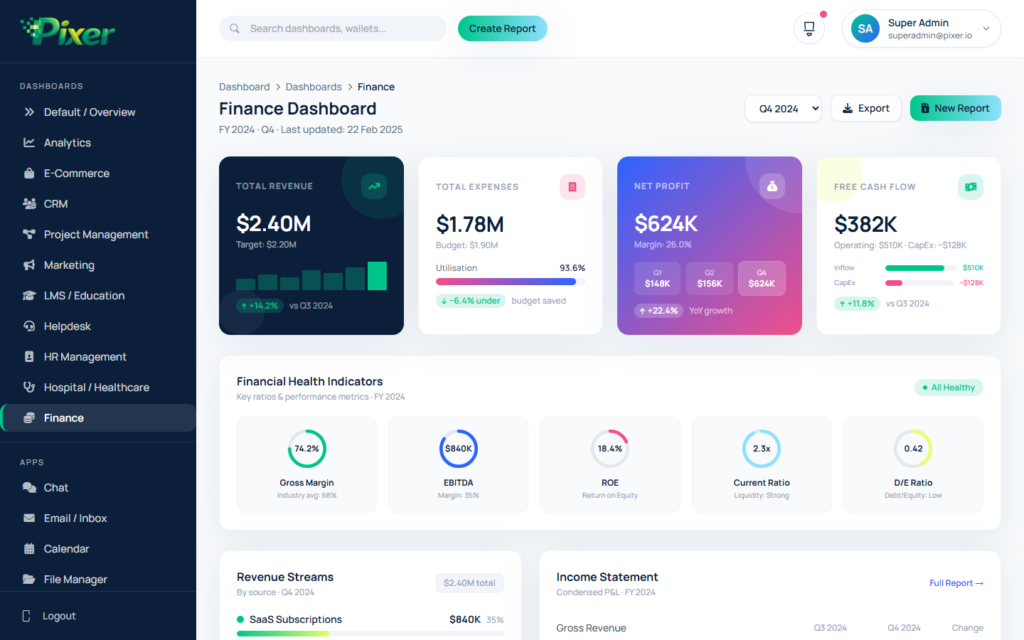
- In addition, you get 11 dashboard types like Analytics, eCommerce, CRM, Projects, Marketing, LMS, Helpdesk, HR, Hospital, and Finance
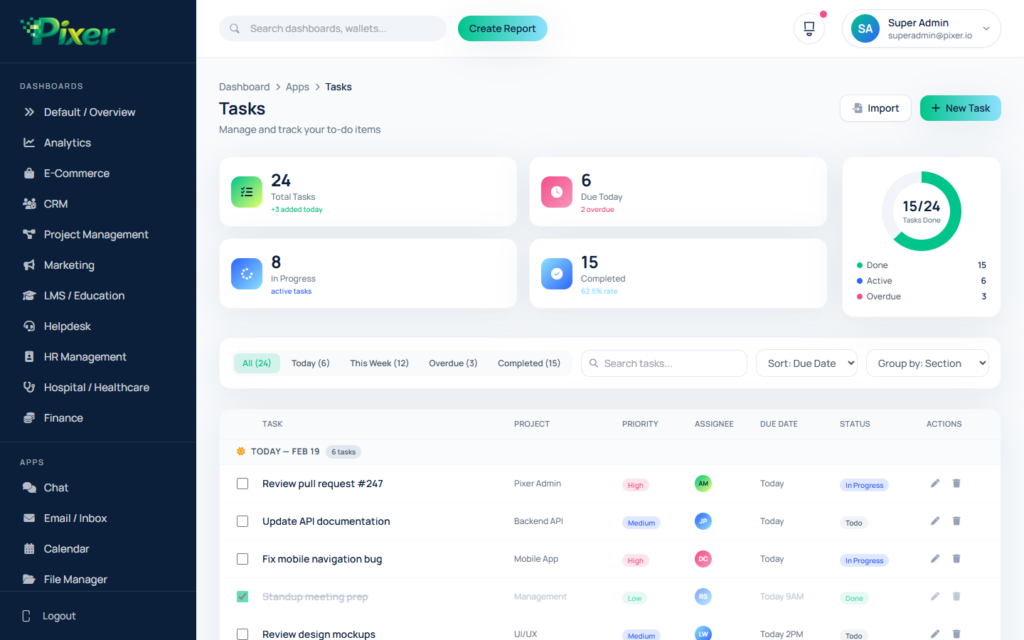
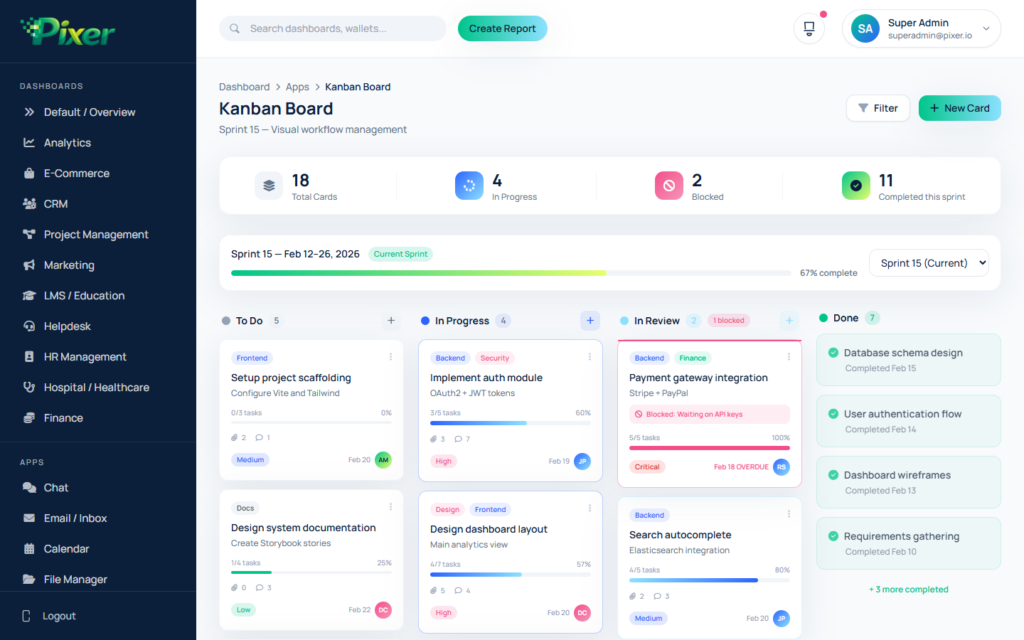
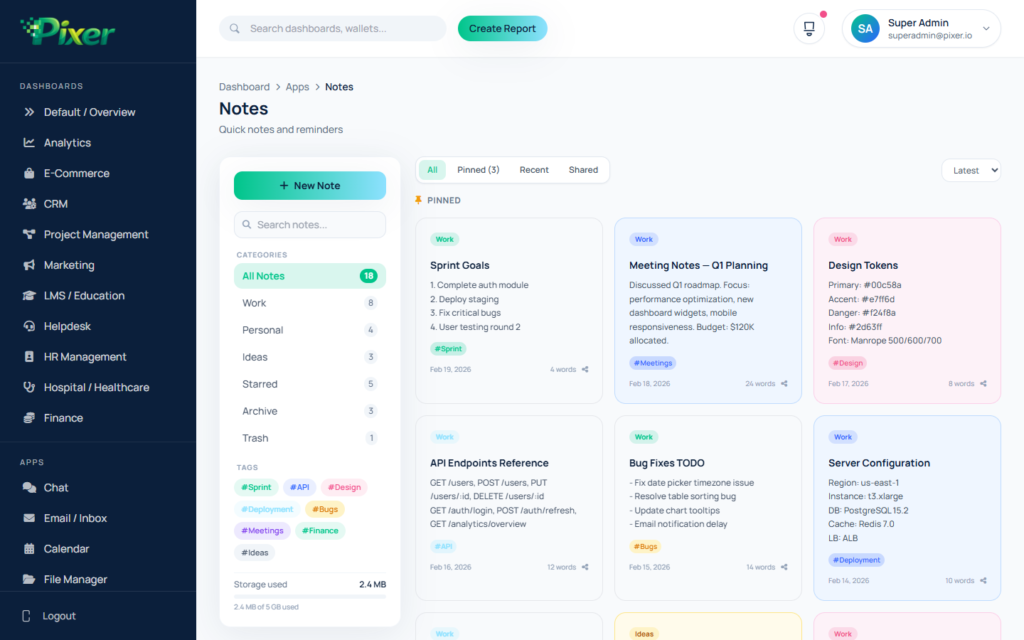
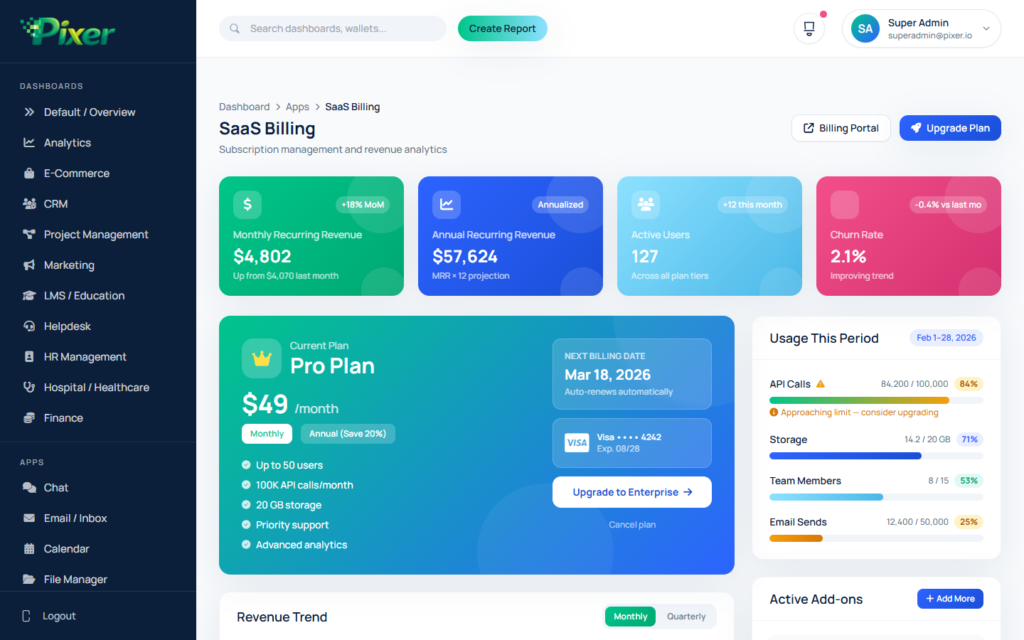
- Furthermore, Pixer ships with 11 apps like Chat, Email, Calendar, File Manager, Tickets, Tasks, Kanban, Notes, Contacts, SaaS Billing, and Crypto
- Also, it uses Tailwind CSS — therefore you can fully change every style
- Moreover, it has both dark mode and light mode with a smooth toggle
- Additionally, it fully supports RTL (Right-to-Left) layout
- Likewise, it works with many languages right out of the box
- Besides that, it looks great on phones, tablets, and desktops
- Also, it does not need jQuery to run
- Meanwhile, the code stays clean and easy for developers to read
- Similarly, it runs well on Chrome, Firefox, Safari, and Edge
- Finally, it needs no build step — as a result, you skip npm and webpack
11 Dashboard Types
We made each dashboard for a different business need. Therefore, you can pick the layout that fits your project best. Moreover, you can change it to match your goals. In short, these dashboards give you a great start for any field.
- Default Overview — first of all, a general admin dashboard
- Analytics — in particular, it shows data, traffic, and user stats
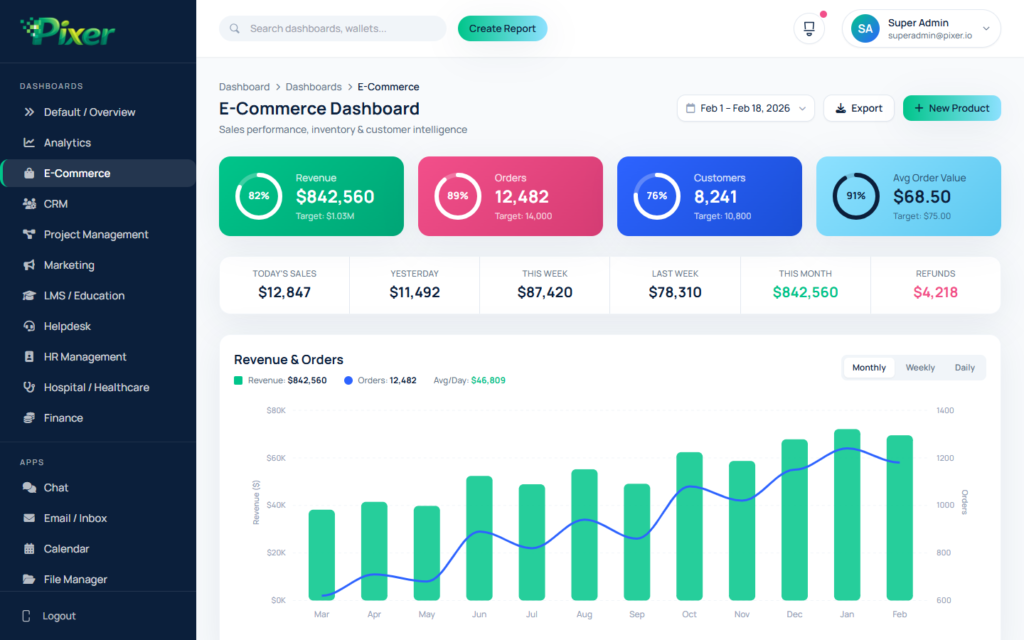
- eCommerce — specifically, it runs your online store and sales
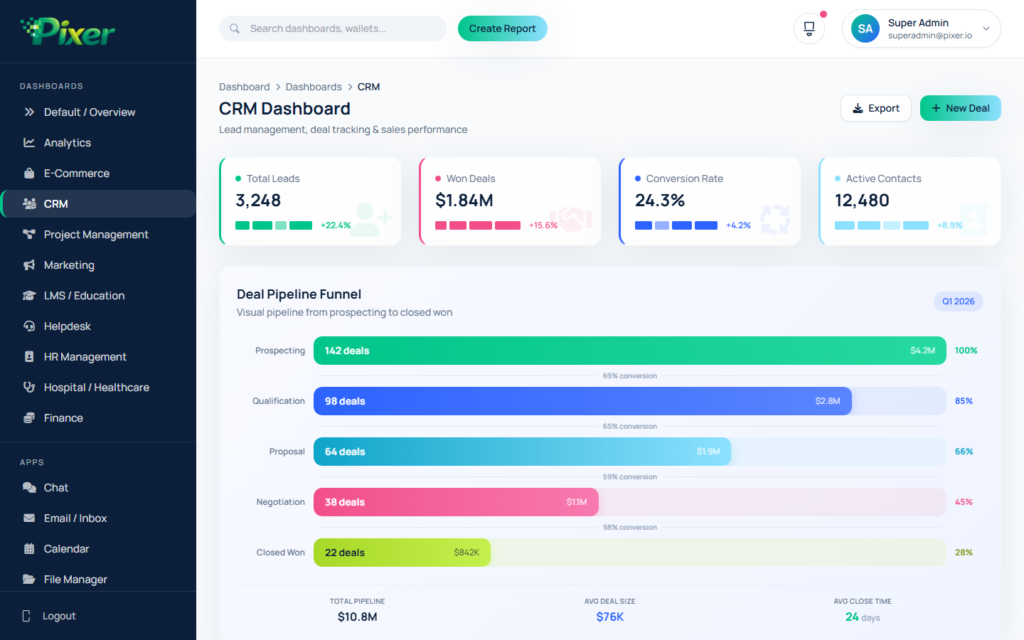
- CRM — moreover, it tracks sales leads and deals
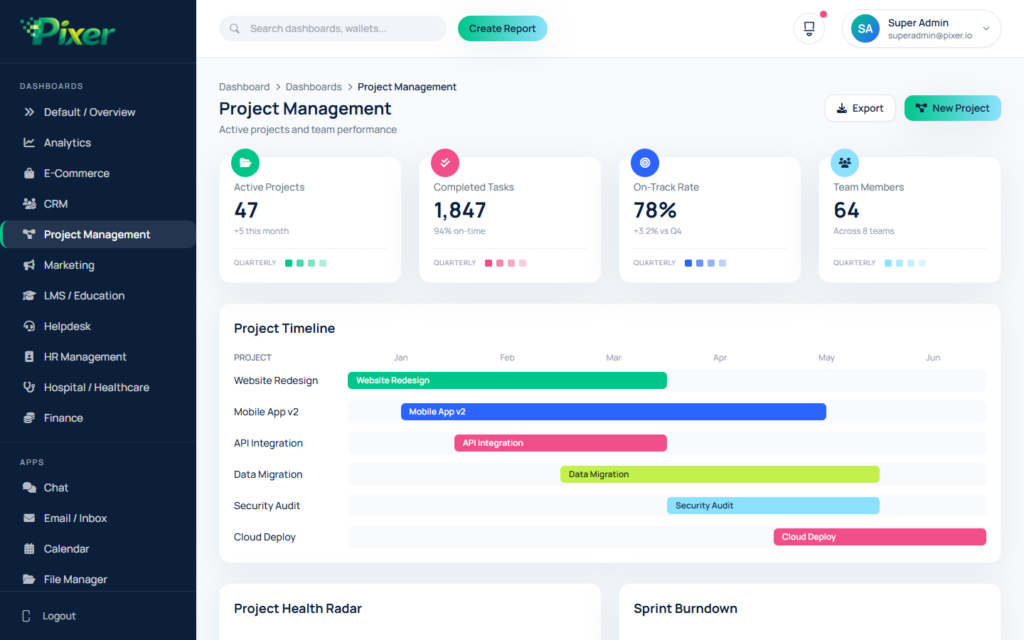
- Project Management — additionally, it covers tasks and teams
- Marketing — likewise, it shows campaign results and metrics
- LMS / Education — furthermore, it tracks courses and learning
- Helpdesk — similarly, it manages support tickets and agents
- HR Management — also, it handles staff and HR data
- Hospital / Healthcare — besides that, it covers patient data and records
- Finance — finally, it manages banking and money reports
Full eCommerce Module (10 Pages)
In addition to dashboards, Pixer has a full eCommerce module. As a result, you can run your whole online store from one admin panel. Furthermore, all pages work well together. So your workflow stays smooth and fast.
- First of all, you get product listing with grid and list views
- Additionally, a product details page shows all key info
- Moreover, you can add or edit products with ease
- Also, you can manage product groups and types
- Furthermore, the order page tracks all your sales
- Similarly, order details show full info for each sale
- In addition, you can track and manage all your buyers
- Likewise, a cart page lets users review their items
- Besides that, a checkout flow guides users through payment
- Finally, a reviews page lets buyers share ratings and feedback
CRM Module (6 Pages)
Furthermore, the CRM module lets you manage your sales flow and track leads. Also, you can watch team work from one place. As a result, your sales team stays on track and closes deals faster. In addition, CRM reports show you how your team does.
- First of all, lead tracking helps you find and convert new buyers
- Moreover, the deals view shows all active deals at a glance
- Additionally, you can manage your business contacts with ease
- Also, CRM contacts let you search and sort people fast
- Furthermore, activity tracking makes sure you never miss a follow-up
- Finally, CRM reports give you clear sales insights
Built-in Apps
On top of that, Pixer ships with 11 ready-made apps. As a result, these apps cover the most common admin panel tasks. Therefore, you do not have to build them yourself. Instead, you can focus on your main work while Pixer handles the rest.
- First of all, chat keeps your team in touch
- Additionally, the email app manages all your messages
- Moreover, a calendar helps you plan and track events
- Also, the file manager sorts all your uploads and files
- Furthermore, support tickets let you solve user issues fast
- Similarly, task lists keep your work in order
- In addition, the kanban board gives a visual project view
- Likewise, a notes app helps you save quick ideas
- Besides that, a contacts list manages all your people
- Also, the SaaS billing app handles plans and payments
- Finally, a crypto tracker watches your digital assets
Login & Sign Up Pages
Additionally, Pixer gives you a full set of login and sign up pages. As a result, your users get a smooth and safe experience. Moreover, these pages work great on all screen sizes. Therefore, your login flow looks good on every device.
- First of all, a clean login page greets your users
- Moreover, the sign up page lets new users join fast
- Additionally, the forgot password page helps users get back in
- Furthermore, the reset password page lets users set a new one
- Similarly, email checks make sure accounts are real
- Also, OTP codes add extra safety
- Finally, the lock screen guards idle sessions
User & Access Control
Likewise, you can manage users, roles, and access with ease. Moreover, audit logs help you track every action in your system. As a result, you keep full control over who can do what in your admin panel.
- First of all, a user list shows all signed up users
- Additionally, user profiles show details for each person
- Furthermore, roles control what each user can access
- Moreover, teams group users for better teamwork
- Also, audit logs track all actions in real time
- Finally, KYC checks confirm user identity safely
50+ UI Parts
Meanwhile, the big UI library gives you all the blocks you need. As a result, you can build new pages fast by mixing these ready parts. In addition, every part fits any screen size. Therefore, your pages look great on all devices with no extra work.
- First of all, clean text styles keep your fonts steady
- Additionally, a full color system ties your design together
- Moreover, Font Awesome 6 gives you 2,000+ icons
- Furthermore, buttons come in many styles and sizes
- Also, badges mark status across the layout
- Similarly, cards hold content in neat boxes
- In addition, alerts and toasts show user notices
- Likewise, modals and popups manage overlay content
- Besides that, dropdowns give quick access to menus
- Moreover, tabs and panels sort content clearly
- Also, avatars show user photos and initials
- Furthermore, tooltips show extra info on hover
- Additionally, a grid system keeps layouts even
- Similarly, loaders and spinners show progress
- Also, a timeline shows events in order
- Finally, widgets give quick data views at a glance
Form Pages
Similarly, the form pages cover basic inputs to step-by-step wizards. As a result, you can handle any data entry task with ease. Moreover, form checks review all user input first. Therefore, you can make sure data is right before saving.
- First of all, basic form fields cover all input types
- Additionally, form layouts adapt to different needs
- Furthermore, form checks test data before saving
- Moreover, a step wizard guides users through long forms
- Also, date and time pickers make entry simple
- Similarly, smart dropdowns make picking options easy
- In addition, file upload handles docs and media
- Likewise, a rich text editor lets users write styled content
- Finally, input masks keep data in the right format
Charts & Data Views
In particular, Pixer uses three strong chart libraries. Therefore, you can show your data as line charts, bar charts, pie charts, and more. Moreover, these charts react to user clicks and hovers. As a result, your data views look great on every screen.
- First of all, ApexCharts gives you line, bar, area, pie, donut, radar, and heatmap charts
- Additionally, Chart.js offers light and fast chart options
- Furthermore, ECharts brings advanced and fully custom views
Tables
Also, the table pages give you both simple and advanced data tables. Moreover, they support sorting, filtering, and inline editing. As a result, you can manage big data sets with ease.
- First of all, basic tables show data in a clean layout
- Additionally, DataTables with sort, filter, and page controls handle big data
- Furthermore, inline tables let you change data right in the table
Maps
Besides charts and tables, Pixer also has map tools. Therefore, you can show location data with ease. Moreover, you can pick from two map types.
- First of all, Google Maps powers your location features
- Additionally, vector maps from jsVectorMap give you light world map views
Extra Pages
Finally, Pixer adds more pages to round out the template. As a result, you have all you need for a full admin panel. Moreover, these pages use the same design style. Therefore, the whole template feels smooth and united.
- First of all, a landing page shows off your product
- Additionally, account settings let users change their options
- Furthermore, search pages help users find content fast
- Moreover, a notice center keeps users up to date
- Also, a pricing page shows your plans clearly
- Similarly, a FAQ page answers common questions
- In addition, a help center gives users detailed guides
- Likewise, terms pages cover all legal needs
- Finally, a docs page walks developers through setup
Tech Stack
We built Pixer with modern and trusted tools. As a result, you get fast speed, easy changes, and long-term support. Moreover, we picked each library with care. Therefore, all parts work well together from the start.
- First of all, Tailwind CSS gives you fast, class-based styling
- Additionally, Plain JavaScript means no extra framework needed
- Moreover, ApexCharts creates live charts and graphs
- Furthermore, Chart.js offers light chart options
- Also, ECharts brings advanced data charts
- Similarly, Font Awesome 6 gives you 2,000+ icons
- In addition, GridJS powers smart data tables
- Likewise, SweetAlert2 creates nice alert pop-ups
- Besides that, Toastr shows toast notices
- Also, jsVectorMap draws world maps
- Finally, Google Fonts (Manrope) adds clean text styles
All Features at a Glance
To sum up, here is a full list of what Pixer offers. In short, this template covers every part of modern admin panel work:
- Above all, Pixer gives you 100+ HTML pages
- Additionally, 11 dashboard types cover every field
- Moreover, 11 built-in apps save you hours of work
- Furthermore, 50+ UI parts give you key building blocks
- Also, Tailwind CSS powers all the styling
- Similarly, you can switch between dark and light mode fast
- In addition, full RTL support serves global users
- Likewise, it works in many languages
- Besides that, it fits all screen sizes
- Moreover, a side menu with sub-levels keeps things tidy
- Furthermore, a full eCommerce module runs your online store
- Also, a full CRM module tracks sales and leads
- Additionally, login pages cover sign in, sign up, OTP, and password reset
- Similarly, user roles control who can do what
- In particular, chart libraries show your data clearly
- Consequently, data tables manage big data sets well
- Moreover, form wizards and checks handle tricky data entry
- Furthermore, file upload parts manage your docs
- Also, a rich text editor lets you write styled content
- Additionally, Google Maps and vector maps show location data
- Meanwhile, we test it on all major browsers
- Therefore, clean code makes it easy to read and change
- As a result, you need no build tools to deploy
- In conclusion, we promise easy changes and regular updates
- Above all, our support team is always here to help
Support & Updates
We give you full support. As a result, we reply to all questions within 24 hours on work days. In addition, we update Pixer often with new pages and features. Therefore, your admin panel stays modern at all times. Moreover, we read all user feedback to keep making it better.
If you have questions before buying, please reach out on our profile page. Furthermore, we are always glad to help. Also, we look forward to hearing from you! So do not hold back from asking us anything.







 Live Preview