Vue Admin Templates

Vue Admin Templates

Vue makes building modern interfaces feel smooth. Reactive state flows through components. DOM updates feel instant. Interfaces respond without friction. Yet building a serious Vue interface still takes time. Dashboards need clear structure. Navigation must feel predictable. Tables must handle large datasets without overwhelming the UI. Authentication flows require protection. APIs must connect reliably. Most development time disappears inside that interface foundation.

1 Templates

Vue Templates

Vue makes building modern interfaces feel smooth. Reactive state flows through components. DOM updates feel instant. Interfaces respond without friction. Yet building a serious Vue interface still takes time. Dashboards need clear structure. Navigation must feel predictable. Tables must handle large datasets without overwhelming the UI. Authentication flows require protection. APIs must connect reliably. Most development time disappears inside that interface foundation.

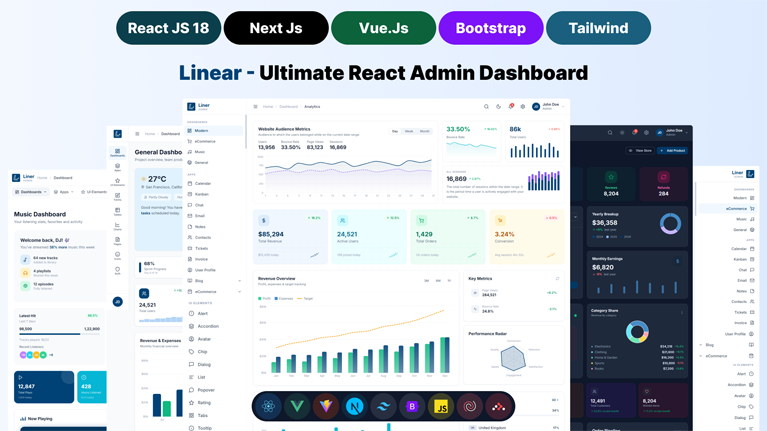
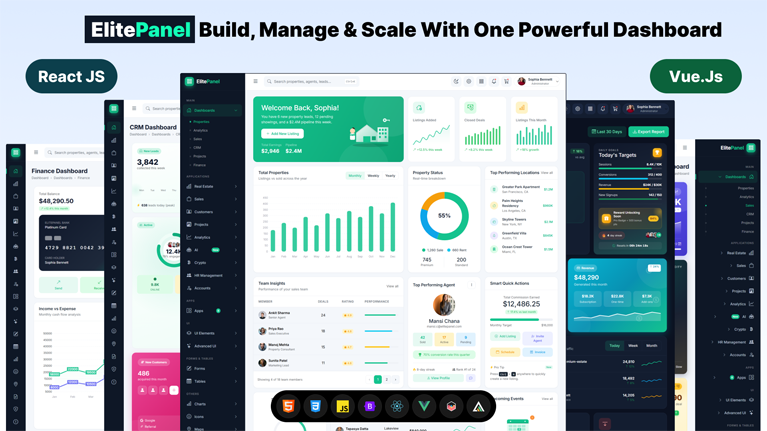
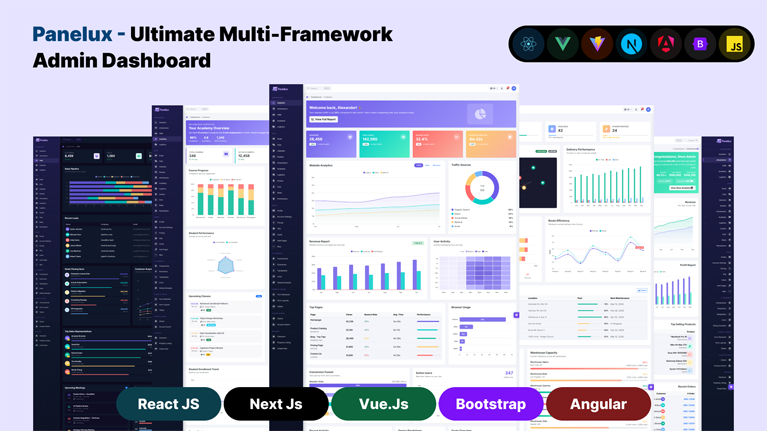
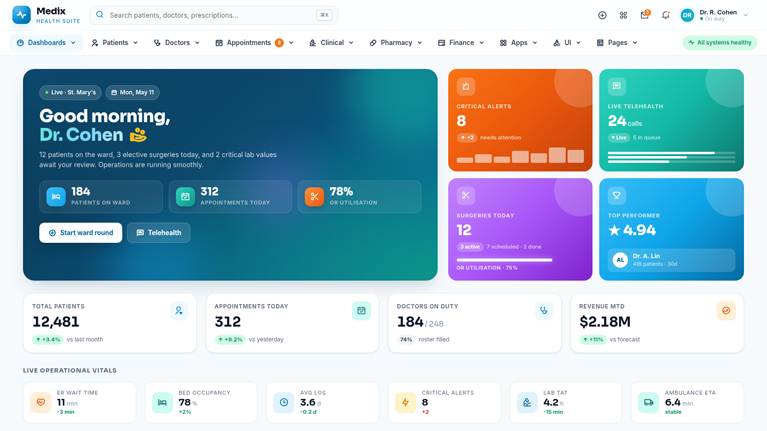
Our Vue templates remove that burden immediately. Open the template and the interface already behaves like a finished application. Dashboards present operational metrics clearly. Tables organize large datasets without visual clutter. Navigation links modules naturally across the product. Forms, calendars, analytics panels, and administrative screens already exist inside the interface. Instead of building the entire UI layer from scratch, you step directly into a Vue environment that already feels structured, responsive, and production-ready.

Easy to Use Vue Templates That Behave Like Complete Applications

Vue excels at reactive UI development. Components update automatically. State flows through the interface with clarity. But the first working interface still requires enormous setup.

Most developers spend the early phase building layouts, wiring navigation, and stabilizing screen structure.

Our Vue templates eliminate that entire stage.

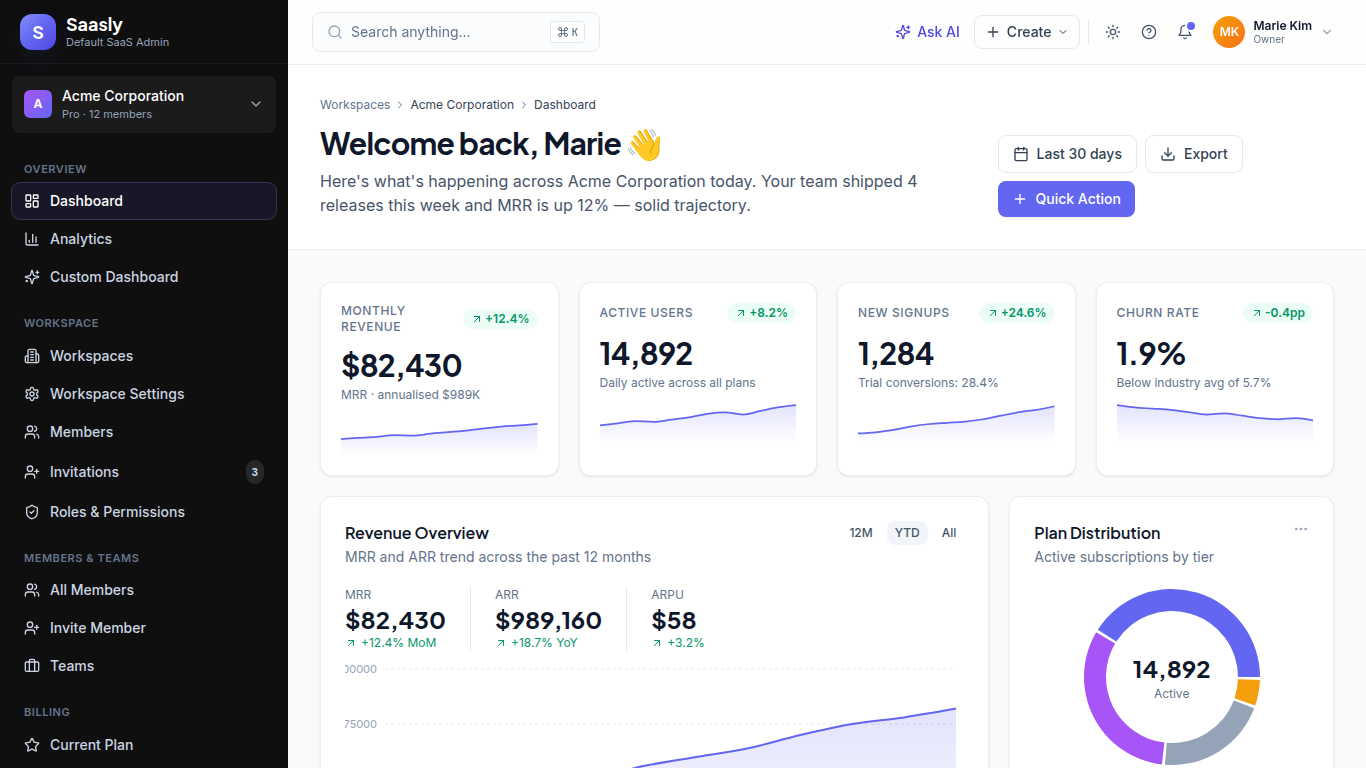
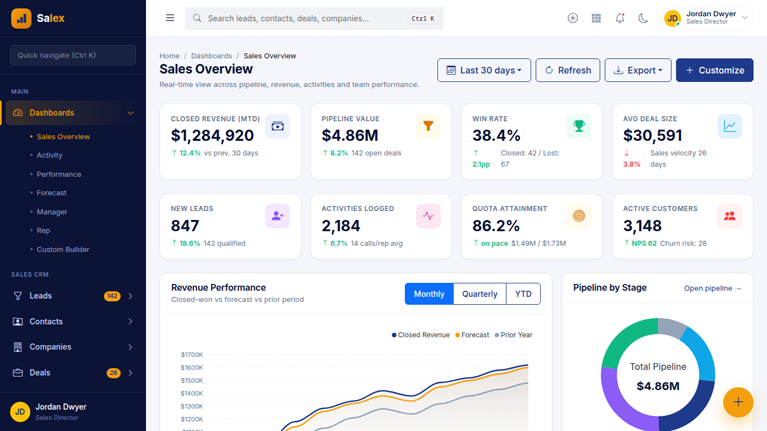
You open the template and the application interface already feels organized. Dashboards display operational metrics clearly. Administrative panels manage records without visual chaos. Analytics screens present data through charts, tables, and reporting panels that already feel familiar to users.

Instead of shaping every interface element from scratch, you begin with a Vue environment that already looks and behaves like professional software.

Your attention moves directly to business logic.

Fully Customizable Templates Built on Vue 3 Architecture

Our templates follow the Vue 3 ecosystem closely.

The interface uses Vue’s component structure so screens remain modular and predictable. Each section of the application exists as reusable components that interact through reactive state.

Pinia manages global application state with clarity. Data flows through components without tangled store logic. State updates propagate instantly across dashboards, panels, and administrative modules.

Routing uses Vue Router to organize navigation across multiple application areas. Authentication layers guard protected routes through JWT validation. Axios manages communication between the interface and backend APIs, keeping data synchronization reliable.

Developers step into a Vue environment that already reflects modern application architecture.

Best Vue Templates With Organized Feel

A dashboard application requires more than visual components. It needs structural discipline.

Users move between reporting panels, management screens, analytics views, and configuration modules constantly. Without strong layout consistency, the interface quickly becomes confusing.

Our Vue templates maintain visual stability across the entire interface.

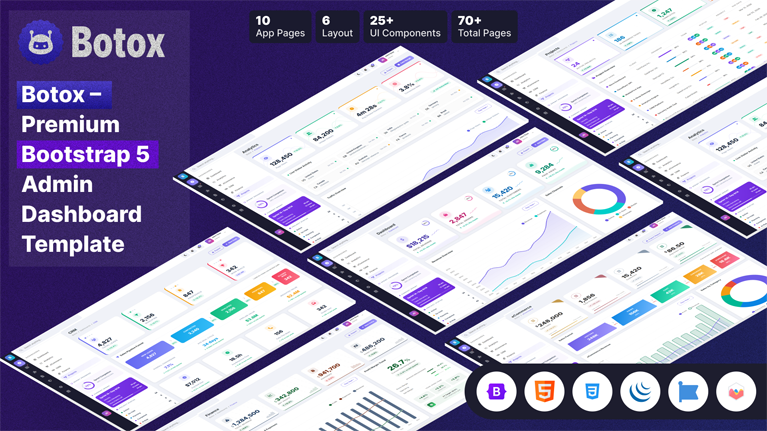
Dashboards present operational metrics through structured widgets. Tables manage large datasets without overwhelming the layout. Forms maintain consistent spacing and hierarchy across multiple screens. Navigation preserves the same rhythm across dashboards, analytics modules, and configuration areas.

That stability creates an interface where users understand the system instantly.

Built-In Systems That Developers Normally Spend Weeks Creating

A serious application demands infrastructure beyond simple UI elements.

Our templates already include the core systems that support production software.

  • Pinia State Management keeps application state organized across dashboards and modules
  • Vuetify Components maintain consistent Material Design patterns across the interface
  • Axios API Integration connects frontend requests to backend services smoothly
  • JWT Authentication Guards protect routes and secure application access
  • Vue Router Navigation organizes screens across complex applications
  • ApexCharts Analytics Panels visualize operational data through interactive charts
  • Internationalization (i18n) prepares the interface for multilingual environments

These systems already operate inside the template.

Instead of configuring infrastructure piece by piece, developers step directly into a Vue application environment that already works.

High-Growth Interface

As applications evolve, interfaces become complex.

New dashboards appear. Administrative panels expand. Reporting modules multiply. Data grows larger.

Most templates collapse under that pressure. Layout consistency disappears. Navigation becomes confusing. The UI slowly drifts apart.

Our Vue templates prevent that.

Shared components maintain visual consistency across every module. Layout patterns remain recognizable as new screens appear. Navigation continues guiding users through the application without confusion.

Even as the product expands, the interface stays structured.

Accelerate Your  Development With Our Vue Templates

Development speed changes dramatically when the interface foundation already exists.

Instead of spending weeks stabilizing layouts, developers begin with a Vue environment that already resembles finished software.

Dashboards feel organized immediately. Tables manage records cleanly. Analytics panels present meaningful insights. Administrative screens allow structured management of data.

The template becomes the operating surface where development continues.

From there, teams extend functionality, integrate APIs, and shape the business logic that powers the application.

The interface remains stable while the platform evolves.

Frequently Asked Questions

Common questions about Vue Admin Templates

How quickly can you start building inside our Vue templates?
Very quickly. The moment you open our Vue templates, the interface already behaves like a working application. Dashboards show operational metrics. Tables organize large datasets clearly. Navigation links screens across the product without confusion. Routing already follows Vue Router conventions, and Pinia manages shared application state across components. You step into a stable Vue environment instead of building interface foundations from scratch. That means your attention shifts immediately to business logic, backend integrations, and feature development while our templates quietly maintain the interface structure underneath your project.
Will our Vue templates still hold together after heavy customization?
Yes, and that matters more than most developers expect. Our Vue templates maintain visual discipline even after deep customization. You can reshape layouts, add modules, expand dashboards, or rebuild entire sections of the application. The interface still feels organized because the templates maintain consistent spacing, component hierarchy, and layout rhythm across every screen. Navigation continues guiding users naturally through the product. Tables stay readable. Panels remain balanced. As your application evolves, the interface continues behaving like a professional software platform rather than collapsing into visual chaos.
Can our Vue templates handle complex dashboards and large datasets?
Absolutely. Our templates organize information with clarity even when the application handles heavy operational data. Dashboards display key metrics through analytics widgets and visual panels that help users understand patterns quickly. Tables manage large datasets while preserving readability across rows and columns. Filters, sorting tools, and pagination support high-volume data environments. Administrators move through reports, analytics screens, and management panels without the interface becoming overwhelming. The result feels calm, structured, and predictable even while the application processes large volumes of data behind the scenes. How do our Vue
Templates manage application state across multiple screens?
Our templates use Pinia to manage shared application state across the interface. Data flows through components cleanly without tangled store logic or unpredictable updates. When a record changes, the reactive system updates every connected component automatically. Dashboards refresh. Tables update. Panels reflect new information immediately. Developers avoid building complex state management systems manually because the store architecture already exists inside the template. That structure keeps application logic predictable while the reactive Vue environment continues maintaining a smooth interface experience across the product.
Can our Vue templates integrate with existing APIs and backend systems?
Yes. Our templates already include Axios integration for API communication between the frontend and backend services. Requests move through structured HTTP layers while Vue components receive data through reactive updates. Developers connect REST APIs, Node environments, or microservices without rebuilding the communication layer. Authentication systems using JWT protect secured routes across the application. As backend services respond, the interface reflects updated data across dashboards, tables, and administrative panels instantly. The template becomes the visual operating surface where your backend services appear inside a structured application interface.
Will our Vue templates remain stable as the application grows?
Yes. Growth usually destroys interface consistency in most dashboards. New modules appear. Navigation expands. Layout balance slowly disappears. Our Vue templates prevent that scenario. Shared component patterns maintain visual stability across new screens and features. Navigation continues following the same structural logic across modules. Dashboards preserve spacing rhythm even as widgets expand. Tables continue managing large datasets without overwhelming the layout. As the product evolves, the interface keeps the same recognizable structure that users already understand.
What do developers usually notice first after using our Vue templates?
They notice stability. The interface stops drifting. Layout decisions stop changing every week. Screens already feel organized the moment the template opens. Developers quickly realize they spend far less time repairing UI structure and far more time building features. The template quietly maintains navigation discipline, component consistency, and dashboard balance while the application grows. That stability changes development momentum. Teams focus on product functionality while the interface continues behaving like a finished software platform from the very beginning.

Stay Updated

Subscribe to our newsletter and get notified about new templates, updates, and exclusive offers.

    No spam, unsubscribe anytime.