
Admin Dashboard Templates for SaaS & CRM
Admin Dashboard Templates for React, Next.js, Angular, Vue & Tailwind Built for Data-Heavy Web Applications
17 Templates






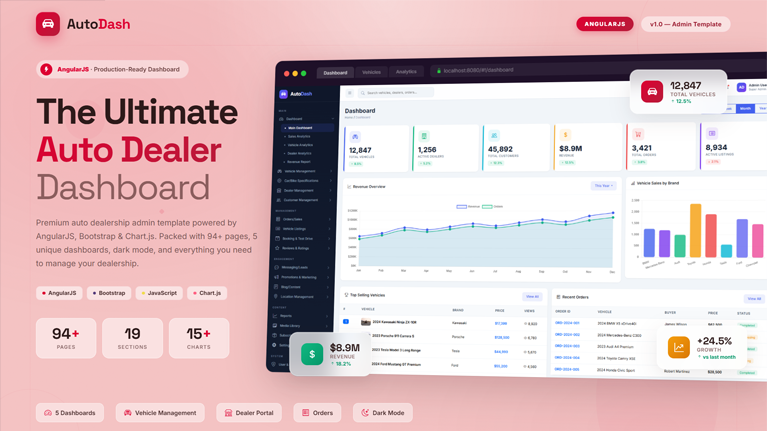
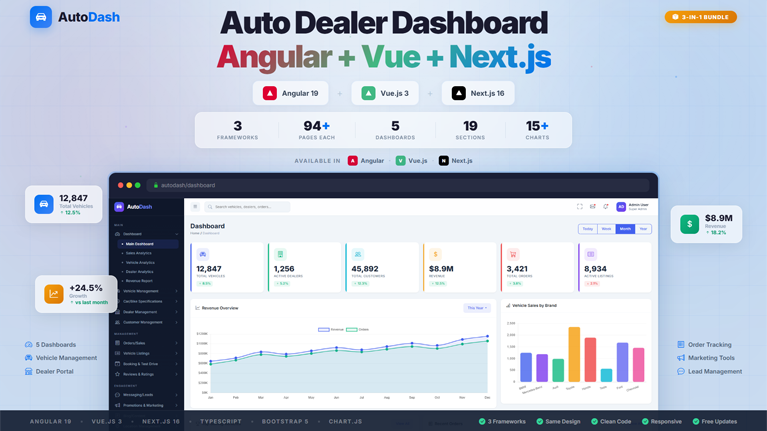
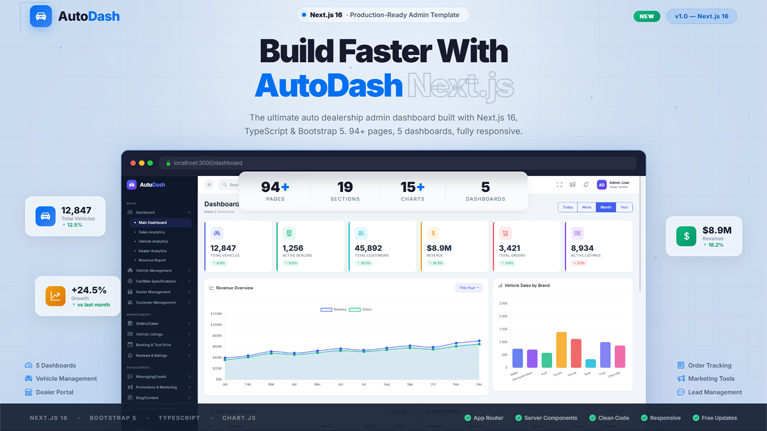
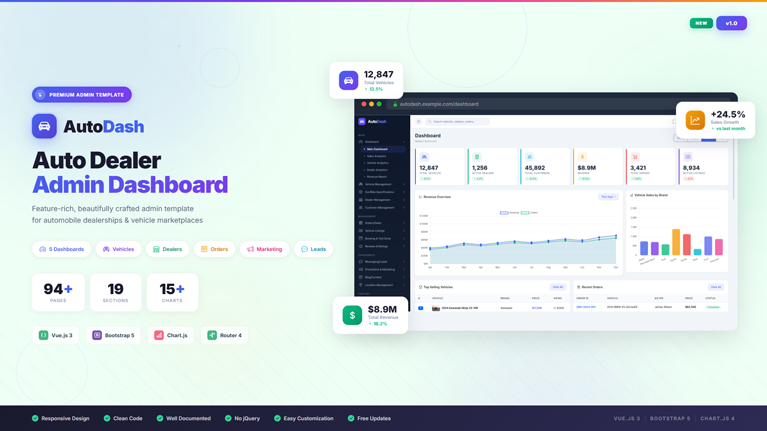
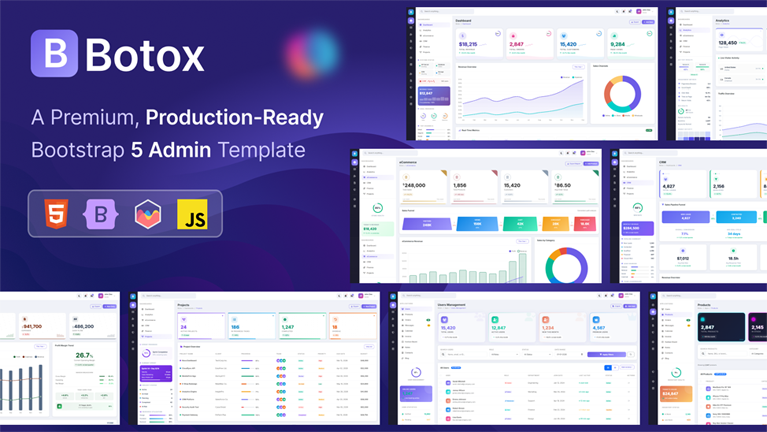
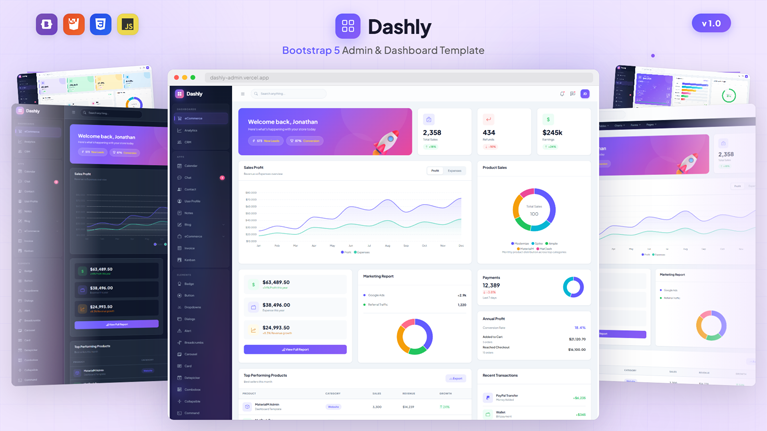
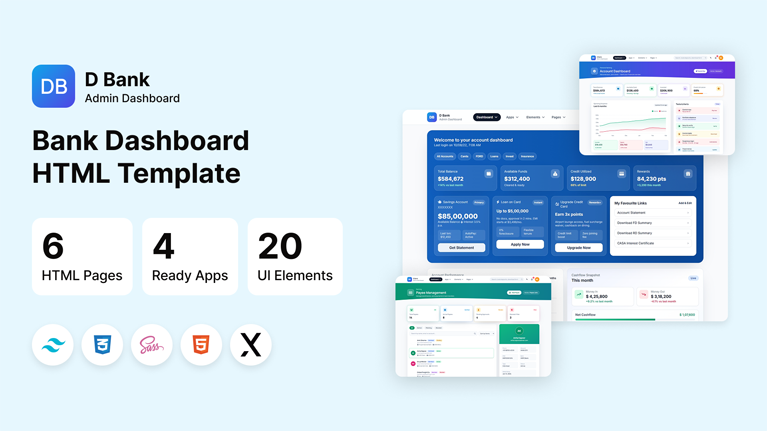
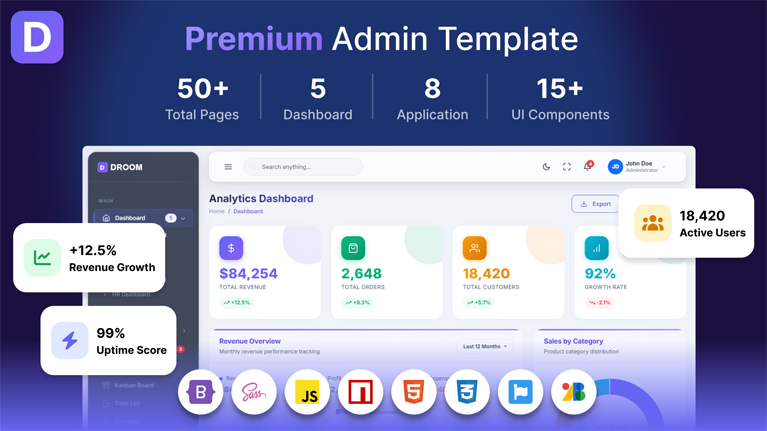
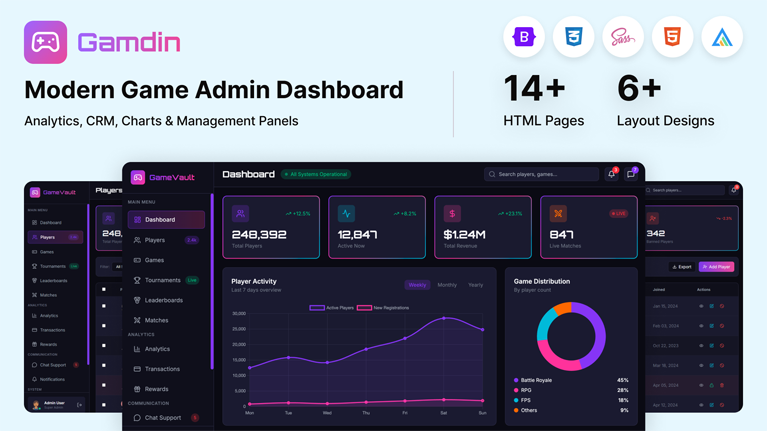
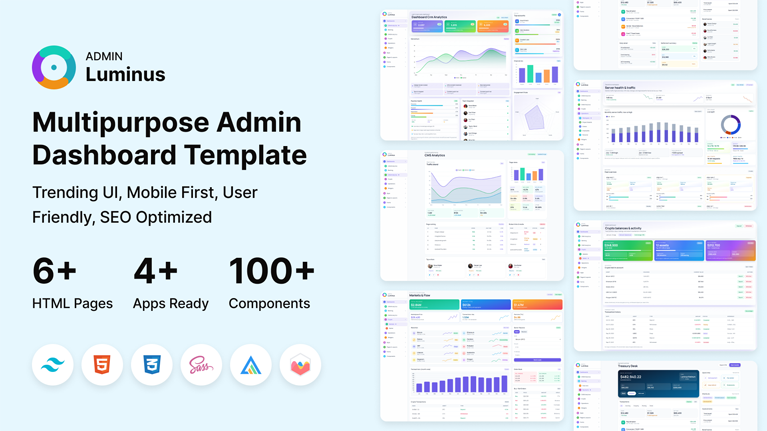
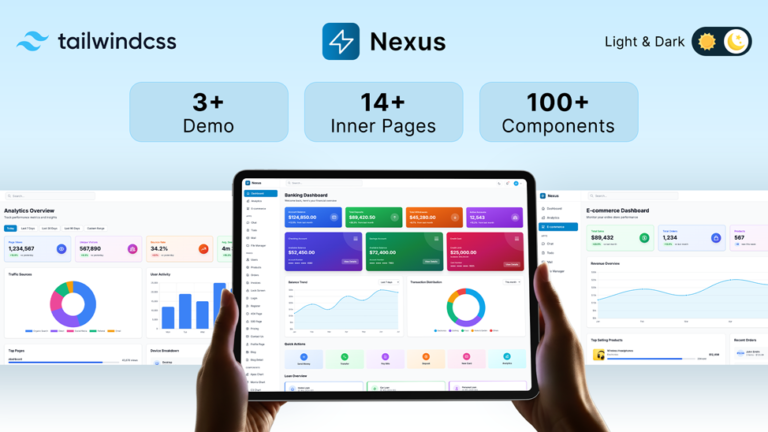
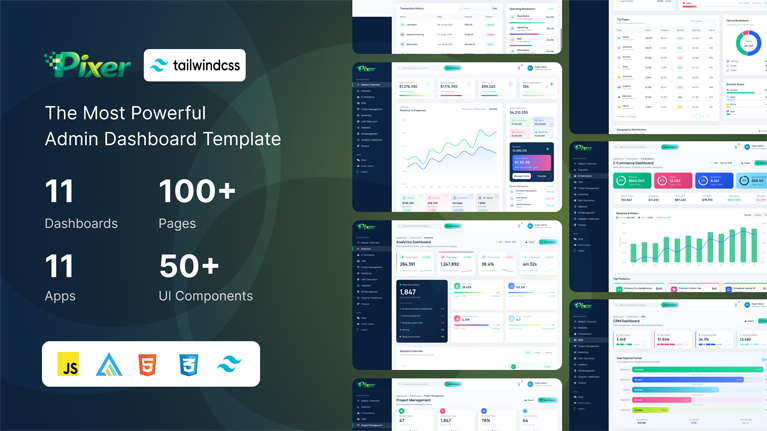
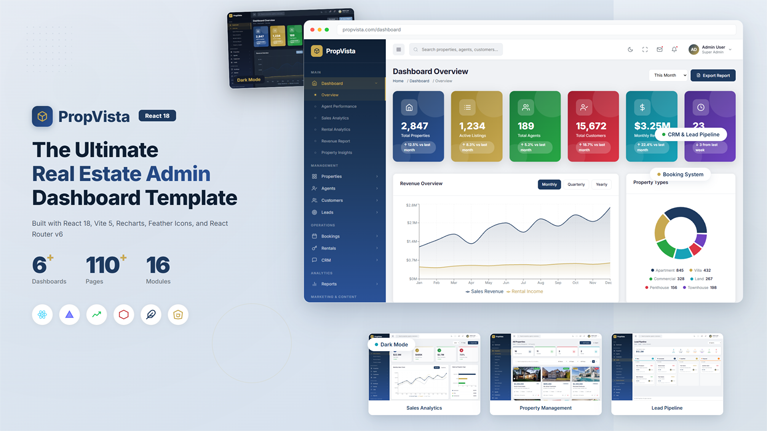
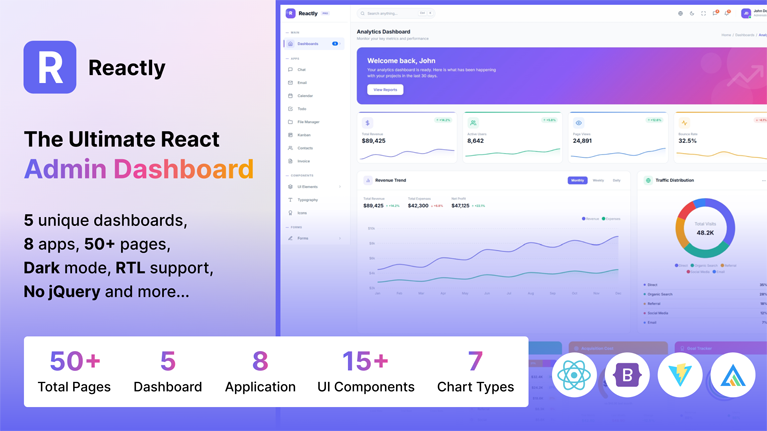
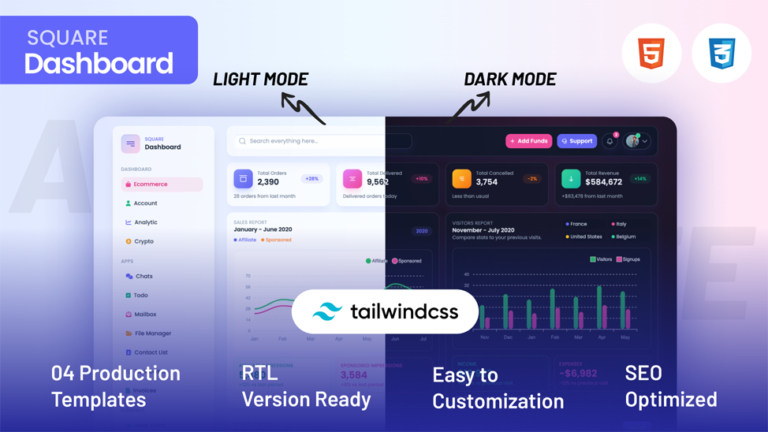
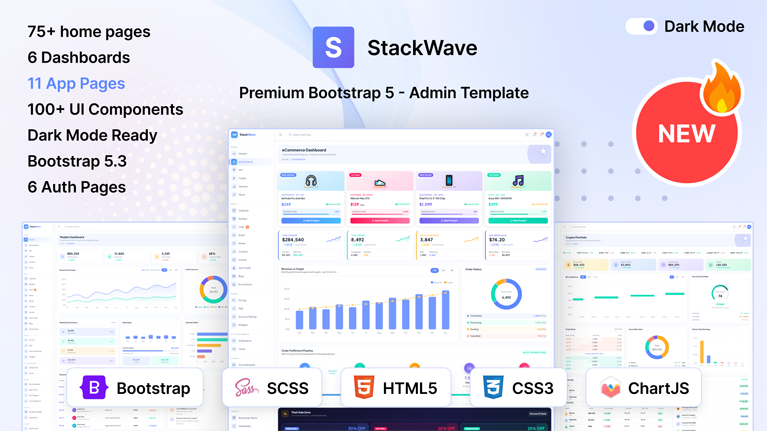
Admin Dashboard Templates for React, Next.js, Angular, Vue & Tailwind Built for Data-Heavy Web Applications
Still watching engineering time disappear into building internal dashboards?
Every modern web application eventually requires the same operational backbone. User management panels. Analytics dashboards. Reporting views. Form systems. Activity logs. Data tables that handle thousands of records.
Yet development teams repeatedly rebuild the same admin interface infrastructure every time a new product launches.
Before the actual product even begins to take shape, the admin interface alone consumes a significant portion of the development cycle.
That exact problem is what led our product engineers to design our Admin Dashboard Templates.
Built by Engineers Who Build SaaS Products
Our engineering team has spent years working on SaaS platforms, enterprise tools, analytics products, and ecommerce management systems. Across those projects one pattern became obvious.
The admin dashboard always acts as the operational command center of the application.
Because that interface is so central, it must handle data efficiently while remaining clean and easy to navigate.
Our experts translated those real development patterns into a dashboard system designed specifically for production applications. Instead of assembling UI infrastructure piece by piece, teams begin with a ready-to-deploy control layer built for serious software.
A Technical Foundation for Real Applications
Our Admin Dashboard Templates contain the core UI architecture modern applications rely on.
Inside the dashboard environment developers get immediate access to the components that usually take weeks to build.
The system includes:
- High-density analytics dashboards for operational insights
- Advanced data tables with sorting, filtering, pagination, and export capability
- Modular KPI widgets for performance tracking
- Form systems supporting validation logic and structured input flows
- Authentication and account management interfaces
- Notification panels and activity feeds
- Multi-page navigation systems for complex software platforms
Framework Support That Fits Modern Development Stacks
Our development team ensured the dashboard architecture integrates smoothly with the technologies front-end engineers use daily.
Our templates are compatible with: compatibility currently includes:
- React Admin Dashboard Templates
- NextJs Admin Dashboards
- Angular Admin Panels
- Vue Admin Templates
- Bootstrap Admin Interfaces
- Tailwind CSS Dashboards
Because each version follows framework conventions, developers opening the project immediately understand how components interact. That familiarity dramatically reduces onboarding time for engineering teams.
Designed for Complex Data Interfaces
Our Admin Dashboard Templates handle environments where applications process large datasets, operational metrics, and system activity continuously. Our engineers designed these dashboards to keep high-density information organized, readable, and easy to navigate.
The interface includes:
- Analytics dashboards displaying multiple KPIs in one view
- Interactive charts built for monitoring live data
- High-capacity data tables with filtering and sorting controls
- Multi-level navigation for complex applications
- Operational widgets showing system metrics and activity logs
Built for Developers Who Need to Extend the Dashboard
Most admin templates work fine until developers begin modifying them. That is where problems usually start. Adding new pages becomes slow, integrating APIs becomes messy, and expanding dashboards requires unnecessary rewrites.
Our engineers designed these admin dashboard templates with real development workflows in mind. Teams can introduce new modules, connect backend services, expand analytics views, or introduce additional interface sections without rebuilding the dashboard layer.
Developers working on growing SaaS platforms, analytics products, or enterprise systems regularly extend their admin panels. These templates support that growth by allowing teams to keep adding features and data layers while the dashboard continues functioning as the operational control center of the application.
Designed for Operational Efficiency
Administrative interfaces must help teams complete tasks quickly.
Product managers review analytics dashboards.
Support teams manage user accounts.
Developers monitor system activity.
Our UI specialists structured the dashboards to highlight important information immediately while maintaining clarity across complex interfaces.
Navigation systems group related functions logically. Analytics panels emphasize key metrics. Layouts remain consistent across pages to reduce cognitive load for users working inside the dashboard daily.
Customization Built Into the System
Every application carries unique workflows, branding requirements, and operational metrics.
Our Admin Dashboard Templates include flexible design systems that developers can modify extensively.
Teams commonly customize:
- Navigation structures and page layouts
• Color systems and typography for product branding
• Dashboard widgets showing business-specific analytics
• Reporting modules connected to internal databases
• Additional interface pages supporting internal workflows
Because the architecture remains modular, developers extend functionality without rewriting the entire interface.
A Faster Way to Launch Web Applications
Development teams gain the most momentum when repetitive work disappears from the process.
The admin interface is not the differentiating feature of a product. But if organizations build it from scratch, it consumes enormous engineering effort.
And that’s where our Admin Dashboard Templates come in handy.
Development teams use our professional dashboard environment already engineered for modern web applications.
For teams building SaaS platforms, analytics tools, ecommerce management systems, or enterprise applications, this advantage shortens development cycles and accelerates product launches.
Frequently Asked Questions
Common questions about Admin Dashboard Templates for SaaS & CRM
What is an admin dashboard template and how is it used in web applications?
Which frameworks do modern admin dashboard templates usually support?
What features should a high-quality admin dashboard template include?
How much development time can an admin dashboard template save?
Are admin dashboard templates suitable for large SaaS platforms?
Can developers customize admin dashboard templates easily?
Which types of applications commonly use admin dashboard templates?
Stay Updated
Subscribe to our newsletter and get notified about new templates, updates, and exclusive offers.
No spam, unsubscribe anytime.