
Bootstrap Admin Templates
Customizable Bootstrap Templates That Let You Build Production Interfaces Immediately
9 Templates





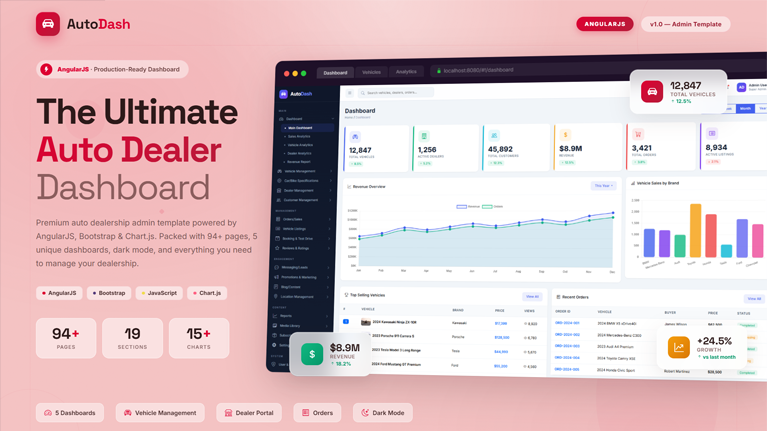
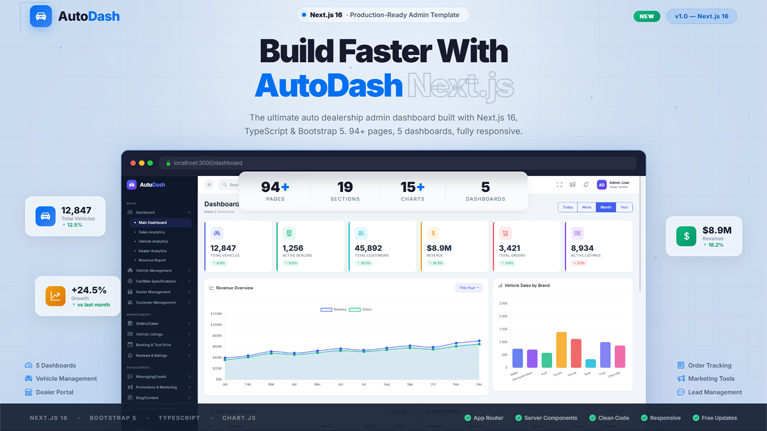
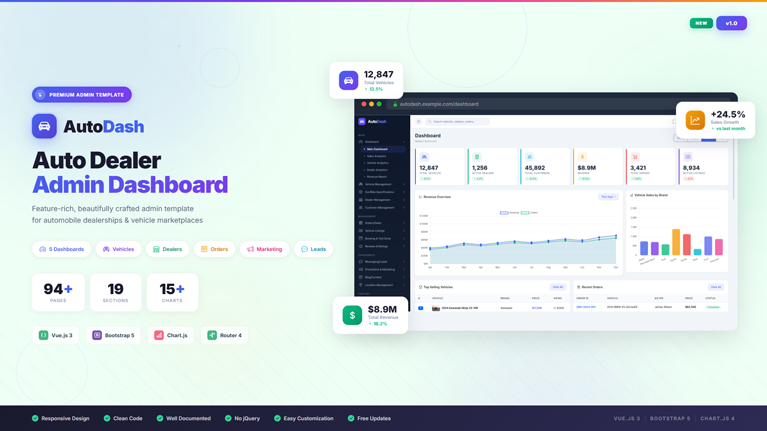
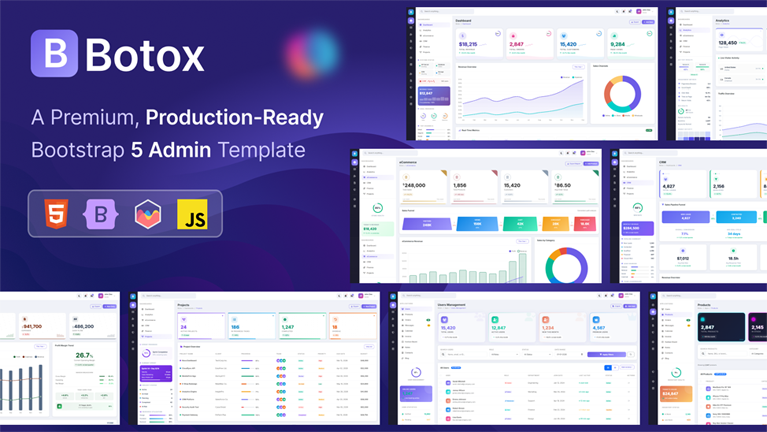
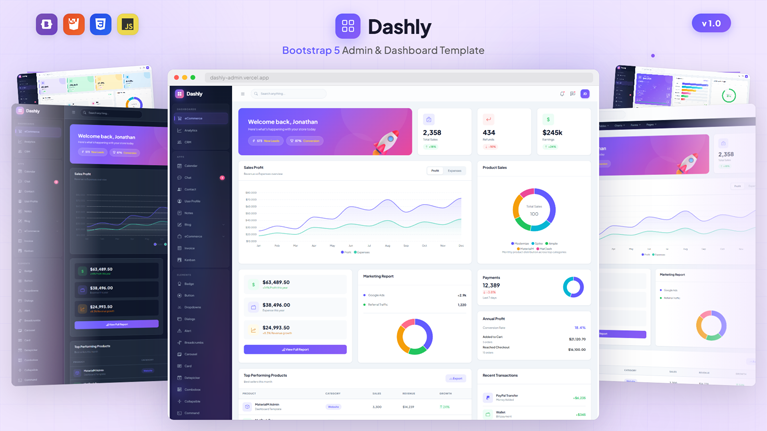
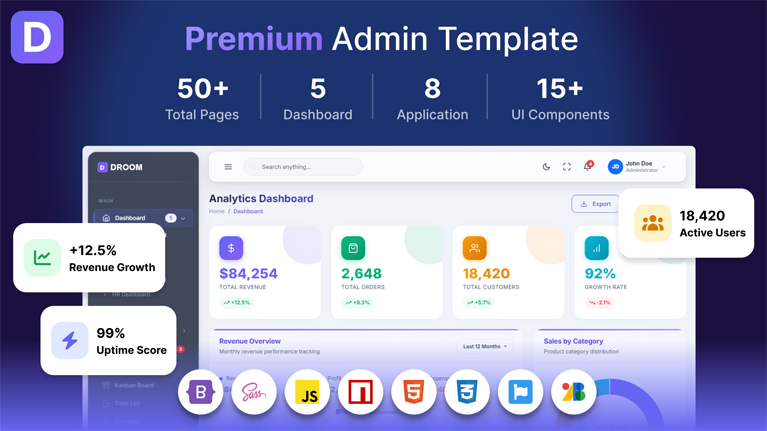
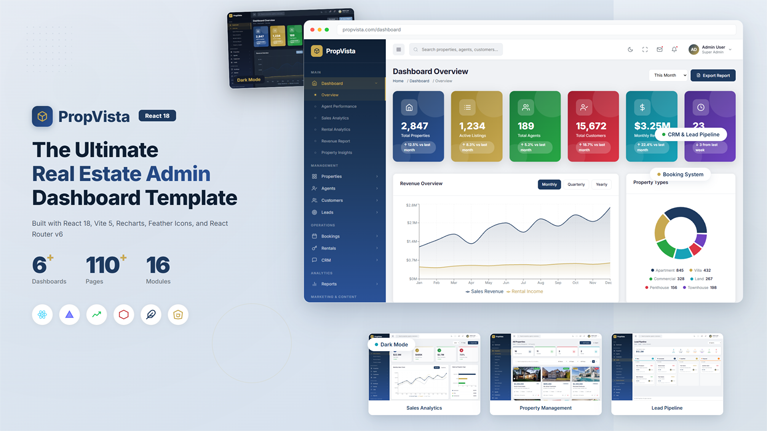
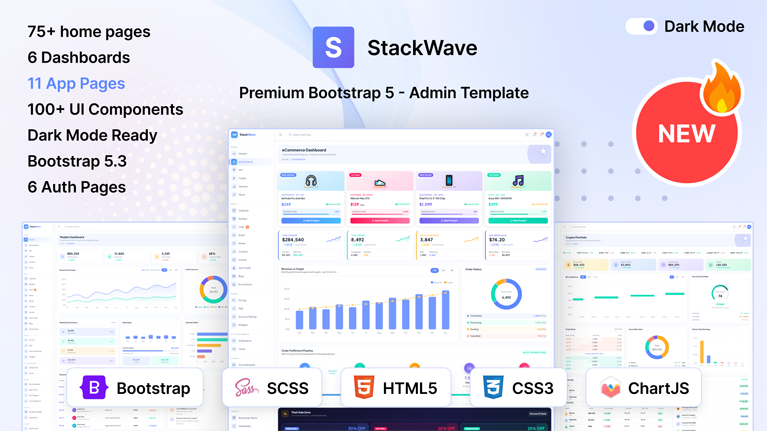
Customizable Bootstrap Templates That Let You Build Production Interfaces Immediately
Our Bootstrap Templates give you a working interface environment from the moment you start your project. Instead of opening an empty Bootstrap project and spending hours wiring layout grids, navigation bars, breakpoints, UI components, and page structures, you can begin with a fully assembled front-end system.
The layout architecture of our templates is already defined and navigation systems are already integrated. The best part? Our templates’ UI components already follow Bootstrap conventions.
You can plug in your APIs, connect your backend services, and start building application logic right away.
Instead of spending your first development sprint building the interface layer, you begin where most projects usually end — with a functional UI foundation ready to run your application.
Don’t Lose Your Development Speed To Interface Setup
Every web project starts the same way. You set up the Bootstrap grid and configure responsive containers. Then you create navigation components and wire tables, cards, forms, and UI utilities.
Then dashboards. Then authentication pages. Then layout adjustments.
Unfortunately, this consumes a lot of your precious hours before the actual product development even begins.
Our Bootstrap Templates remove that entire phase.
You can start with a Bootstrap interface that already contains the structural elements most applications need. Our templates have layout systems are organized and navigation works perfectly. These templates also have UI components are ready, along with dashboards.
Instead of rebuilding the same interface architecture for every project, you can move directly into development.
A Bootstrap Interface System You Can Deploy Immediately
Our templates act as a front-end operating system for your application.
You open the project and immediately gain access to the components that normally take significant engineering effort to assemble.
Inside the template you can start using:
- Responsive page layouts powered by Bootstrap’s grid system
- Pre-built dashboard structures designed for operational views
- Data tables for displaying structured records and datasets
- UI components such as modals, dropdowns, alerts, and cards
- Form layouts designed for input workflows and validation
- Navigation systems built for multi-page application environments
You do not have to build these components individually. They already exist inside the template. You simply adapt them to your application.
Build Responsive Interfaces Without Fighting CSS
Responsive design can easily turn into a frustrating engineering task. Layouts must scale across devices and navigation must remain usable. Components must align properly across breakpoints.
Bootstrap solves a large part of that problem through its grid architecture. Our templates fully utilize that system. The containers in our template adapt automatically, columns resize correctly and all UI components maintain spacing and alignment.
Navigation collapses correctly on smaller screens. Content stacks naturally across devices.
You can build interfaces that behave correctly across desktops, tablets, and mobile screens without constantly adjusting CSS rules.
Designed for Applications That Manage Real Data
Many Bootstrap projects become operational dashboards. These applications often handle large datasets and complex information flows.
Our templates help you present that data in a structured way.
Dashboards of our templates allow you to display KPIs and operational metrics clearly. Data tables manage large record sets and widgets highlight important performance indicators. Navigation systems help users move across modules quickly.
Even when the dataset grows and additional pages appear, the interface remains readable.
Expand the Interface Without Rebuilding the Framework
Templates often look impressive during installation but become difficult once development begins.
Adding new modules becomes messy. Expanding dashboards requires rewriting layouts. Integrating APIs introduces unexpected complexity.
Our Bootstrap Templates avoid that problem.
You can introduce additional dashboards, analytics panels, reporting modules, and configuration pages without rewriting the interface architecture.
The template becomes the UI framework your application grows on.
As new features appear, the interface evolves naturally without breaking the layout system.
Build Many Different Applications Using Bootstrap
Bootstrap remains extremely flexible, which is why developers still rely on it across many types of projects.
You can use our templates to build:
- SaaS administration dashboards
- Client and business websites
- CRM management systems
- Analytics dashboards and reporting tools
- Internal operational tools
- Web-based management platforms
In each scenario, you start with the interface infrastructure already built. Your development effort goes directly into the functionality that makes the product valuable.
Launch Bootstrap Projects Faster Than You Expect
Every web project eventually requires the same interface foundation.
Layouts must exist. Navigation must function. Components must behave consistently across devices.
Building that infrastructure manually consumes valuable development time.
Our Bootstrap Templates eliminate that delay.
You can start with dashboards, layouts, UI components, and responsive structures already working inside a clean Bootstrap environment.
Instead of rebuilding the same interface architecture again and again, you can focus on building the application.
That is how projects move faster. That is how development time gets used efficiently.
And that is how teams ship products sooner using our templates.
Frequently Asked Questions
Common questions about Bootstrap Admin Templates
What makes our Bootstrap templates a powerful starting point for web applications?
What kind of interfaces can you build using our Bootstrap templates?
How do our Bootstrap templates handle data-heavy dashboards?
How flexible are our Bootstrap templates for expanding applications?
How do our Bootstrap templates support application data and system activity views?
How customizable are our Bootstrap templates for different products?
What makes our Bootstrap templates suitable for professional dashboards?
Stay Updated
Subscribe to our newsletter and get notified about new templates, updates, and exclusive offers.
No spam, unsubscribe anytime.