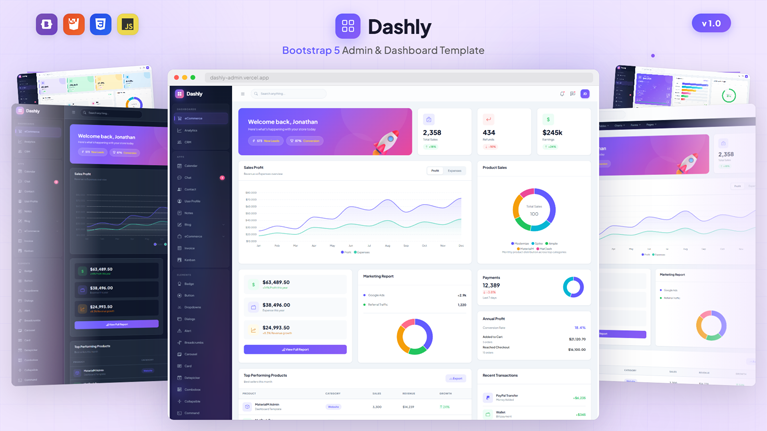

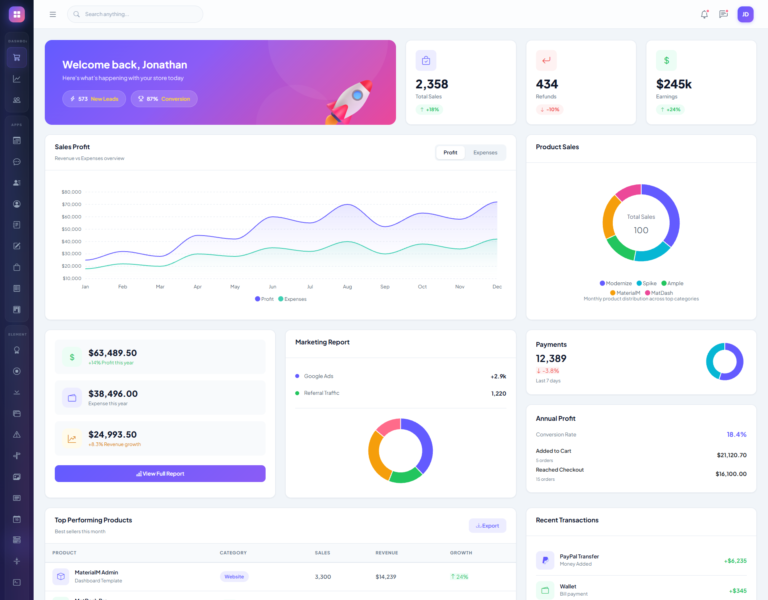
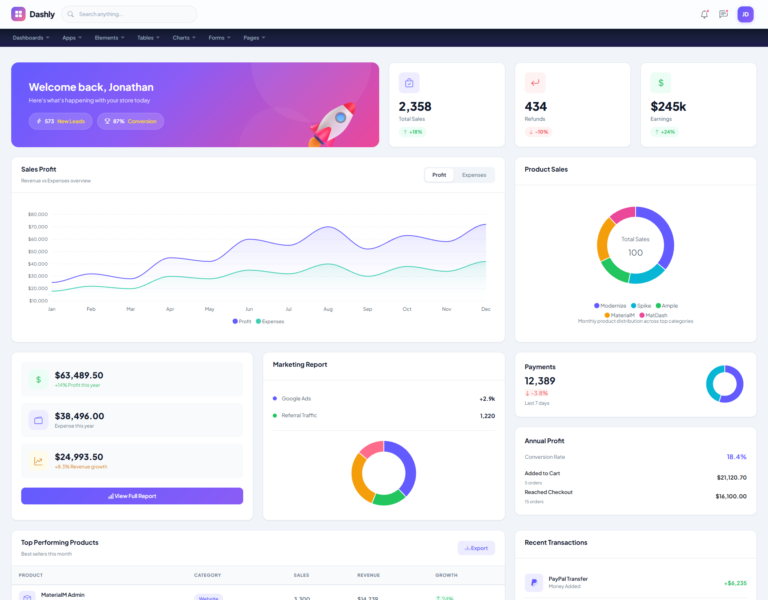
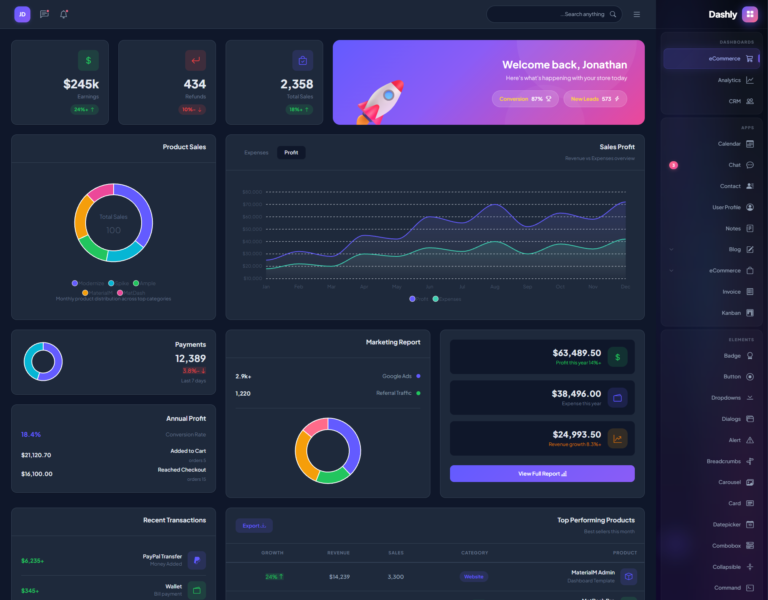
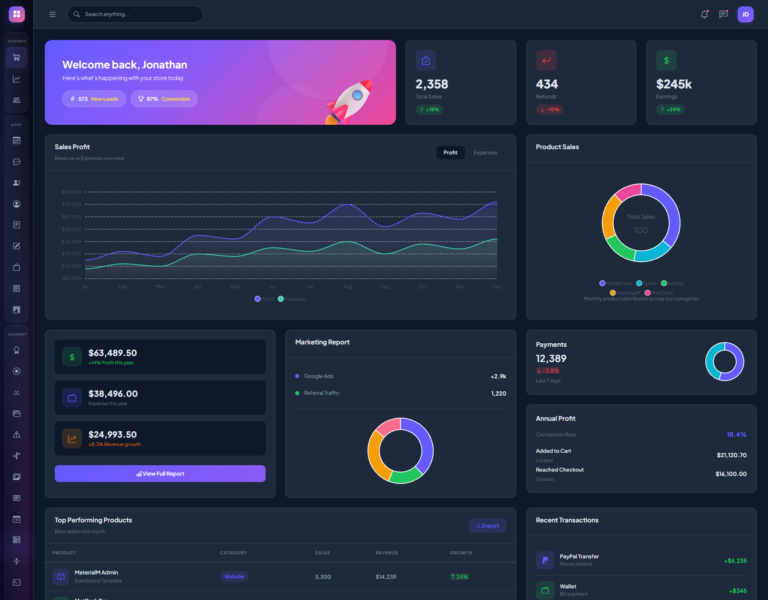
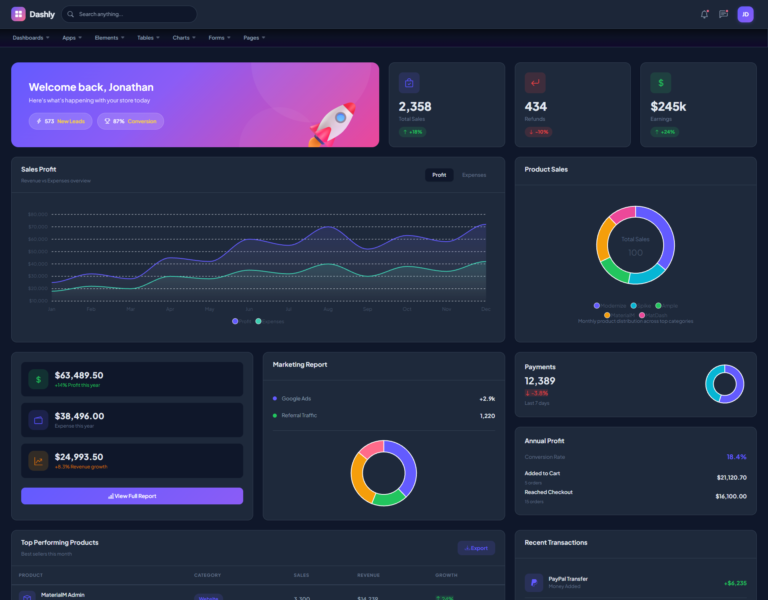
Dashly is a powerful, feature-rich admin dashboard template built on Bootstrap 5.3. It comes packed with 82+ ready-to-use HTML pages, three unique dashboard layouts, and a massive library of UI components. Whether you are building a SaaS platform, an internal business tool, or a client-facing analytics portal, Dashly gives you everything you need to launch faster.
This template stands out because of its clean design, developer-friendly code structure, and production-ready pages. Every element is fully responsive and works seamlessly across desktops, tablets, and mobile devices. As a result, you save weeks of development time while delivering a polished, professional product.
Three Powerful Dashboard Variants
Dashly ships with three distinct dashboard layouts, each tailored to a specific business use case. You can choose the one that fits your project or combine elements from all three.
eCommerce Dashboard
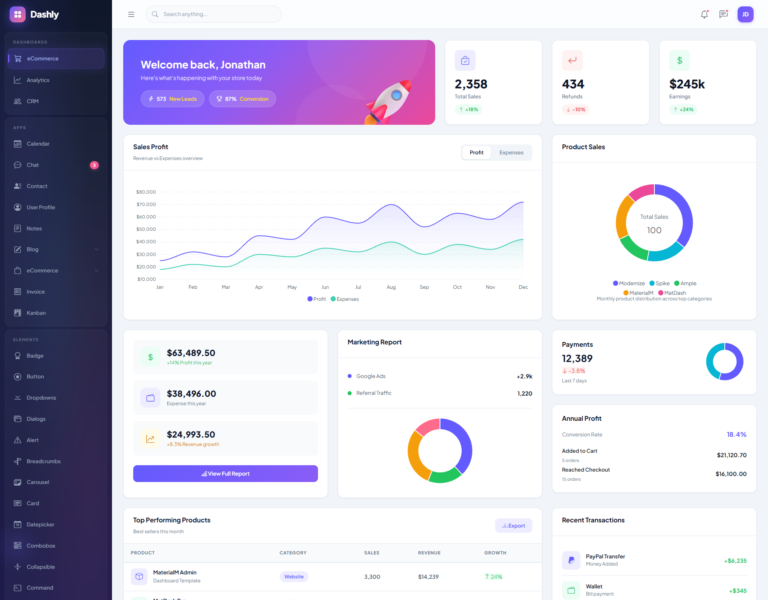
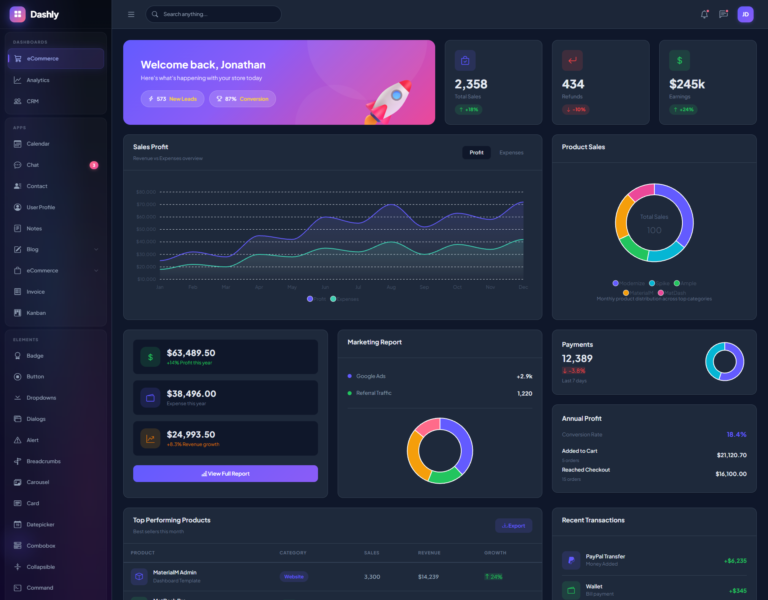
The eCommerce dashboard serves as the default landing page. It displays key sales metrics, revenue charts, recent transactions, and product performance data at a glance. Store owners and managers can monitor daily orders, track bestselling products, and analyze revenue trends without switching between multiple screens. Moreover, the layout highlights important KPIs through color-coded stat cards that make data easy to digest.
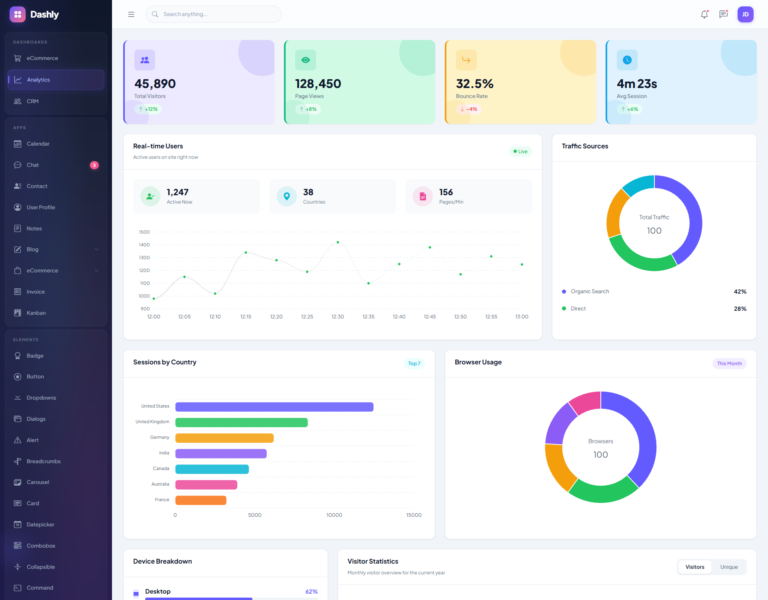
Analytics Dashboard
The analytics dashboard focuses entirely on data visualization. It features interactive charts, traffic breakdowns, and user behavior metrics. Marketing teams and data analysts will appreciate the clear presentation of complex datasets. In addition, every chart is powered by ApexCharts, which means you get smooth animations and real-time data rendering out of the box.
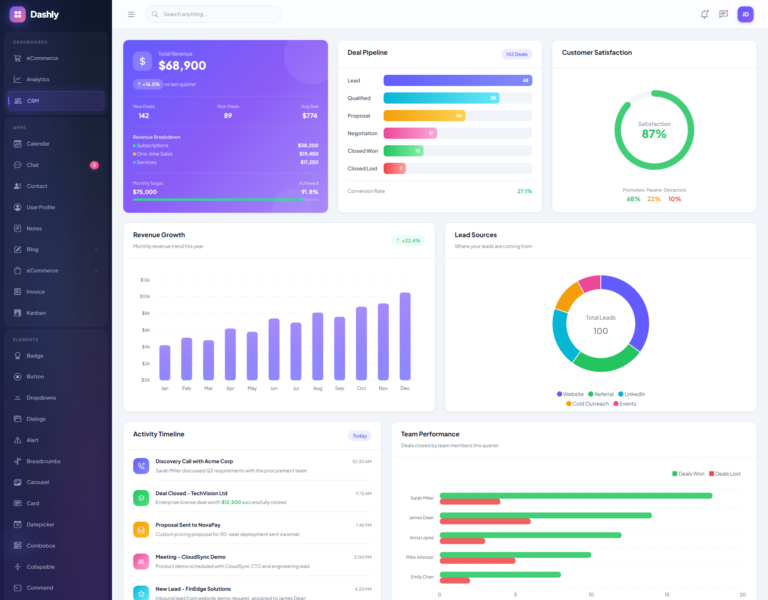
CRM Dashboard
The CRM dashboard helps sales teams manage their customer pipeline effectively. It provides a bird’s-eye view of leads, deals, customer interactions, and team performance. Sales managers can quickly identify bottlenecks and take action. Furthermore, the layout organizes information in a way that reduces cognitive load and speeds up decision-making.
10+ Built-In Application Pages
Beyond dashboards, Dashly includes a suite of fully designed application pages. These pages work independently and integrate smoothly into any admin panel workflow.
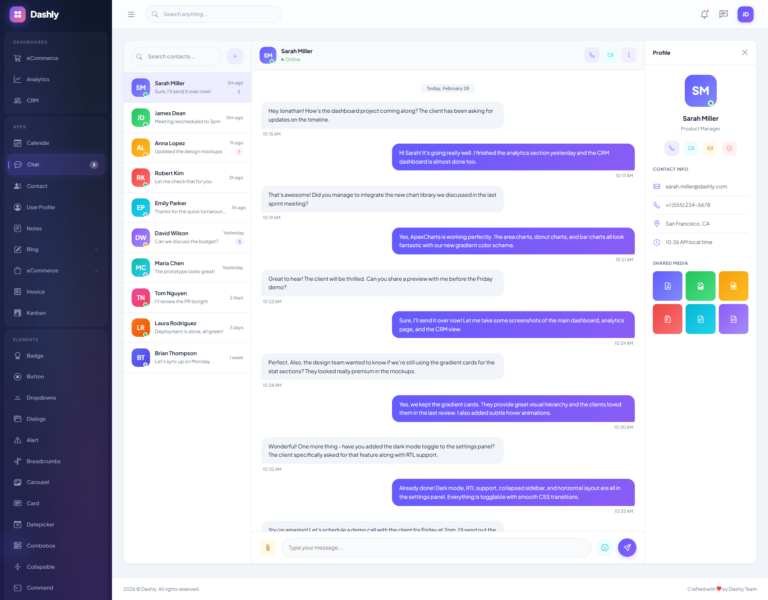
Chat Application
The chat page delivers a complete messaging interface with conversation threads, message badges, and a clean input area. It is ideal for internal team communication or customer support systems. The design follows modern messaging conventions, so users feel instantly familiar with the layout.
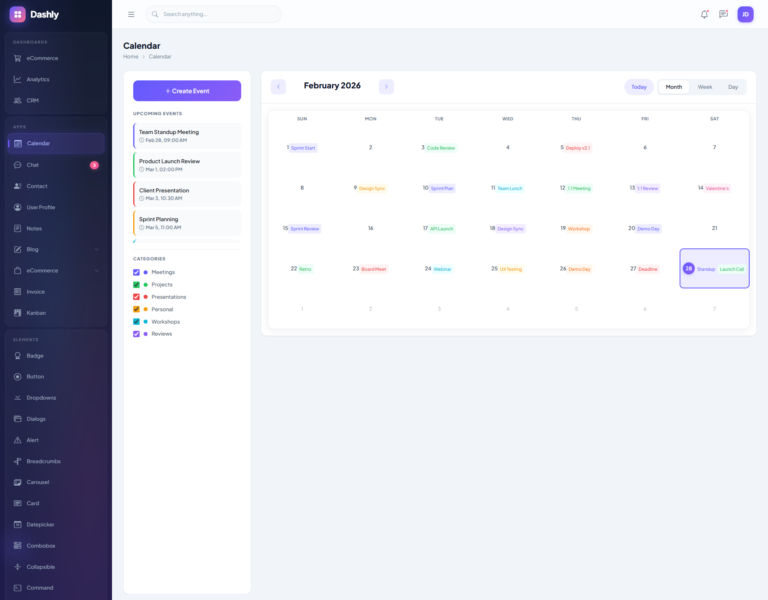
Calendar Application
The interactive calendar page helps users manage events, deadlines, and schedules. It supports multiple views and provides a visually appealing way to organize time-sensitive tasks. Consequently, project managers and team leads can plan sprints and milestones with ease.
Kanban Board
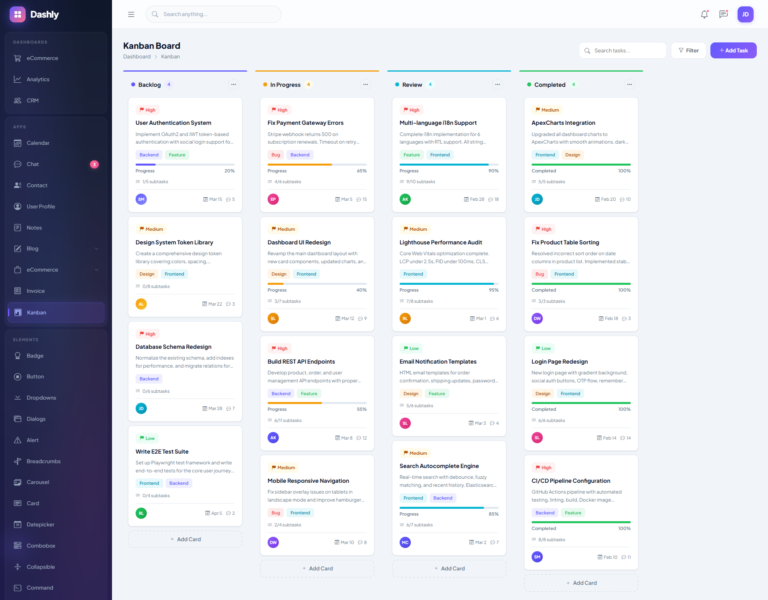
The Kanban board brings drag-and-drop task management to your dashboard. Teams can organize work into columns, move cards between stages, and track project progress visually. This page alone can replace standalone project management tools for small to mid-sized teams.
Email and Contact Management
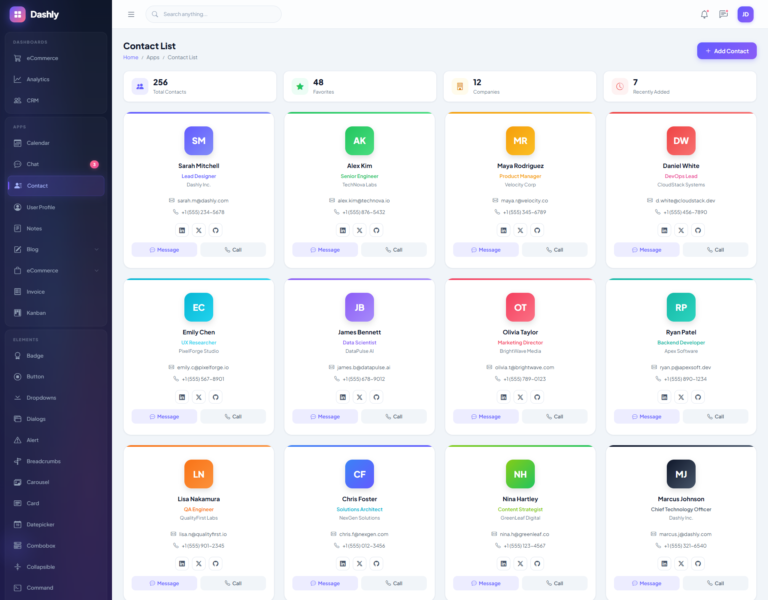
Dashly includes dedicated contact management pages that let users organize, search, and manage their contact database. The clean table layout and intuitive actions make bulk operations simple and efficient.
eCommerce Pages
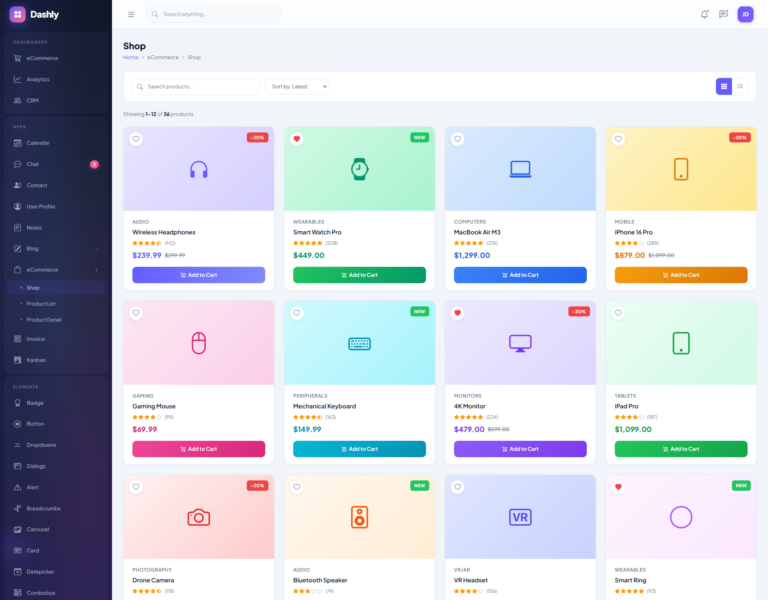
A complete set of eCommerce pages comes bundled with Dashly. The shop page displays products in a grid layout with filters. The product list page offers a table-based view for inventory management. Additionally, the product detail page showcases individual items with images, descriptions, and pricing. Together, these pages form a solid foundation for any online store backend.
Blog Pages
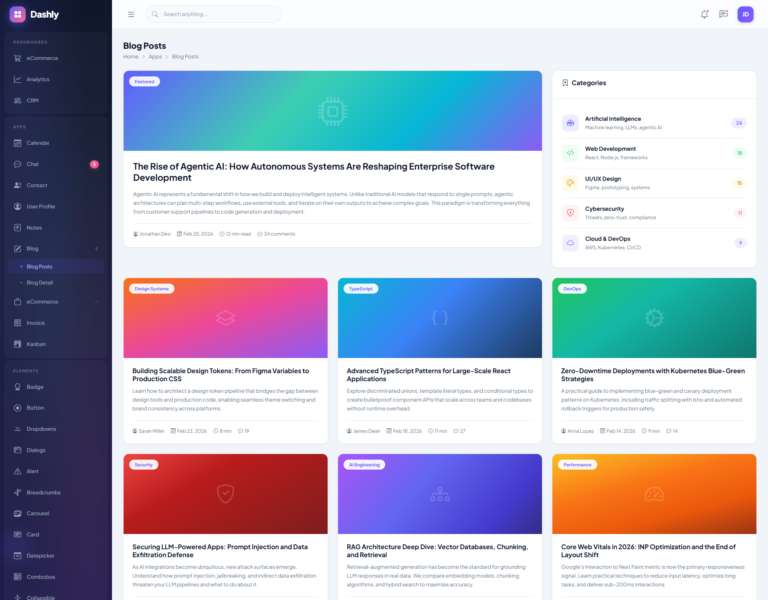
Content management becomes straightforward with the blog listing and blog detail pages. The listing page displays posts in a card-based grid, while the detail page presents articles with proper typography and media support. As a result, content teams can manage their publishing workflow directly from the dashboard.
Invoice Page
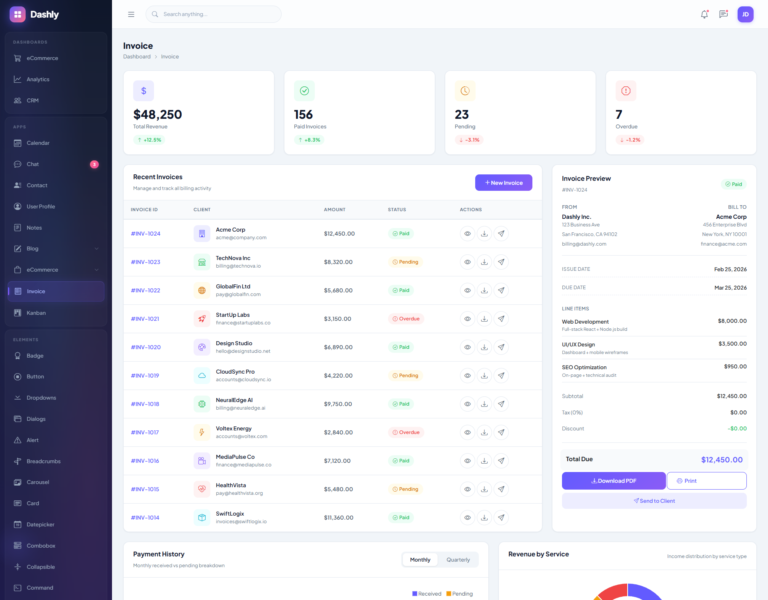
The invoice page provides a professional, print-ready invoice template. It handles line items, tax calculations, and totals in a clean, structured format. Businesses can generate and manage invoices without relying on third-party tools.
User Profile and Notes
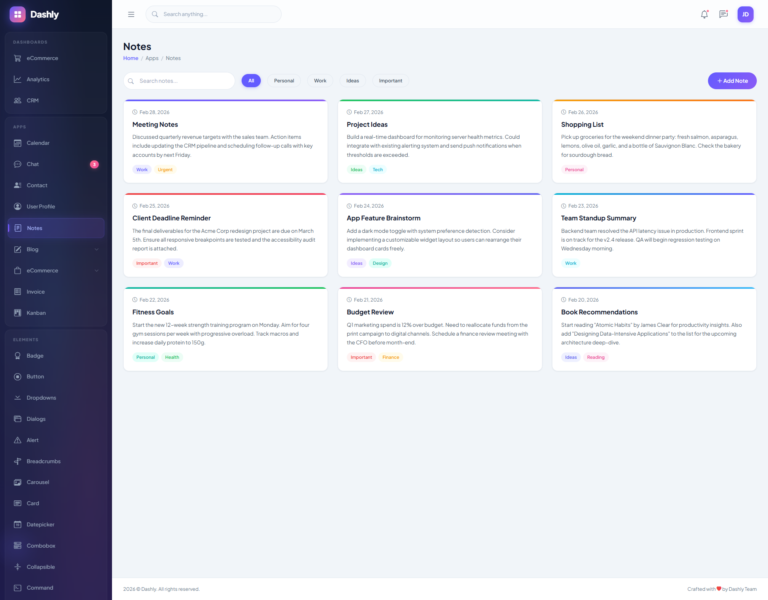
The user profile page displays personal information, activity history, and account details in an organized layout. Meanwhile, the notes application offers a simple yet effective way to create and manage personal memos and quick reminders.
20+ UI Components
Dashly provides an extensive component library that covers every common UI pattern. Each component comes with multiple variations and states, so you can customize them to match your brand identity.
Interactive Elements
The template includes accordions, alerts, avatars, badges, breadcrumbs, buttons, and cards. Every component follows Bootstrap 5 conventions while adding custom styling on top. For instance, the card component alone offers dozens of variations including stat cards, image cards, and overlay cards.
Advanced Widgets
You also get carousels, collapsible panels, comboboxes, command palettes, date pickers, and modal dialogs. These advanced widgets handle complex user interactions gracefully. The drawer component slides in from the side for contextual actions, while the tooltip component adds helpful hints without cluttering the interface.
Navigation Components
Dropdown menus with submenu support, tab navigation, and progress bars round out the component library. Each one is built to be accessible, responsive, and easy to implement. Therefore, you spend less time building basic UI and more time focusing on your core product logic.
18 Data Table Variations
Data tables are the backbone of any admin dashboard, and Dashly takes them seriously. The template includes 18 different table configurations that handle virtually every data display scenario.
Basic and striped tables provide clean starting points. Hover tables add visual feedback on row interaction. Dense tables maximize data density for information-heavy screens. Checkbox and row selection tables enable bulk operations with ease.
For more advanced needs, you get sortable columns, filterable rows, and paginated tables. The editable table allows inline data modification without opening separate forms. Expanding tables reveal additional row details on click. Drag-and-drop tables let users reorder items visually. Sticky header tables keep column labels visible during long scrolls. Column visibility toggles give users control over what data they see.
In short, Dashly covers every table pattern you will ever need. Customer tables and order tables come pre-styled with realistic sample data, so you can see exactly how they look in production.
7 Chart Types with ApexCharts
Dashly integrates ApexCharts to deliver seven distinct chart types. Each chart is interactive, animated, and fully responsive.
Line charts track trends over time with precision. Area charts add visual weight to data ranges. Gradient charts bring a polished, modern aesthetic to your reports. Column charts compare categories side by side. Doughnut and pie charts break down proportions at a glance. Candlestick charts serve financial applications with open, high, low, and close data points. Radial bar and radar charts visualize multi-dimensional data effectively.
All charts come with dedicated page examples and ready-to-use JavaScript configurations. As a result, you can plug in your own data and have beautiful visualizations running within minutes.
9 Form Layouts and Patterns
Forms are essential to every web application, and Dashly offers nine different form pages to cover all your input needs.
The form elements page showcases every standard input type including text, email, password, number, and file uploads. Horizontal and vertical form layouts give you flexibility in how you arrange labels and fields. The custom form page features styled checkboxes, radio buttons, switches, and select menus.
Form validation ensures data integrity with real-time error messages and visual feedback. The form wizard breaks complex workflows into manageable steps with progress indicators. Meanwhile, the form repeater dynamically adds and removes field groups, which is perfect for line items, addresses, or contact entries.
8 Authentication Page Designs
First impressions matter, and Dashly delivers with eight professionally designed authentication pages. You get two distinct layout styles for each auth flow: boxed and side-by-side.
Login pages feature clean input fields with social login options. Registration pages collect user details with clear calls to action. Forgot password pages guide users through the recovery process smoothly. Two-step verification pages handle modern security requirements with OTP input fields.
Both layout styles are fully responsive and ready for production. You simply choose the style that matches your brand and customize the content.
Dark Mode and Theme Customization
Dashly supports dark mode out of the box. Users can toggle between light and dark themes with a single click, and their preference persists across sessions through localStorage. The dark theme applies consistently across all pages, components, and charts.
A built-in settings panel gives users control over theme preferences. This floating panel, accessible via a gear icon, lets users switch themes and customize their dashboard experience. Consequently, each user can tailor the interface to their comfort and workflow.
RTL Language Support
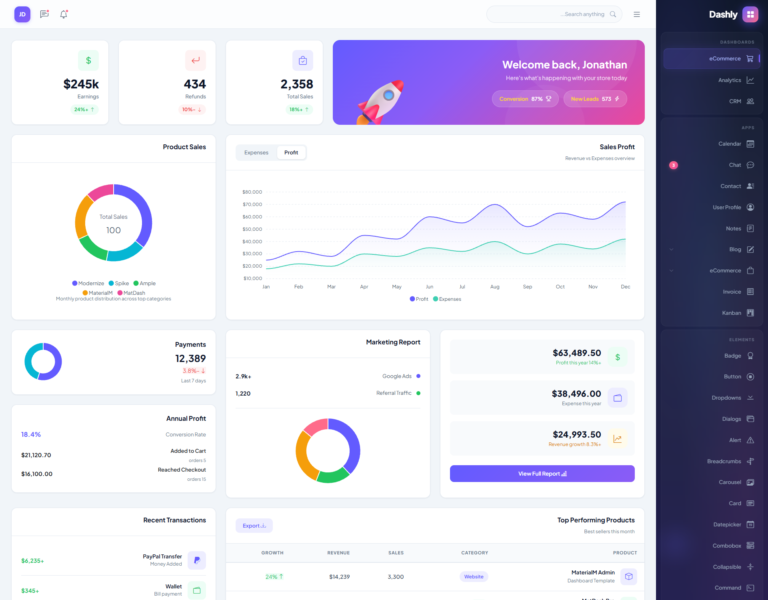
Dashly fully supports right-to-left languages such as Arabic, Hebrew, and Urdu. The entire layout mirrors correctly, including the sidebar, navigation, tables, forms, and all components. This makes the template suitable for global projects that need to serve diverse audiences.
Responsive Design for Every Screen
Every page in Dashly adapts flawlessly to different screen sizes. The mobile-first approach ensures smooth performance on smartphones and tablets. The sidebar collapses into a hamburger menu on smaller screens, and all tables, charts, and forms reflow to fit the available space.
Breakpoints are carefully tuned so that no content gets cut off or becomes unreadable. Users enjoy a consistent experience whether they access the dashboard from a 27-inch monitor or a 5-inch phone screen.
Utility and Special Pages
Dashly also includes essential utility pages that every web application needs. The account settings page lets users update their profile, change passwords, and manage preferences. The FAQ page answers common questions in an organized, expandable format.
The pricing page displays subscription plans in a comparison table layout. The error page handles 404 and other errors gracefully with a friendly message and navigation back to safety. The maintenance page provides a professional holding screen for scheduled downtime. Finally, the landing page serves as a public-facing marketing page to showcase your product.
Clean Code and Modern Tech Stack
Under the hood, Dashly runs on Bootstrap 5.3.2 with no jQuery dependency. The template uses the Plus Jakarta Sans font for clean typography and Bootstrap Icons for a consistent icon set with over 1,000 SVG icons.
The code is well-organized with separate CSS and JavaScript files. Page-specific chart scripts are isolated into individual files, which keeps the codebase maintainable. The main stylesheet is comprehensive yet structured, making customization straightforward for developers of all skill levels.
Who Should Use Dashly?
Dashly is built for developers, startups, and businesses that need a professional admin panel without starting from scratch. It works perfectly for SaaS dashboards, internal business tools, project management systems, CRM platforms, eCommerce backends, and analytics portals.
Freelancers and agencies will find it invaluable for delivering client projects on tight deadlines. Students and learners can study its code to understand modern dashboard architecture. In every case, Dashly accelerates your workflow and raises the quality bar of your final product.
Template Highlights at a Glance
- 82+ ready-to-use HTML pages
- 3 dashboard variants: eCommerce, Analytics, and CRM
- 20+ pre-built UI components with multiple variations
- 18 data table configurations
- 7 interactive chart types powered by ApexCharts
- 9 form layouts and patterns including wizard and repeater
- 8 authentication page designs in boxed and side layouts
- Dark mode with localStorage persistence
- Full RTL language support
- 100% responsive mobile-first design
- Bootstrap 5.3.2 with no jQuery dependency
- 1,000+ Bootstrap SVG icons included
- Clean, well-documented, production-ready code
- Plus Jakarta Sans premium typography
- Built-in theme customization panel
Product Information
-
0+Sales
-
TechnologiesHTML CSS JavaScript Bootstrap